Gling vs Descript
In the face-off between Gling vs Descript, which AI Video Editing tool takes the crown? We scrutinize features, alternatives, upvotes, reviews, pricing, and more.
When we put Gling and Descript head to head, which one emerges as the victor?
If we were to analyze Gling and Descript, both of which are AI-powered video editing tools, what would we find? The upvote count favors Descript, making it the clear winner. Descript has 8 upvotes, and Gling has 4 upvotes.
Not your cup of tea? Upvote your preferred tool and stir things up!
Gling


What is Gling?
Gling is desktop video editing software that uses transcription to cut bad takes, silences, and filler words from raw recordings before you export to Premiere, Final Cut Pro, or DaVinci Resolve. Upload a talking-head or voiceover file, review an AI-trimmed timeline, tweak cuts in text form, and download MP4, MP3, or SRT captions. It also generates YouTube titles, chapters, and short viral clips from links.
Manual timeline scrubbing eats hours on repetitive cleanup, while Gling automates the boring first pass and leaves creative decisions to you. That trade-off suits creators who record long sessions but do not want a fully automated publish pipeline. Desktop-only delivery keeps processing local-friendly, though you need a Mac or PC rather than a browser tab.
YouTube creators and podcast-style video makers use Gling to shrink edit time on tutorials, vlogs, and multicam sessions. The free plan includes 1 hour of AI-edited media per month with watermarked exports, Plus costs $20 per month with 10 hours, and Pro adds 30 hours without watermarks plus premium support.
Descript
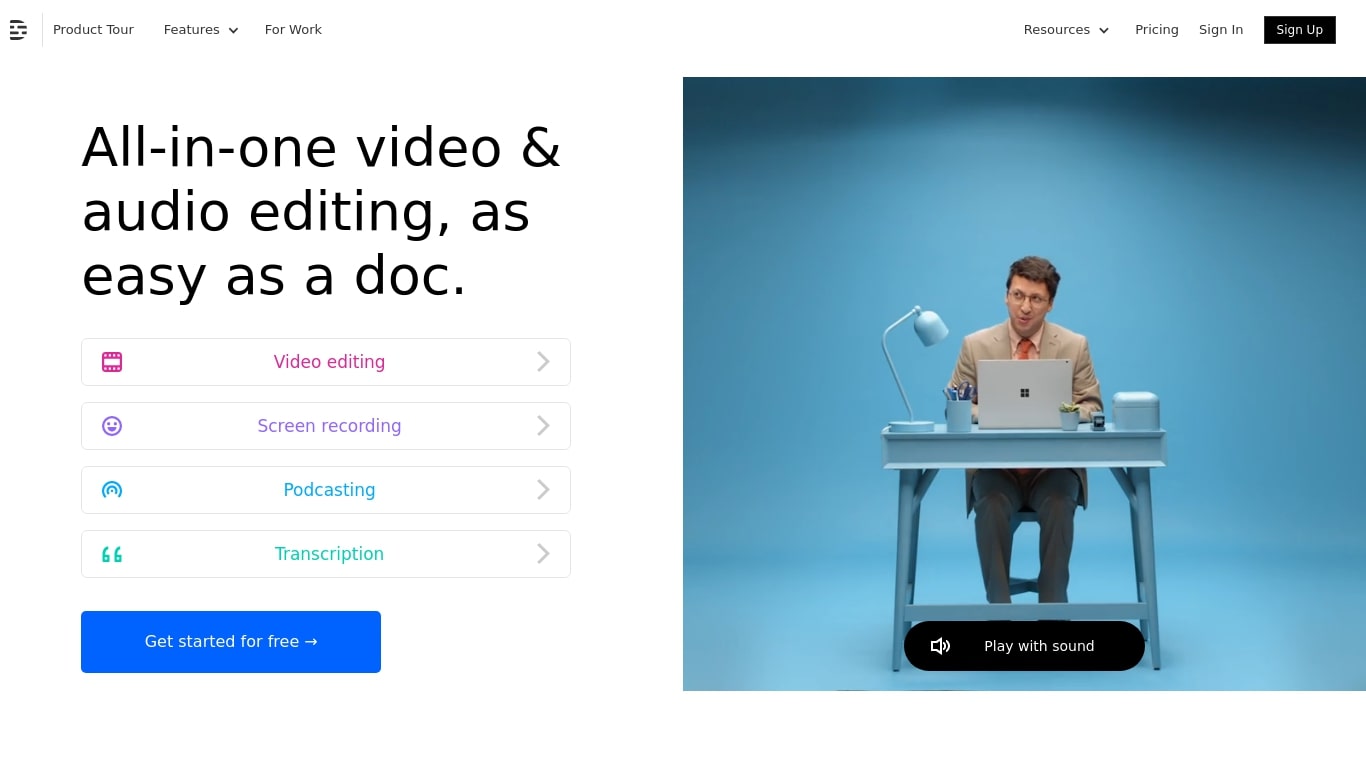
What is Descript?
Descript is a video and podcast editor built around a transcript. You record or import media, get an automatic transcript, and edit the timeline by editing text. Creators, marketers, and teams use it to produce tutorials, demos, podcasts, and social clips without living inside a traditional NLE.
The core idea is text-based editing: delete a sentence from the transcript and the matching video or audio disappears. Underlord, Descript's built-in co-editor, can tighten cuts, suggest changes, apply layouts, generate B-roll, and handle repetitive cleanup when you describe what you want in plain language.
It targets people who need polished video but do not want a steep learning curve. Marketing teams ship product demos and webinar recaps. Podcasters edit multitrack audio like a document. Solo creators use Rooms for remote recording, Studio Sound for noisy rooms, and one-click filler word removal to publish faster.
Gling Upvotes
Descript Upvotes
Gling Top Features
Automatically remove bad takes, silences, and filler words from uploaded recordings
Edit cuts through a text-based transcript instead of scrubbing the timeline manually
Export XML projects to Adobe Premiere, Final Cut Pro, or DaVinci Resolve
Generate AI captions, YouTube titles, chapters, and viral clips from links
Plus plan includes 10 hours of AI-edited media per month for $20
Descript Top Features
Edit video and audio by editing the transcript, like a document
Underlord co-editor handles cuts, layouts, and visuals from plain instructions
Studio Sound removes noise and boosts voice clarity without extra mics
Strip ums, uhs, and filler words across a project in one click
Record remote podcasts and video in Rooms with separate cloud tracks
Regenerate fixes spoken mistakes by typing the corrected word or phrase
Gling Category
- Video Editing
Descript Category
- Video Editing
Gling Pricing Type
- Freemium
Descript Pricing Type
- Freemium