
Last updated 08-22-2026
Category:
Reviews:
Join thousands of AI enthusiasts in the World of AI!
Descript
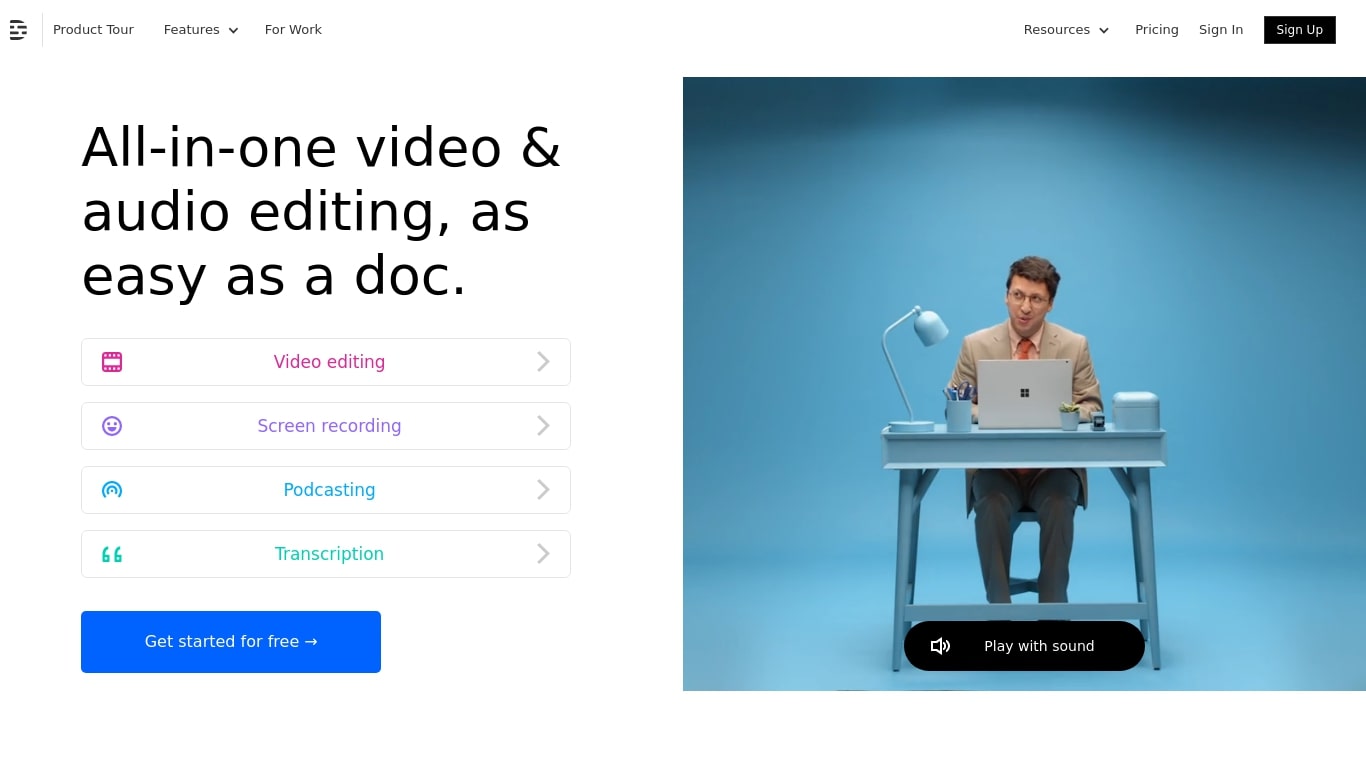
Descript is a video and podcast editor built around a transcript. You record or import media, get an automatic transcript, and edit the timeline by editing text. Creators, marketers, and teams use it to produce tutorials, demos, podcasts, and social clips without living inside a traditional NLE.
The core idea is text-based editing: delete a sentence from the transcript and the matching video or audio disappears. Underlord, Descript's built-in co-editor, can tighten cuts, suggest changes, apply layouts, generate B-roll, and handle repetitive cleanup when you describe what you want in plain language.
It targets people who need polished video but do not want a steep learning curve. Marketing teams ship product demos and webinar recaps. Podcasters edit multitrack audio like a document. Solo creators use Rooms for remote recording, Studio Sound for noisy rooms, and one-click filler word removal to publish faster.
Edit video and audio by editing the transcript, like a document
Underlord co-editor handles cuts, layouts, and visuals from plain instructions
Studio Sound removes noise and boosts voice clarity without extra mics
Strip ums, uhs, and filler words across a project in one click
Record remote podcasts and video in Rooms with separate cloud tracks
Regenerate fixes spoken mistakes by typing the corrected word or phrase
Text-based editing lets you cut video by editing a transcript instead of scrubbing a timeline.
Free plan requires no credit card and includes watermark-free 720p exports.
Underlord automates repetitive edits like filler word removal, layout application, and clip creation.
Built-in Rooms supports remote podcast and video recording with separate tracks.
Desktop apps for Mac and Windows plus a web editor cover most creator workflows.
Advanced export resolutions and generative video require paid Creator or Business plans.
Media hours and AI credits are capped on every tier, so heavy users need top-ups or Enterprise.
Enterprise features like SSO, SCIM, and custom legal terms require contacting sales.
Does Descript have a free plan?
Yes. Descript offers a Free plan at $0 with text-based editing, limited Underlord access, and watermark-free 720p exports. Paid Hobbyist, Creator, and Business plans add more media hours, AI credits, and higher export resolutions.
How does Descript's text-based editing work?
Descript transcribes your recording automatically. You edit the transcript like a document: deleting text removes the matching audio or video, and rearranging sentences moves clips on the timeline. Descript also includes a traditional timeline for fine-grained control.
What platforms does Descript run on?
Descript has desktop apps for Mac and Windows, plus a web app at web.descript.com. You can sign up, record, edit, and publish from the browser or installed app.
What signup details does Descript require on the Free tier?
Descript signup on the Free tier works with email only. You can record, edit, and export before adding any payment method.
Can Descript remove filler words automatically?
Yes. Descript's Remove Filler Words tool detects ums, uhs, likes, and similar verbal fillers and deletes them in one click. The feature is included across Descript's AI toolset on paid plans and available in limited form on Free.
What is Underlord in Descript?
Underlord is Descript's built-in co-editor. You give it directions in plain language and it can write or revise scripts, tighten edits, apply layouts, generate B-roll, and run cleanup tasks like removing silences or filler words.
What export resolutions does Descript support?
Descript's Free plan exports 720p video. Hobbyist exports 1080p, while Creator and Business plans export up to 4K, all watermark-free according to Descript's pricing page.