Peech AI vs Descript
In the battle of Peech AI vs Descript, which AI Video Editing tool comes out on top? We compare reviews, pricing, alternatives, upvotes, features, and more.
Between Peech AI and Descript, which one is superior?
Upon comparing Peech AI with Descript, which are both AI-powered video editing tools, Descript stands out as the clear frontrunner in terms of upvotes. Descript has been upvoted 8 times by aitools.fyi users, and Peech AI has been upvoted 5 times.
Want to flip the script? Upvote your favorite tool and change the game!
Peech AI


What is Peech AI?
Peech turns raw video footage into branded, platform-ready clips through automated post-production. Upload your content and the platform tags scenes, transcribes speech, applies your brand elements, and outputs resized versions for social, web, and ads. A text-to-video editor lets you trim clips and remove filler words as easily as editing a document.
Agency-style post-production usually means days of editor time for every batch of marketing videos. Peech automates transcription in 20+ languages, facial-recognition framing, aspect-ratio cropping, and highlight clip generation in one workflow. Media teams report cutting post-production time by up to 95% and design costs by over 80% compared to hiring external editors.
Marketing teams at B2B companies like Peerspot and Datarails use Peech to repurpose webinars and interviews into daily social clips. Media companies organize large footage libraries with automatic tagging and topic-based highlight recommendations. You can start free without a credit card, then scale to dozens of branded videos per month through the app at app.peech-ai.com.
Descript
What is Descript?
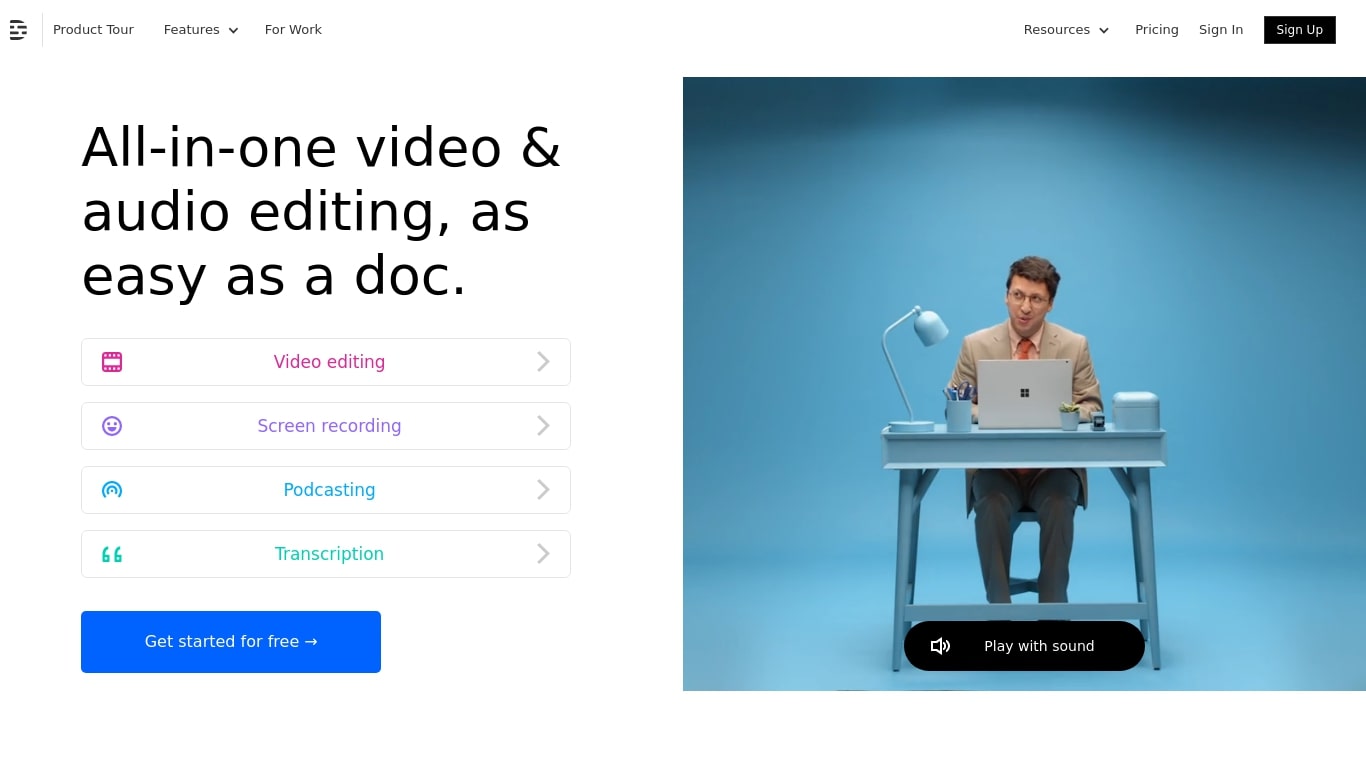
Descript is a video and podcast editor built around a transcript. You record or import media, get an automatic transcript, and edit the timeline by editing text. Creators, marketers, and teams use it to produce tutorials, demos, podcasts, and social clips without living inside a traditional NLE.
The core idea is text-based editing: delete a sentence from the transcript and the matching video or audio disappears. Underlord, Descript's built-in co-editor, can tighten cuts, suggest changes, apply layouts, generate B-roll, and handle repetitive cleanup when you describe what you want in plain language.
It targets people who need polished video but do not want a steep learning curve. Marketing teams ship product demos and webinar recaps. Podcasters edit multitrack audio like a document. Solo creators use Rooms for remote recording, Studio Sound for noisy rooms, and one-click filler word removal to publish faster.
Peech AI Upvotes
Descript Upvotes
Peech AI Top Features
Real-time transcription and translation into 20+ languages with subtitle export
Text-to-video editor cuts clips and removes filler words like editing a doc
Automated brand elements applied across every output with one-click execution
Frame cropper centers speakers via facial recognition across aspect ratios
Clip Generator produces ready-to-publish social videos from long-form footage
Descript Top Features
Edit video and audio by editing the transcript, like a document
Underlord co-editor handles cuts, layouts, and visuals from plain instructions
Studio Sound removes noise and boosts voice clarity without extra mics
Strip ums, uhs, and filler words across a project in one click
Record remote podcasts and video in Rooms with separate cloud tracks
Regenerate fixes spoken mistakes by typing the corrected word or phrase
Peech AI Category
- Video Editing
Descript Category
- Video Editing
Peech AI Pricing Type
- Freemium
Descript Pricing Type
- Freemium