Gling vs Vizard.ai
Compare Gling vs Vizard.ai and see which AI Video Editing tool is better when we compare features, reviews, pricing, alternatives, upvotes, etc.
Which one is better? Gling or Vizard.ai?
When we compare Gling with Vizard.ai, which are both AI-powered video editing tools, Vizard.ai stands out as the clear frontrunner in terms of upvotes. Vizard.ai has received 16 upvotes from aitools.fyi users, while Gling has received 4 upvotes.
Not your cup of tea? Upvote your preferred tool and stir things up!
Gling


What is Gling?
Gling is desktop video editing software that uses transcription to cut bad takes, silences, and filler words from raw recordings before you export to Premiere, Final Cut Pro, or DaVinci Resolve. Upload a talking-head or voiceover file, review an AI-trimmed timeline, tweak cuts in text form, and download MP4, MP3, or SRT captions. It also generates YouTube titles, chapters, and short viral clips from links.
Manual timeline scrubbing eats hours on repetitive cleanup, while Gling automates the boring first pass and leaves creative decisions to you. That trade-off suits creators who record long sessions but do not want a fully automated publish pipeline. Desktop-only delivery keeps processing local-friendly, though you need a Mac or PC rather than a browser tab.
YouTube creators and podcast-style video makers use Gling to shrink edit time on tutorials, vlogs, and multicam sessions. The free plan includes 1 hour of AI-edited media per month with watermarked exports, Plus costs $20 per month with 10 hours, and Pro adds 30 hours without watermarks plus premium support.
Vizard.ai
What is Vizard.ai?
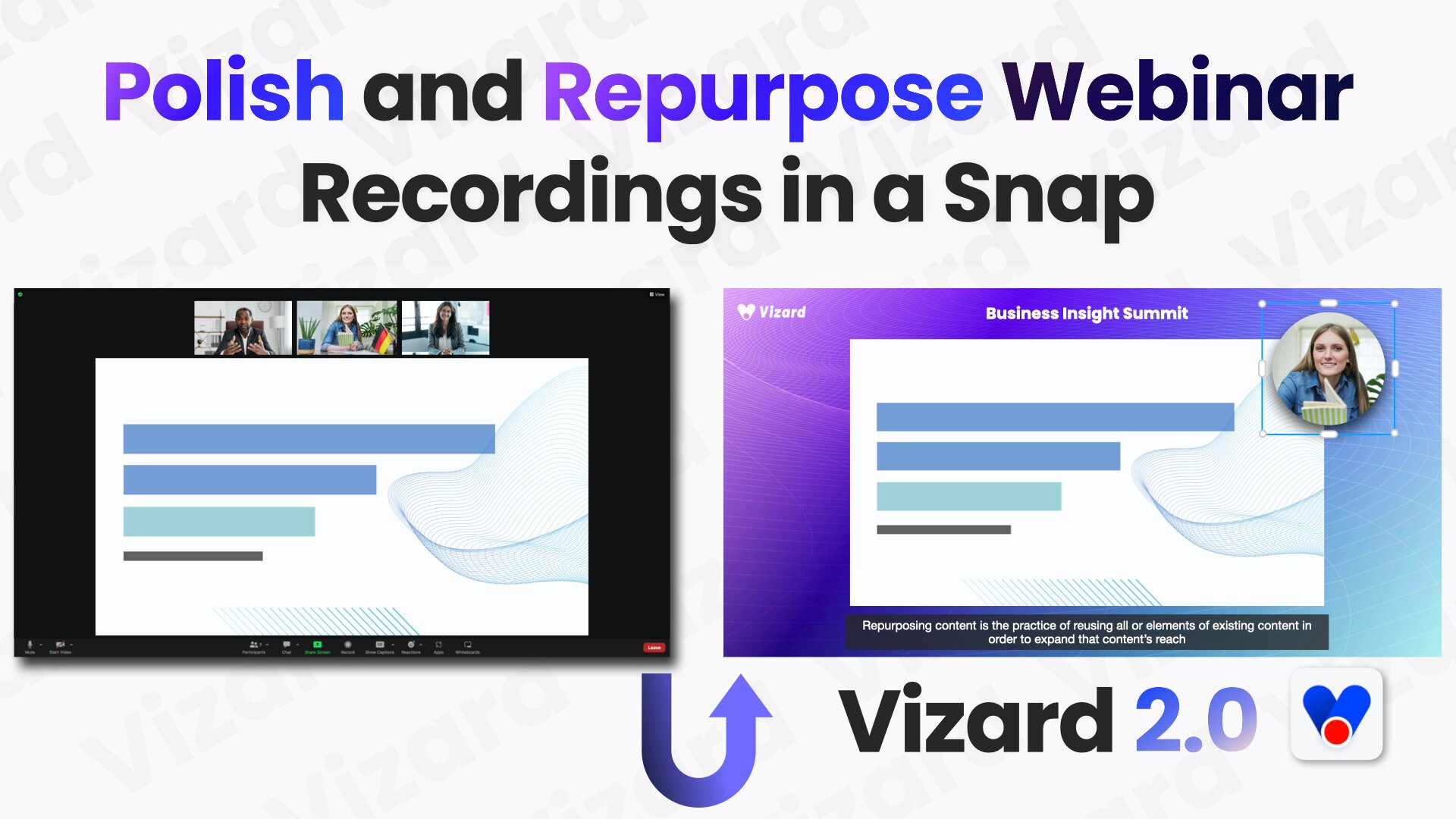
Vizard.ai turns long-form videos into short clips ready for TikTok, Instagram, YouTube Shorts, and other social channels. Upload a webinar, podcast, interview, or course recording and the platform generates dozens of shareable clips without manual timeline work.
At the core is Spark 1.0, a video understanding model that clips either in one-click mode for speech-heavy content or by natural-language prompt for specific moments. The editor supports text-based cuts, auto reframing, subtitles in 30+ languages, brand templates, and direct scheduling to connected social accounts.
Vizard, Corp. is based in Delaware and builds web tools for marketers, podcasters, coaches, consultants, and agencies who need to repurpose long recordings at scale. The product also ships a REST API with Python, Java, and Go examples for automated clipping workflows.
Gling Upvotes
Vizard.ai Upvotes
Gling Top Features
Automatically remove bad takes, silences, and filler words from uploaded recordings
Edit cuts through a text-based transcript instead of scrubbing the timeline manually
Export XML projects to Adobe Premiere, Final Cut Pro, or DaVinci Resolve
Generate AI captions, YouTube titles, chapters, and viral clips from links
Plus plan includes 10 hours of AI-edited media per month for $20
Vizard.ai Top Features
One click can turn a long video into 30+ short clips
Spark 1.0 finds moments from a text prompt, from sports plays to podcast Q&A
Text-based timeline editor for second-level cuts without a traditional NLE
Auto subtitles and translation across 30+ languages
Schedule posts and publish to TikTok, Instagram, and YouTube Shorts
REST API with Python, Java, and Go samples for automated clipping
Brand templates keep fonts, outros, and visuals consistent across clips
Gling Category
- Video Editing
Vizard.ai Category
- Video Editing
Gling Pricing Type
- Freemium
Vizard.ai Pricing Type
- Freemium