Glitter AI vs Base64.ai
Dive into the comparison of Glitter AI vs Base64.ai and discover which AI Automation tool stands out. We examine alternatives, upvotes, features, reviews, pricing, and beyond.
When comparing Glitter AI and Base64.ai, which one rises above the other?
When we compare Glitter AI and Base64.ai, two exceptional automation tools powered by artificial intelligence, and place them side by side, several key similarities and differences come to light. The upvote count reveals a draw, with both tools earning the same number of upvotes. Be a part of the decision-making process. Your vote could determine the winner.
Feeling rebellious? Cast your vote and shake things up!
Glitter AI


What is Glitter AI ?
Glitter AI turns screen recordings, videos, and live walkthroughs into polished step-by-step guides and SOPs. Record a process with the desktop app or browser extension, narrate as you go, and the platform captures screenshots, transcribes your speech, and writes the documentation for you.
You can also upload existing videos, including Zoom recordings, mobile screen captures, or footage of physical tasks, and Glitter converts them into editable guides. The guide editor lets you polish steps, screenshots, and copy before sharing via link, PDF, HTML, Markdown, or embed.
It supports 99 languages for recording and one-click translation. Teams at companies like Google, Walmart, and Salesforce use it for employee onboarding, IT runbooks, customer help articles, and compliance SOPs. The platform is SOC 2 Type II certified.
Base64.ai
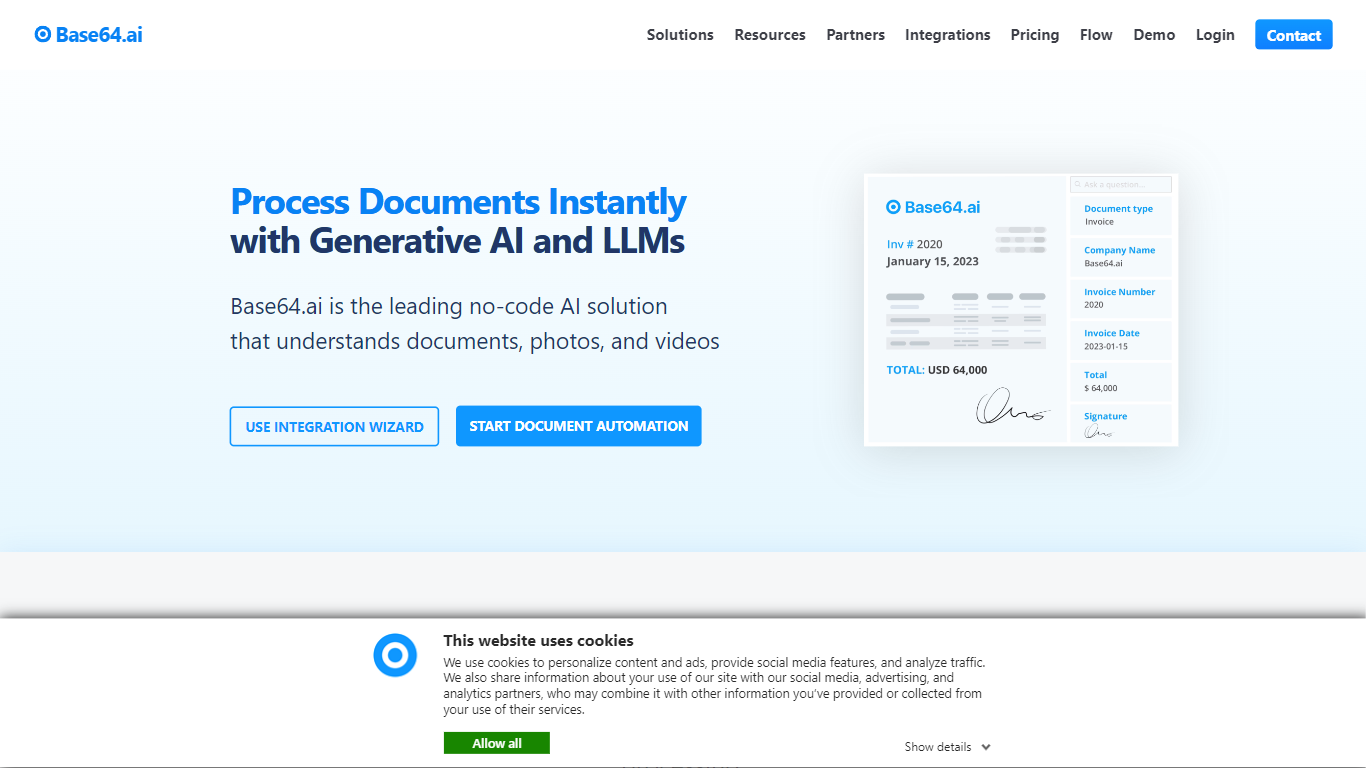
What is Base64.ai?
Base64.ai converts PDFs, images, DOCX files, and dozens of other formats into labeled JSON through a REST API or no-code connectors. You upload a document, it detects the type, applies a matching extraction model, and returns structured fields your downstream automation workflows can act on without manual rekeying.
Most OCR tools hand you plain text and leave classification to you. Base64.ai ships with 2,800+ pretrained document models for invoices, IDs, insurance forms, and similar paperwork, so teams rarely need consultants to train custom models. Its Flows builder chains ingestion, human review, taxonomy normalization, and integrations, and data citations show exactly where each extracted value came from in the source file.
Insurance claims teams, finance AP groups, and healthcare administrators use it for claims processing, loan origination, KYC onboarding, and invoice validation. Published case studies cite 99.7% extraction accuracy and processing times dropping from weeks to about five seconds per document.
Pricing starts with a free signup tier and usage-based OCR at one cent per page, with annual plans from 1,000 pages per month. Enterprise customers can deploy in the cloud or on-premises with ISO 27001, SOC 2, HIPAA, and GDPR certifications.
Glitter AI Upvotes
Base64.ai Upvotes
Glitter AI Top Features
Record your screen with desktop app or browser extension and get a guide with screenshots and text automatically
Upload any existing video and convert it into a step-by-step guide with AI step detection
Translate guides into any of 99 languages with a single click
Export to PDF, HTML, Markdown, or embed in Confluence, Notion, Zendesk, and more
SOC 2 Type II certified with on-device blur to redact sensitive data before upload
Base64.ai Top Features
2,800+ pretrained document models classify and extract fields without custom model training
OCR supports 165+ languages and 93 file formats including handwriting
Usage-based OCR tier priced at $0.01 per page with annual plans from 1,000 pages/month
Flows builder links API ingestion, human-in-the-loop review, and hundreds of RPA integrations
PII redaction, signature verification, and facial verification available as advanced add-ons
Cloud or on-premises deployment with ISO 27001, SOC 2, HIPAA, and GDPR certifications
Glitter AI Category
- Automation
Base64.ai Category
- Automation
Glitter AI Pricing Type
- Freemium
Base64.ai Pricing Type
- Freemium