Glitter AI vs Questmate
In the face-off between Glitter AI vs Questmate, which AI Automation tool takes the crown? We scrutinize features, alternatives, upvotes, reviews, pricing, and more.
When we put Glitter AI and Questmate head to head, which one emerges as the victor?
If we were to analyze Glitter AI and Questmate, both of which are AI-powered automation tools, what would we find? The users have made their preference clear, Questmate leads in upvotes. The number of upvotes for Questmate stands at 7, and for Glitter AI it's 6.
Feeling rebellious? Cast your vote and shake things up!
Glitter AI


What is Glitter AI ?
Glitter AI turns screen recordings, videos, and live walkthroughs into polished step-by-step guides and SOPs. Record a process with the desktop app or browser extension, narrate as you go, and the platform captures screenshots, transcribes your speech, and writes the documentation for you.
You can also upload existing videos, including Zoom recordings, mobile screen captures, or footage of physical tasks, and Glitter converts them into editable guides. The guide editor lets you polish steps, screenshots, and copy before sharing via link, PDF, HTML, Markdown, or embed.
It supports 99 languages for recording and one-click translation. Teams at companies like Google, Walmart, and Salesforce use it for employee onboarding, IT runbooks, customer help articles, and compliance SOPs. The platform is SOC 2 Type II certified.
Questmate
What is Questmate?
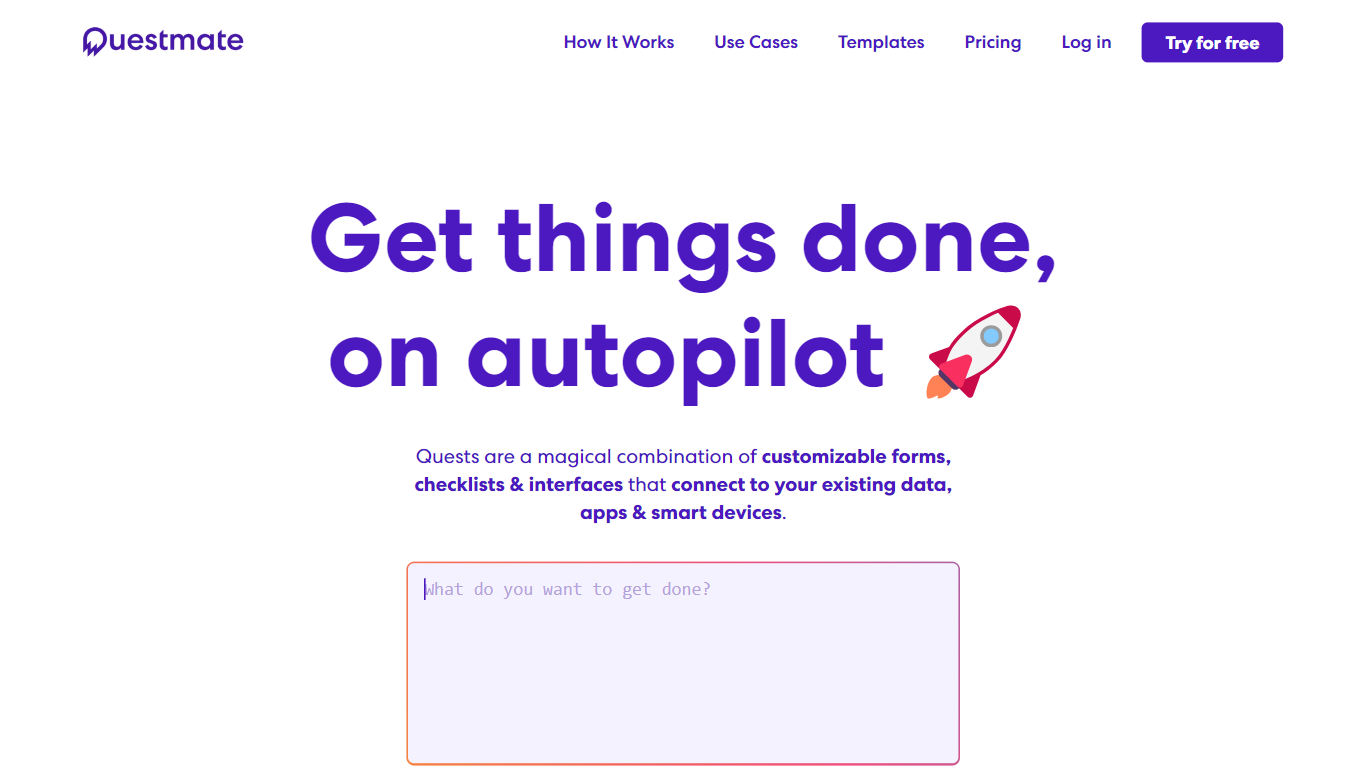
Questmate turns repeatable work into Quests: customizable forms, checklists, and workflows that pull data from your apps, spreadsheets, and even IoT devices. You describe what needs to happen, assign steps to people or vendors, and the platform runs each Quest Run with built-in automation at the start or finish.
Where typical form builders stop at data collection, Questmate wires tasks to Slack, Airtable, Google Sheets, HubSpot, Tesla, Philips Hue, and 3,000 more tools through Zapier. It also grants temporary access to doors, lights, and vehicles inside a Quest, and attaches Tremendous rewards when you want incentives tied to completion.
Teams use it for visitor registration, software deployment checklists, async standups, and AI morning briefs that surface missed emails or project updates. Pricing starts at $7 per user monthly on the Personal plan with a free trial, while the Teams tier from $165 per month covers 2,500 Quest submissions and 50 workspaces.
Glitter AI Upvotes
Questmate Upvotes
Glitter AI Top Features
Record your screen with desktop app or browser extension and get a guide with screenshots and text automatically
Upload any existing video and convert it into a step-by-step guide with AI step detection
Translate guides into any of 99 languages with a single click
Export to PDF, HTML, Markdown, or embed in Confluence, Notion, Zendesk, and more
SOC 2 Type II certified with on-device blur to redact sensitive data before upload
Questmate Top Features
Quests combine forms, checklists, sub-quests, and automation in one blueprint
Native integrations with Slack, Airtable, Google Sheets, HubSpot, Tesla, and Philips Hue
3,000+ additional apps reachable through Zapier on every paid plan
QuestScript for custom components and deeper private-system integrations
Temporary IoT access for doors, lights, vehicles, and alarm systems inside a Quest
Tremendous rewards integration on Teams plans for automated gift-card payouts
Personal plan includes 100 Quest Runs per month across 2 workspaces
Glitter AI Category
- Automation
Questmate Category
- Automation
Glitter AI Pricing Type
- Freemium
Questmate Pricing Type
- Freemium