Glitter AI vs Sendsteps
Dive into the comparison of Glitter AI vs Sendsteps and discover which AI Automation tool stands out. We examine alternatives, upvotes, features, reviews, pricing, and beyond.
When comparing Glitter AI and Sendsteps, which one rises above the other?
When we compare Glitter AI and Sendsteps, two exceptional automation tools powered by artificial intelligence, and place them side by side, several key similarities and differences come to light. The upvote count reveals a draw, with both tools earning the same number of upvotes. Every vote counts! Cast yours and contribute to the decision of the winner.
Disagree with the result? Upvote your favorite tool and help it win!
Glitter AI


What is Glitter AI ?
Glitter AI turns screen recordings, videos, and live walkthroughs into polished step-by-step guides and SOPs. Record a process with the desktop app or browser extension, narrate as you go, and the platform captures screenshots, transcribes your speech, and writes the documentation for you.
You can also upload existing videos, including Zoom recordings, mobile screen captures, or footage of physical tasks, and Glitter converts them into editable guides. The guide editor lets you polish steps, screenshots, and copy before sharing via link, PDF, HTML, Markdown, or embed.
It supports 99 languages for recording and one-click translation. Teams at companies like Google, Walmart, and Salesforce use it for employee onboarding, IT runbooks, customer help articles, and compliance SOPs. The platform is SOC 2 Type II certified.
Sendsteps
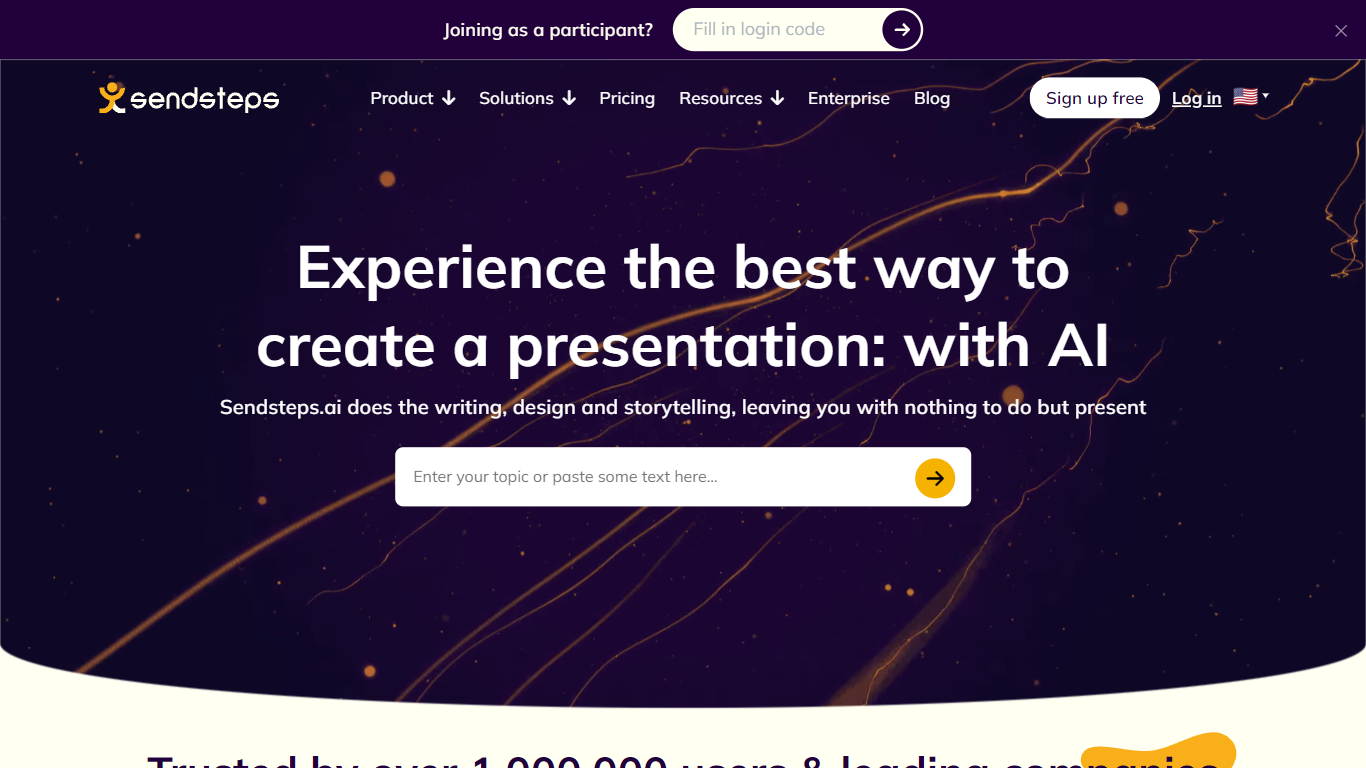
What is Sendsteps?
Sendsteps automates the teaching workflow from lesson creation through live engagement to learning validation. Teachers build interactive presentations with AI, run polls and word clouds in class, and get dashboards that show whether students actually understood the material.
Polling apps add applause meters; slide generators spit out decks without proof anyone learned. Sendsteps connects create, interact, insights, and improve into one loop, positioning validated learning data over isolated engagement tricks.
Educators at Nyenrode and Zuyd use Sendsteps for in-person and online sessions. Free signup needs no credit card, and the site claims setup takes about five minutes for 2.5M+ users on the platform.
Glitter AI Upvotes
Sendsteps Upvotes
Glitter AI Top Features
Record your screen with desktop app or browser extension and get a guide with screenshots and text automatically
Upload any existing video and convert it into a step-by-step guide with AI step detection
Translate guides into any of 99 languages with a single click
Export to PDF, HTML, Markdown, or embed in Confluence, Notion, Zendesk, and more
SOC 2 Type II certified with on-device blur to redact sensitive data before upload
Sendsteps Top Features
AI builds structured lessons with slides, questions, and flow in minutes
Live polls, open questions, and word clouds during class sessions
Teacher dashboards with outlier detection and learning validation insights
Document import plus multi-lesson AI generation from uploaded materials
Free account signup with no credit card and setup in about 5 minutes
Annual billing saves up to 31% compared to monthly plans
Glitter AI Category
- Automation
Sendsteps Category
- Automation
Glitter AI Pricing Type
- Freemium
Sendsteps Pricing Type
- Freemium