Glitter AI vs SWOT Analysis
Dive into the comparison of Glitter AI vs SWOT Analysis and discover which AI Automation tool stands out. We examine alternatives, upvotes, features, reviews, pricing, and beyond.
When comparing Glitter AI and SWOT Analysis, which one rises above the other?
When we compare Glitter AI and SWOT Analysis, two exceptional automation tools powered by artificial intelligence, and place them side by side, several key similarities and differences come to light. The upvote count is neck and neck for both Glitter AI and SWOT Analysis. The power is in your hands! Cast your vote and have a say in deciding the winner.
Disagree with the result? Upvote your favorite tool and help it win!
Glitter AI


What is Glitter AI ?
Glitter AI turns screen recordings, videos, and live walkthroughs into polished step-by-step guides and SOPs. Record a process with the desktop app or browser extension, narrate as you go, and the platform captures screenshots, transcribes your speech, and writes the documentation for you.
You can also upload existing videos, including Zoom recordings, mobile screen captures, or footage of physical tasks, and Glitter converts them into editable guides. The guide editor lets you polish steps, screenshots, and copy before sharing via link, PDF, HTML, Markdown, or embed.
It supports 99 languages for recording and one-click translation. Teams at companies like Google, Walmart, and Salesforce use it for employee onboarding, IT runbooks, customer help articles, and compliance SOPs. The platform is SOC 2 Type II certified.
SWOT Analysis
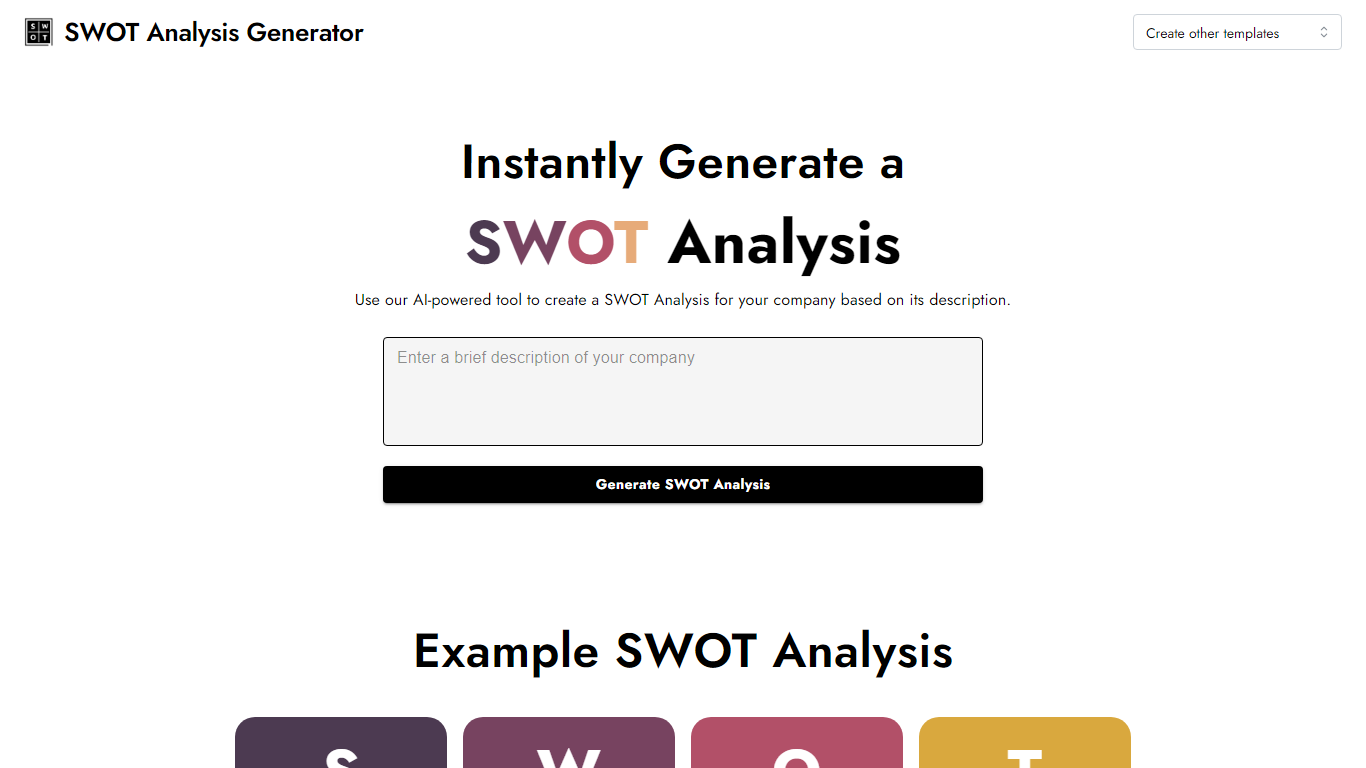
What is SWOT Analysis?
Turn a short company write-up into a finished SWOT grid in one pass. SWOT Analysis lives on InstantPersonas and automates the strengths, weaknesses, opportunities, and threats breakdown from the description you paste. You get four color-coded quadrants you can edit field by field, then export as an image for slides or client decks.
Most SWOT worksheets make you fill every box yourself. Here you describe the business once and the generator drafts all four sections, then leaves every quadrant editable before download. It sits alongside InstantPersonas' other free marketing tools with no signup gate, unlike the paid persona product on the same platform.
Startup founders, consultants, and marketing teams use it when they need a quick strategic snapshot without opening a spreadsheet template. It fits early planning sessions, pitch prep, and competitor positioning workshops where a visual SWOT beats a bullet list.
Glitter AI Upvotes
SWOT Analysis Upvotes
Glitter AI Top Features
Record your screen with desktop app or browser extension and get a guide with screenshots and text automatically
Upload any existing video and convert it into a step-by-step guide with AI step detection
Translate guides into any of 99 languages with a single click
Export to PDF, HTML, Markdown, or embed in Confluence, Notion, Zendesk, and more
SOC 2 Type II certified with on-device blur to redact sensitive data before upload
SWOT Analysis Top Features
Paste a company description and SWOT Analysis fills Strengths, Weaknesses, Opportunities, and Threats in four color-coded quadrants
Click any quadrant to edit the generated text before you finalize the grid
Download the completed SWOT breakdown as an image for reports or slide decks
Runs free with no signup, grouped with InstantPersonas' other free SEO and marketing tools
Accessible via swotanalysis.dev, which redirects to the InstantPersonas-hosted SWOT page
Glitter AI Category
- Automation
SWOT Analysis Category
- Automation
Glitter AI Pricing Type
- Freemium
SWOT Analysis Pricing Type
- Free