
Last updated 07-30-2026
Category:
Reviews:
Join thousands of AI enthusiasts in the World of AI!
SWOT Analysis
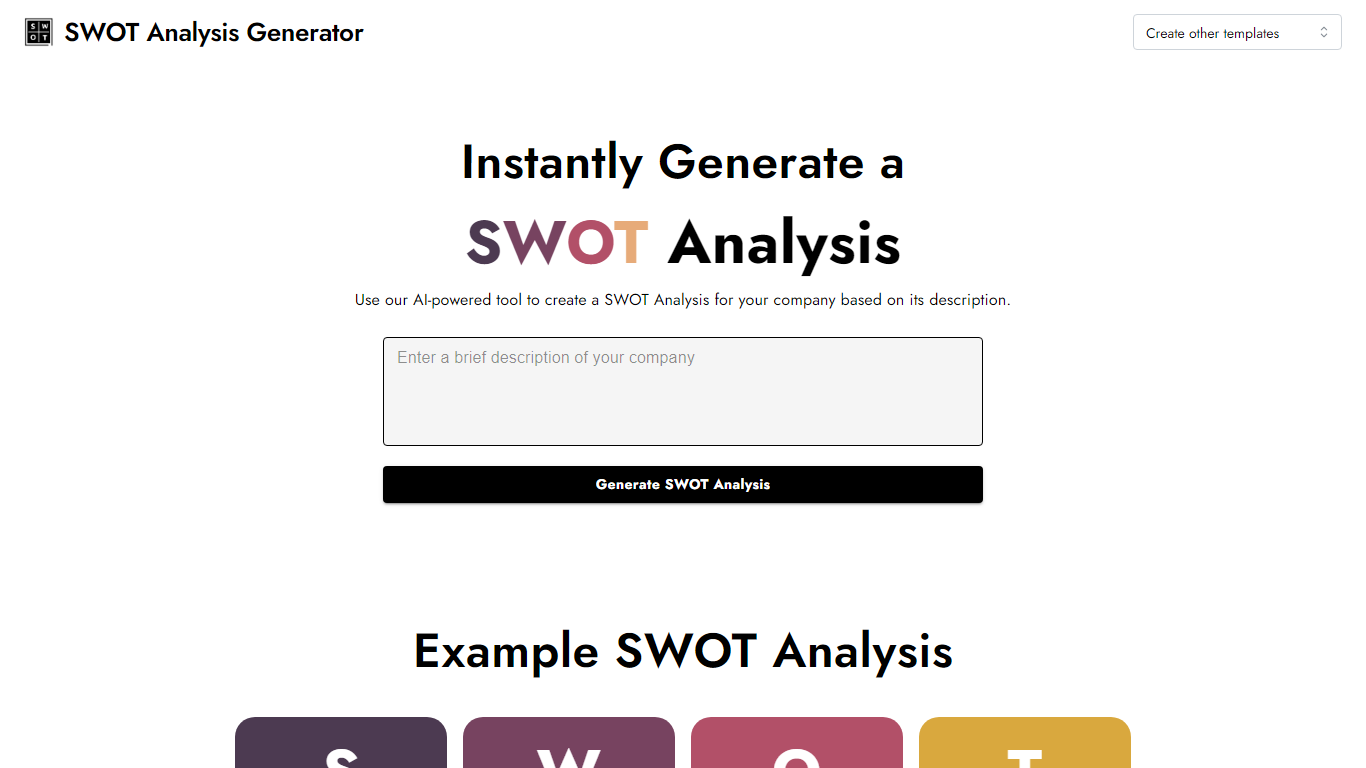
Turn a short company write-up into a finished SWOT grid in one pass. SWOT Analysis lives on InstantPersonas and automates the strengths, weaknesses, opportunities, and threats breakdown from the description you paste. You get four color-coded quadrants you can edit field by field, then export as an image for slides or client decks.
Most SWOT worksheets make you fill every box yourself. Here you describe the business once and the generator drafts all four sections, then leaves every quadrant editable before download. It sits alongside InstantPersonas' other free marketing tools with no signup gate, unlike the paid persona product on the same platform.
Startup founders, consultants, and marketing teams use it when they need a quick strategic snapshot without opening a spreadsheet template. It fits early planning sessions, pitch prep, and competitor positioning workshops where a visual SWOT beats a bullet list.
Paste a company description and SWOT Analysis fills Strengths, Weaknesses, Opportunities, and Threats in four color-coded quadrants
Click any quadrant to edit the generated text before you finalize the grid
Download the completed SWOT breakdown as an image for reports or slide decks
Runs free with no signup, grouped with InstantPersonas' other free SEO and marketing tools
Accessible via swotanalysis.dev, which redirects to the InstantPersonas-hosted SWOT page
Free with no account or signup required.
Editable four-quadrant output before you download.
Exports the SWOT grid as a shareable image.
Needs only a short company description to start.
Browser-only tool with no native mobile app listed.
Limited to the SWOT framework with no PEST or Porter templates.
swotanalysis.dev redirects to InstantPersonas, so the original standalone domain no longer hosts its own site.
Is SWOT Analysis free to use?
Yes, SWOT Analysis is free with no account required. InstantPersonas lists it among its free marketing tools alongside keyword finders and headline analyzers, with no paid tier shown on the SWOT page itself.
What input does SWOT Analysis need?
SWOT Analysis asks for a brief description of your company in a text box on the page. From that description, it generates Strengths, Weaknesses, Opportunities, and Threats across four labeled quadrants.
Can I edit SWOT Analysis results?
Yes. SWOT Analysis lets you click each Strength, Weakness, Opportunity, and Threat field to edit the generated text inline before you download or share the grid.
Can I download results from SWOT Analysis?
Yes, SWOT Analysis lets you download the finished four-quadrant SWOT grid as an image. That makes it easy to drop the output into slide decks, reports, or client deliverables.
Does SWOT Analysis require an account?
No account is needed to run SWOT Analysis. InstantPersonas states that its free tools, including the SWOT generator, work with no signup required.
What sections does SWOT Analysis include?
SWOT Analysis generates four sections: Strengths, Weaknesses, Opportunities, and Threats. Each appears in its own color-coded quadrant with an editable text area for that category.