
Last updated 07-27-2026
Category:
Reviews:
Join thousands of AI enthusiasts in the World of AI!
Pluno
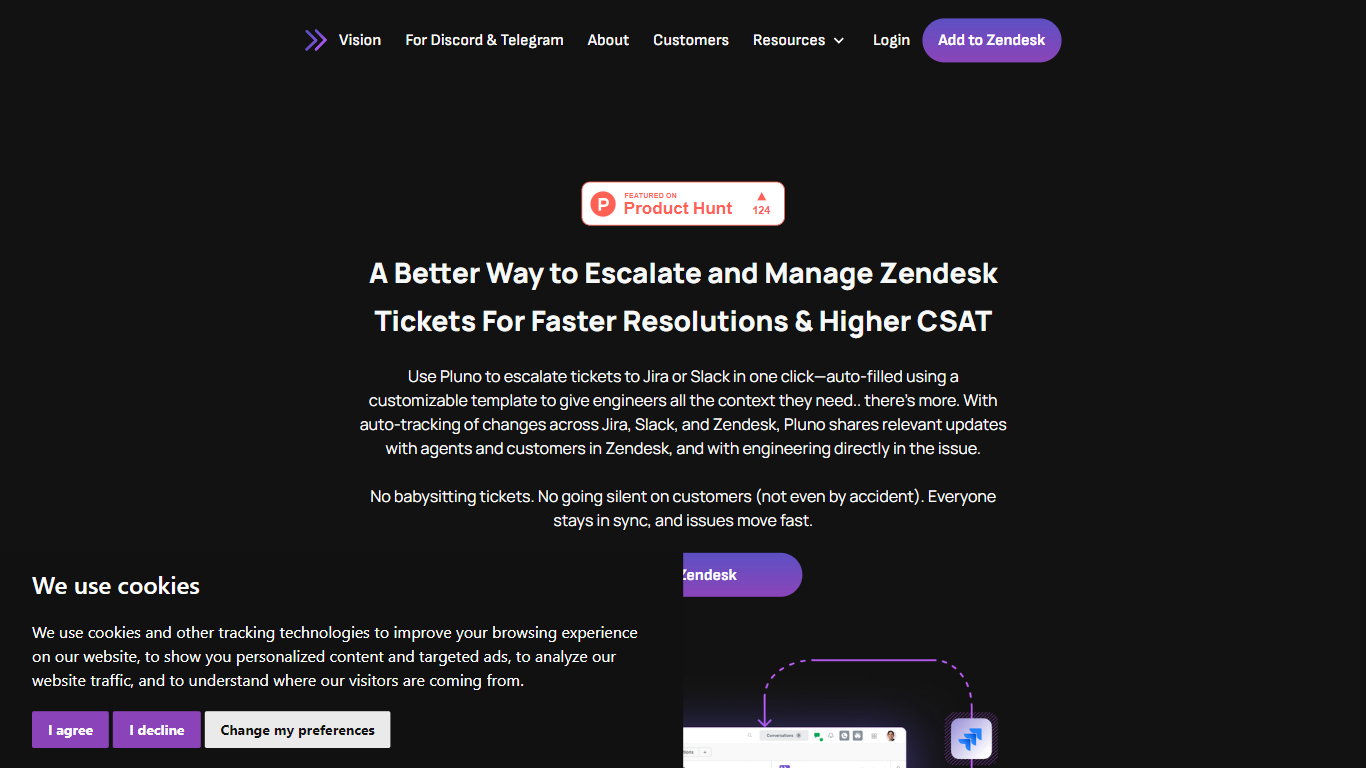
Pluno connects Zendesk with Jira and Slack to streamline the escalation of support tickets. It enables support agents to escalate tickets with a single click, using customizable summary templates that automatically include all key details. This ensures engineers receive full context without extra effort, accelerating issue resolution and enhancing customer satisfaction.
What sets Pluno apart is its support for custom Jira fields, allowing teams to tailor the escalation process to their specific workflows. It also tracks ticket updates across platforms in real time, keeping agents and customers informed and reducing miscommunication.
Pluno installs easily from the Zendesk Marketplace without complex onboarding, so teams can quickly improve their support workflows. Its focus on clear communication and transparent ticket status tracking helps teams collaborate efficiently across departments.
One-click ticket escalation from Zendesk to Jira or Slack speeds up issue handling
Customizable summary templates automatically include key ticket details
Real-time update tracking keeps agents and customers informed on ticket progress
Support for custom Jira fields lets teams tailor escalation details to their workflows
Easy installation from Zendesk Marketplace with no complex onboarding required
Simplifies cross-team communication by linking Zendesk, Jira, and Slack
Saves time with one-click escalation and automatic context sharing
Supports custom Jira fields for flexible workflows
Real-time updates reduce miscommunication and improve transparency
Quick setup with no technical overhead
Limited to integration with Zendesk, Jira, and Slack platforms
May require customization to fit complex or unique workflows
How does Pluno simplify ticket escalation from Zendesk?
Pluno allows support agents to escalate tickets to Jira or Slack with a single click, using customizable templates that automatically include all necessary ticket details.
Can Pluno handle custom fields in Jira during escalation?
Yes, Pluno supports custom Jira fields, letting teams tailor the escalation process to capture all relevant information.
Does Pluno keep customers updated during ticket escalation?
Pluno tracks changes across Zendesk, Jira, and Slack, sharing real-time updates with both agents and customers to maintain transparency.
Is Pluno difficult to set up for existing Zendesk users?
No, Pluno installs easily from the Zendesk Marketplace and requires no complex onboarding, enabling teams to start using it quickly.
Which teams benefit most from using Pluno?
SaaS support teams and customer service agents who need efficient cross-team collaboration and faster issue resolution benefit most from Pluno.
Does Pluno support integration with platforms other than Jira and Slack?
Pluno focuses on integrating Zendesk with Jira and Slack to streamline ticket escalation and communication.
What improvements does Pluno offer over standard Zendesk integrations?
Pluno offers one-click escalation, customizable templates, support for custom Jira fields, and real-time update tracking, which many standard integrations lack.