GMPlus vs SimpleScraper
Dive into the comparison of GMPlus vs SimpleScraper and discover which AI Web Scraping tool stands out. We examine alternatives, upvotes, features, reviews, pricing, and beyond.
In a comparison between GMPlus and SimpleScraper, which one comes out on top?
When we compare GMPlus and SimpleScraper, two exceptional web scraping tools powered by artificial intelligence, and place them side by side, several key similarities and differences come to light. Interestingly, both tools have managed to secure the same number of upvotes. Be a part of the decision-making process. Your vote could determine the winner.
Think we got it wrong? Cast your vote and show us who's boss!
GMPlus

What is GMPlus?
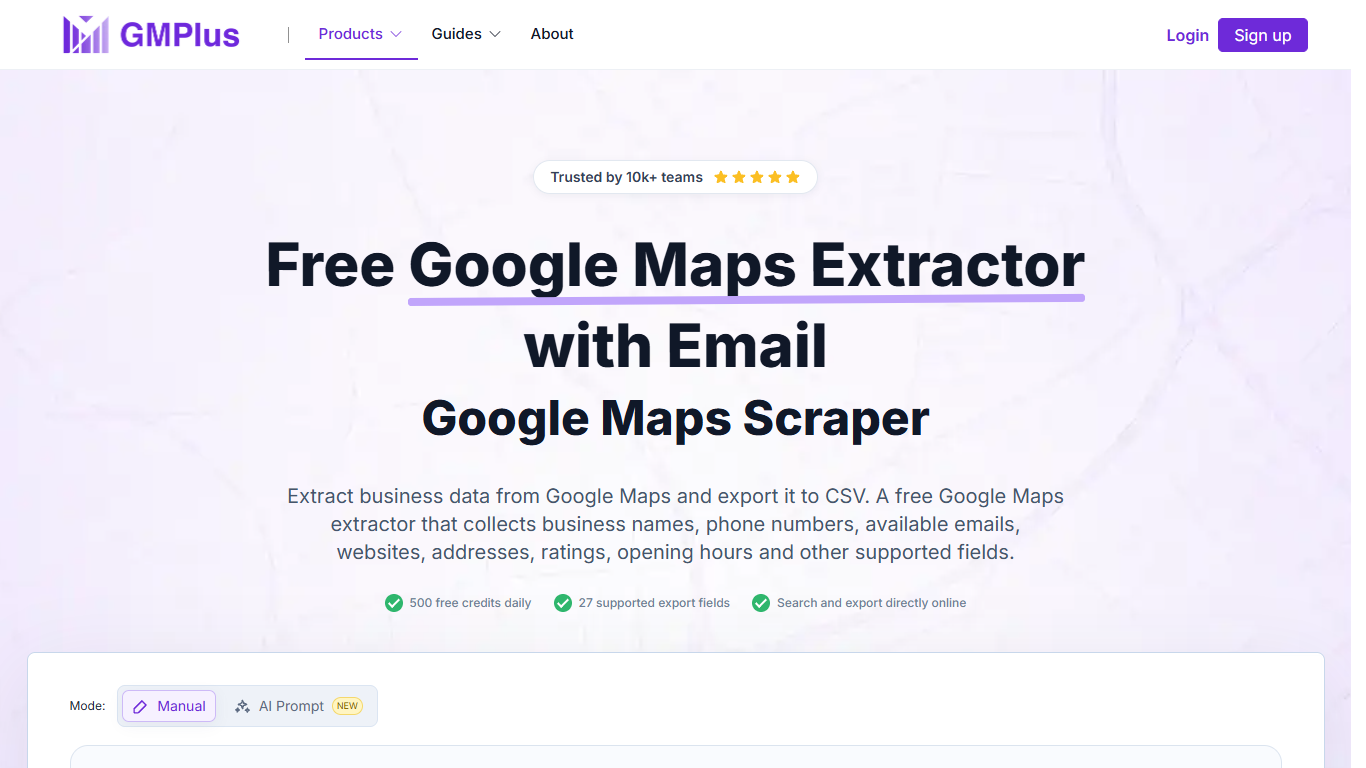
GMPlus is a web-based Google Maps scraper that turns public business listings into structured datasets you can filter and export. Search by keyword, category, and location, then download names, phone numbers, websites, ratings, addresses, Place IDs, and up to 27 supported fields per row. It targets lead gen teams, local marketers, and researchers who need Maps data without writing scripts.
Most Maps scrapers expect you to configure a Google Maps API key or install a browser extension. GMPlus runs entirely in the browser with no API key, and it also ships a Streamable HTTP MCP server so agents in Cursor, Claude Desktop, and VS Code can search Maps on your behalf. The newer AI Prompt mode skips the form entirely and lets you describe the search in plain language.
Sales reps use it to build targeted lead lists by city and category. Local SEO consultants filter for businesses missing websites or with thin listings. Market researchers compare competitor density across neighborhoods using ratings, review counts, and coordinates in one export.
SimpleScraper
What is SimpleScraper?
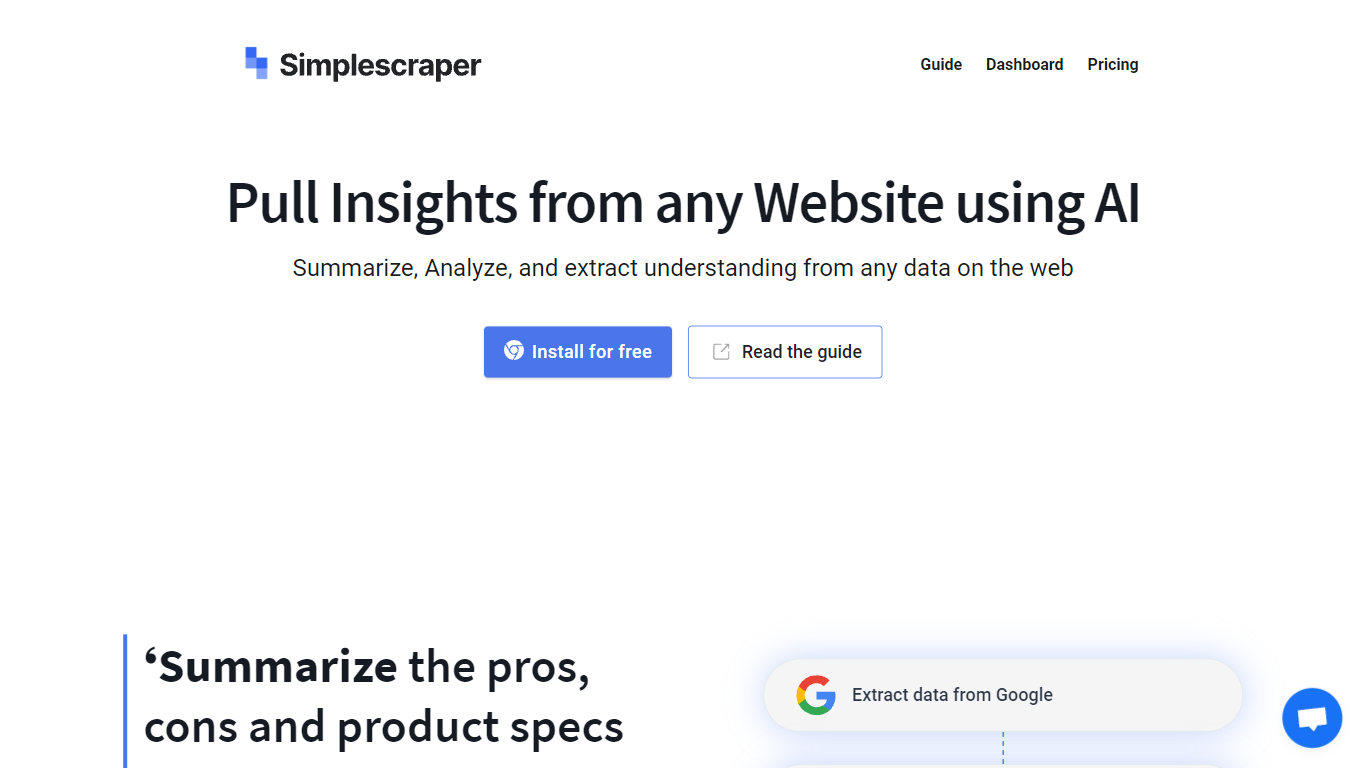
SimpleScraper helps you pull structured data from websites using a Chrome extension, a cloud dashboard, or an API. Click elements on a page to build scrape recipes, run them in the browser for instant results, or schedule recurring jobs that export to CSV, JSON, or Markdown.
The platform layers AI on top of extraction workflows. You can summarize scraped rows, extract structured fields from unstructured text, rename columns automatically, or run Smart Extract to pull data from a URL without manual selector setup. Recipes can feed Google Sheets, Airtable, Zapier, Make, webhooks, or your inbox.
It suits no-code analysts, growth teams, and developers who need repeatable web data without maintaining custom scrapers. Browser scraping works for quick one-off pulls, while cloud scraping handles pagination, bulk URL lists up to 5,000 links, login-protected pages, and scheduled runs.
GMPlus Upvotes
SimpleScraper Upvotes
GMPlus Top Features
Exports up to 27 fields per listing, from phone numbers to Google Place IDs
500 free credits refresh daily; standard records cost 1, email lookups cost 5
Downloads results as CSV, XLSX, or JSON with no browser extension required
MCP server connects to Cursor, Claude Desktop, VS Code, and Codex
AI Prompt mode lets you describe the search instead of filling out a form
SimpleScraper Top Features
Point-and-click Chrome extension that detects lists and builds scrape recipes in seconds
Cloud crawler handles up to 5,000 URLs per recipe with pagination and infinite scroll
AI Enhance summarizes rows, extracts structured fields, or rewrites values from natural-language prompts
Push results to Google Sheets, Airtable, Zapier, Make, webhooks, or email on each run
Extract API v1, Screenshot API, and MCP server for programmatic and agent-driven workflows
GMPlus Category
- Web Scraping
SimpleScraper Category
- Web Scraping
GMPlus Pricing Type
- Free
SimpleScraper Pricing Type
- Freemium