UseScraper vs SimpleScraper
Compare UseScraper vs SimpleScraper and see which AI Web Scraping tool is better when we compare features, reviews, pricing, alternatives, upvotes, etc.
Which one is better? UseScraper or SimpleScraper?
When we compare UseScraper with SimpleScraper, which are both AI-powered web scraping tools, The upvote count favors UseScraper, making it the clear winner. UseScraper has 7 upvotes, and SimpleScraper has 6 upvotes.
Don't agree with the result? Cast your vote and be a part of the decision-making process!
UseScraper
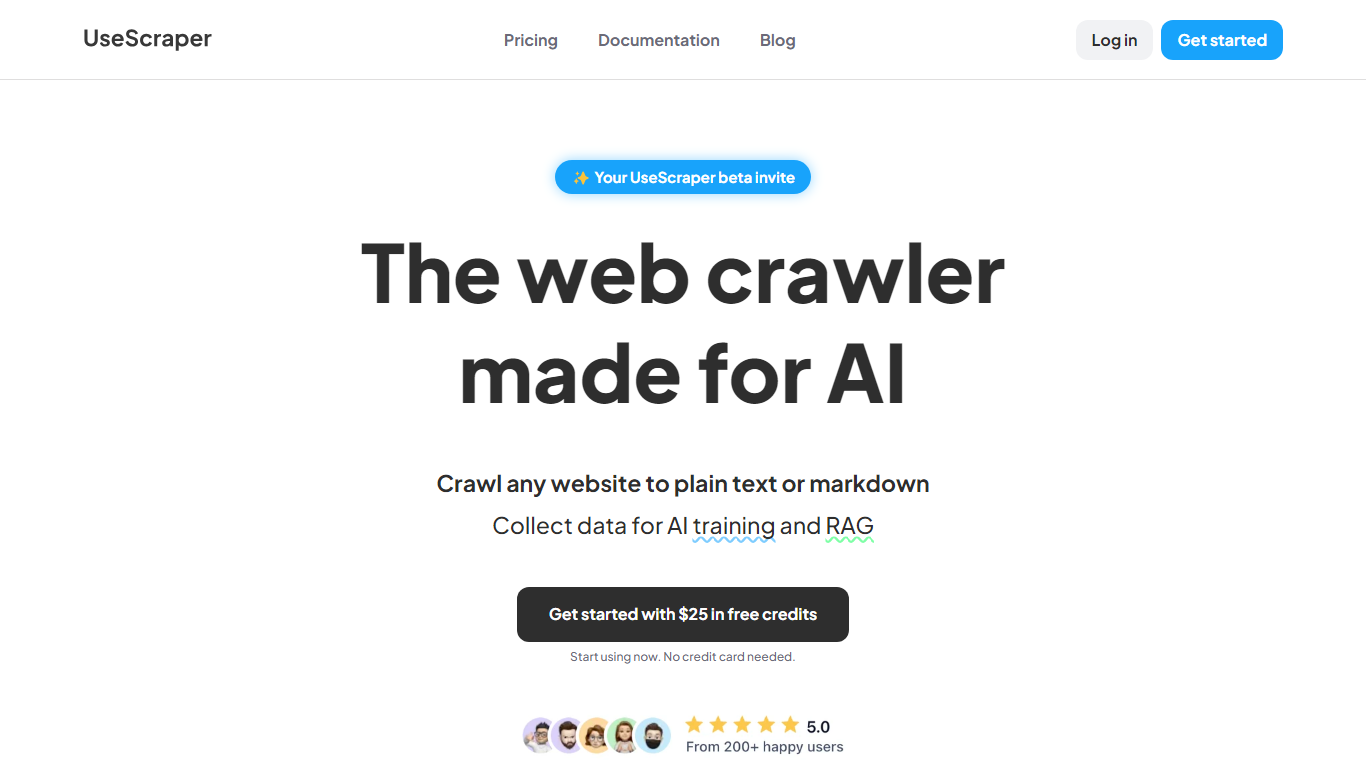

What is UseScraper?
Experience hyper-fast web crawling and scraping with UseScraper, a cutting-edge API designed for efficiency. Simplify data collection with a service that allows you to transform any website into plain text or markdown, perfect for AI training and RAG tasks. Start immediately with $25 in free credits, no credit card required. Our robust web crawling can process thousands of pages a minute, offering full browser rendering, even with complex JavaScript elements. Enjoy versatile content extraction in markdown, plain text, or HTML and stay ahead of rate limits with our automatic rotating proxies. Choose from flexible pricing plans and benefit from features like multi-site crawling, page exclusions, webhook updates, and a convenient output data store.
SimpleScraper
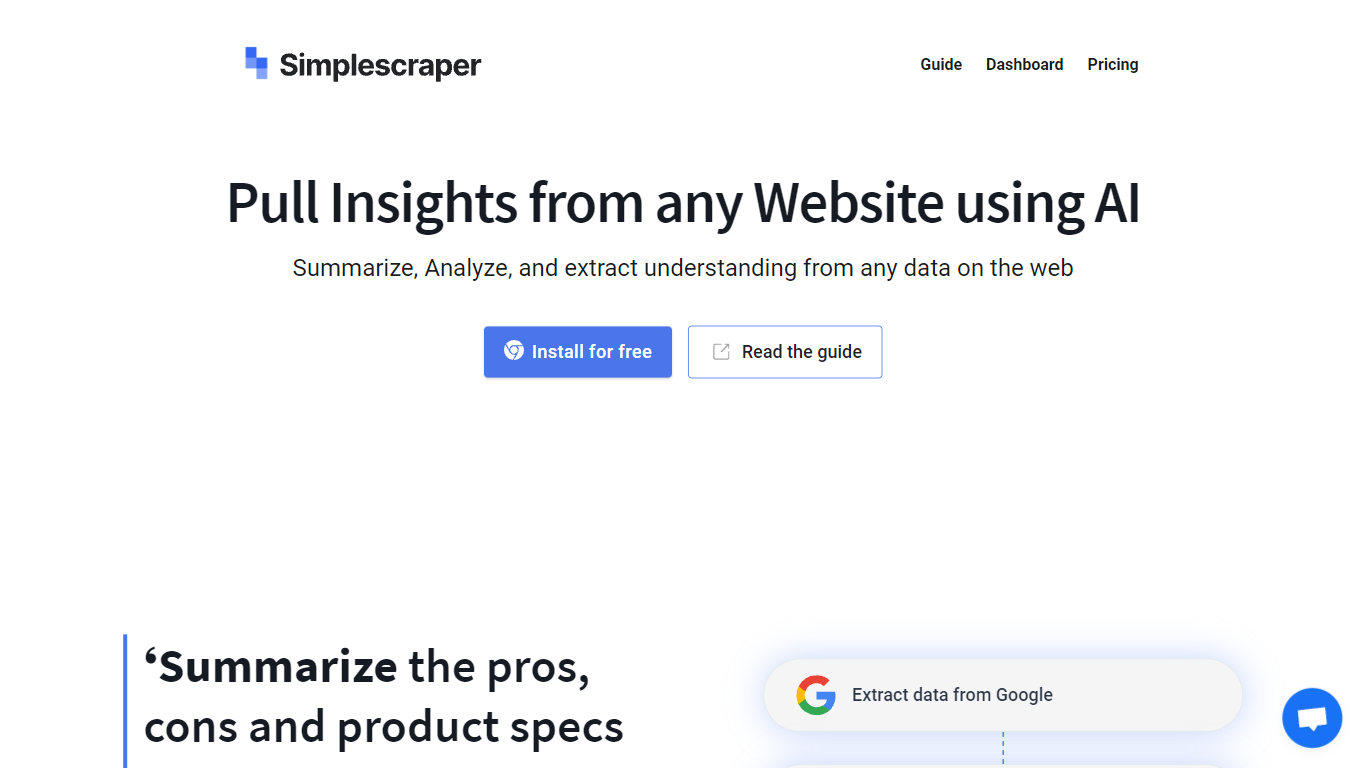
What is SimpleScraper?
SimpleScraper helps you pull structured data from websites using a Chrome extension, a cloud dashboard, or an API. Click elements on a page to build scrape recipes, run them in the browser for instant results, or schedule recurring jobs that export to CSV, JSON, or Markdown.
The platform layers AI on top of extraction workflows. You can summarize scraped rows, extract structured fields from unstructured text, rename columns automatically, or run Smart Extract to pull data from a URL without manual selector setup. Recipes can feed Google Sheets, Airtable, Zapier, Make, webhooks, or your inbox.
It suits no-code analysts, growth teams, and developers who need repeatable web data without maintaining custom scrapers. Browser scraping works for quick one-off pulls, while cloud scraping handles pagination, bulk URL lists up to 5,000 links, login-protected pages, and scheduled runs.
UseScraper Upvotes
SimpleScraper Upvotes
UseScraper Top Features
Hyper-Fast Web Crawling: Crawl and scrape thousands of web pages per minute with an instantly scalable web crawler.
Markdown & Text Extraction: Perfectly convert website content to markdown or plain text ideal for use with AI systems.
Full Browser Rendering: Utilize headless Chrome browsing to render and scrape complex websites with JavaScript.
Automatic Rotating Proxies: Overcome scraping blocks with auto-rotating proxies that prevent rate limiting.
Flexible Pricing & Free Credits: Access UseScraper's services with no upfront cost and get started with $25 in free credits.
SimpleScraper Top Features
Point-and-click Chrome extension that detects lists and builds scrape recipes in seconds
Cloud crawler handles up to 5,000 URLs per recipe with pagination and infinite scroll
AI Enhance summarizes rows, extracts structured fields, or rewrites values from natural-language prompts
Push results to Google Sheets, Airtable, Zapier, Make, webhooks, or email on each run
Extract API v1, Screenshot API, and MCP server for programmatic and agent-driven workflows
UseScraper Category
- Web Scraping
SimpleScraper Category
- Web Scraping
UseScraper Pricing Type
- Freemium
SimpleScraper Pricing Type
- Freemium