Google Docs to Wordpress vs Compose AI
In the battle of Google Docs to Wordpress vs Compose AI, which AI Content Creation tool comes out on top? We compare reviews, pricing, alternatives, upvotes, features, and more.
Between Google Docs to Wordpress and Compose AI, which one is superior?
Upon comparing Google Docs to Wordpress with Compose AI, which are both AI-powered content creation tools, The upvote count is neck and neck for both Google Docs to Wordpress and Compose AI. Join the aitools.fyi users in deciding the winner by casting your vote.
Disagree with the result? Upvote your favorite tool and help it win!
Google Docs to Wordpress

What is Google Docs to Wordpress?
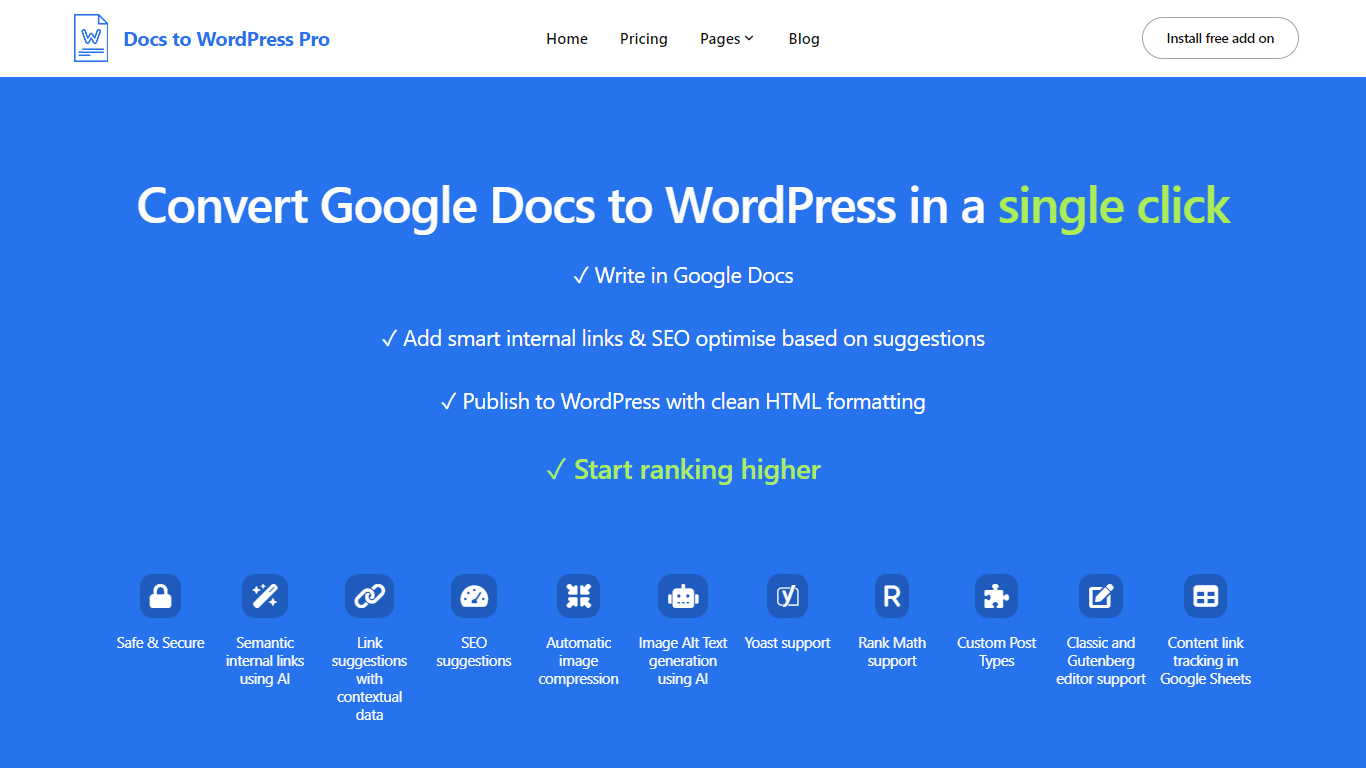
Docs to WordPress Pro is a Google Workspace add-on that publishes Google Docs content to WordPress from the Docs sidebar. You write in Google Docs, run SEO checks, add internal links, and push posts to WordPress with clean HTML or Gutenberg blocks.
The add-on covers image compression, AI alt text, semantic internal linking, related post suggestions, and Yoast or Rank Math metadata fields. It also logs published posts to a Google Sheet so you can track which Doc maps to which WordPress URL.
It fits bloggers, content teams, and publishers who want to draft in Docs but publish on WordPress without manual copy-paste or formatting fixes.
Compose AI
What is Compose AI?
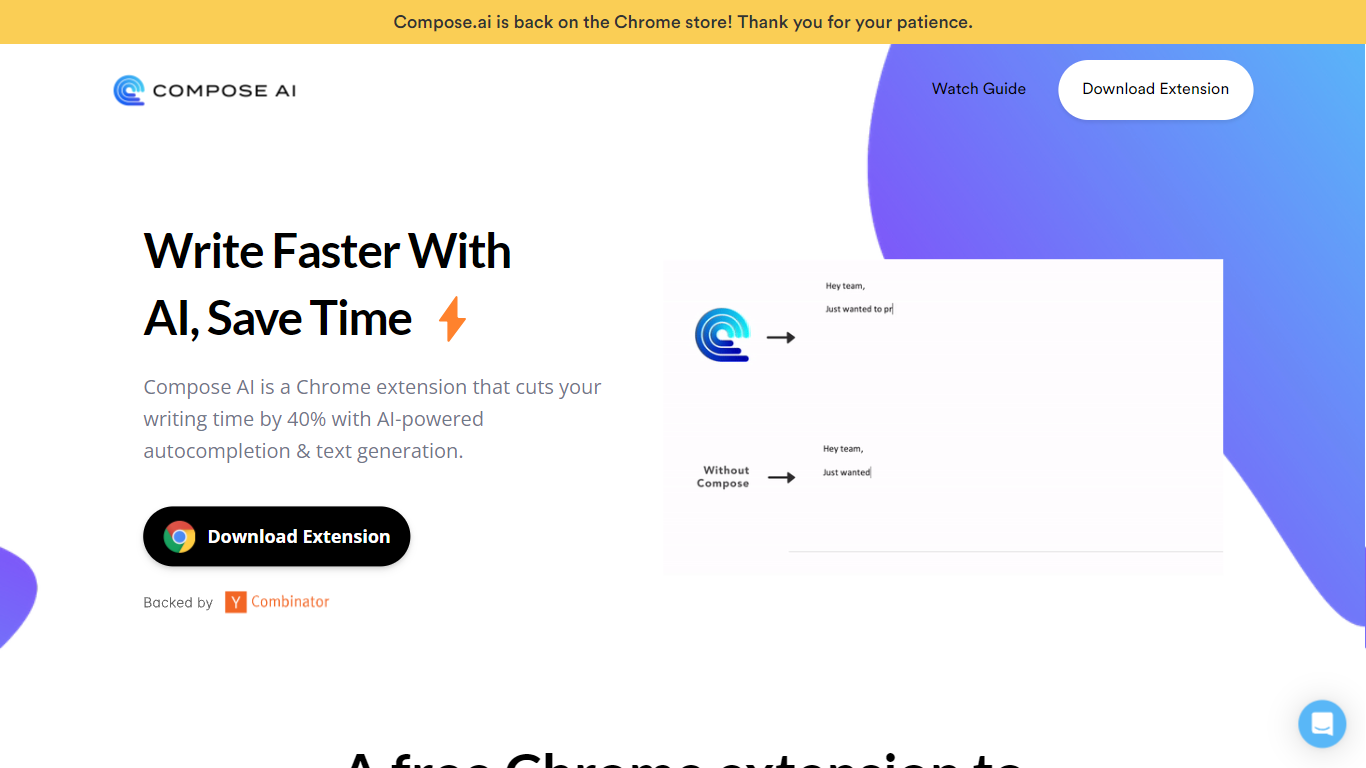
Compose AI is a Chrome extension that accelerates writing by providing AI-powered autocomplete and text generation. It helps users compose emails, documents, and chat messages more efficiently by reducing typing time by up to 40%. The tool offers sentence completions, rephrasing suggestions, and can generate full emails from brief prompts.
What distinguishes Compose AI from other writing assistants is its ability to learn and adapt to the user's unique writing style, offering personalized suggestions that make writing feel natural. It integrates seamlessly with platforms like Google Docs and Gmail, enabling users to write faster without switching tools. While it supports popular platforms, its integration options are currently limited compared to some competitors.
Compose AI offers both free and premium plans, with the premium version providing advanced personalization and priority support. Privacy is a priority; the tool uses user text solely to improve autocomplete suggestions and does not sell user data. This makes Compose AI a versatile and secure assistant for various writing tasks.
Google Docs to Wordpress Upvotes
Compose AI Upvotes
Google Docs to Wordpress Top Features
Publish Google Docs to WordPress from the Docs editor sidebar without a separate portal login
Generate semantic internal links and related post suggestions in one click using AI
Run SEO checks for focus keywords, readability, alt text, and meta descriptions before publishing
Compress images and generate AI alt text automatically during export
Set Yoast or Rank Math focus keywords and meta descriptions directly from Google Docs
Track published Docs and WordPress posts in a consolidated Google Sheet
Compose AI Top Features
✍️ AI Autocomplete: Finish sentences quickly with smart suggestions.
🔄 Sentence Rephrasing: Highlight text to get alternative phrasings instantly.
📧 Email Generation: Create full professional email replies from a few words with one click.
🎯 Personalized Style: Learns your voice to tailor suggestions uniquely for you.
🌐 Integration: Works within Google Docs and Gmail with plans to support more platforms.
💰 Pricing: Free version available; premium plan offers advanced features and priority support.
Google Docs to Wordpress Category
- Content Creation
Compose AI Category
- Content Creation
Google Docs to Wordpress Pricing Type
- Freemium
Compose AI Pricing Type
- Freemium