Google Docs to Wordpress vs Frase
In the contest of Google Docs to Wordpress vs Frase, which AI Content Creation tool is the champion? We evaluate pricing, alternatives, upvotes, features, reviews, and more.
If you had to choose between Google Docs to Wordpress and Frase, which one would you go for?
When we examine Google Docs to Wordpress and Frase, both of which are AI-enabled content creation tools, what unique characteristics do we discover? The community has spoken, Frase leads with more upvotes. Frase has been upvoted 55 times by aitools.fyi users, and Google Docs to Wordpress has been upvoted 6 times.
Don't agree with the result? Cast your vote and be a part of the decision-making process!
Google Docs to Wordpress

What is Google Docs to Wordpress?
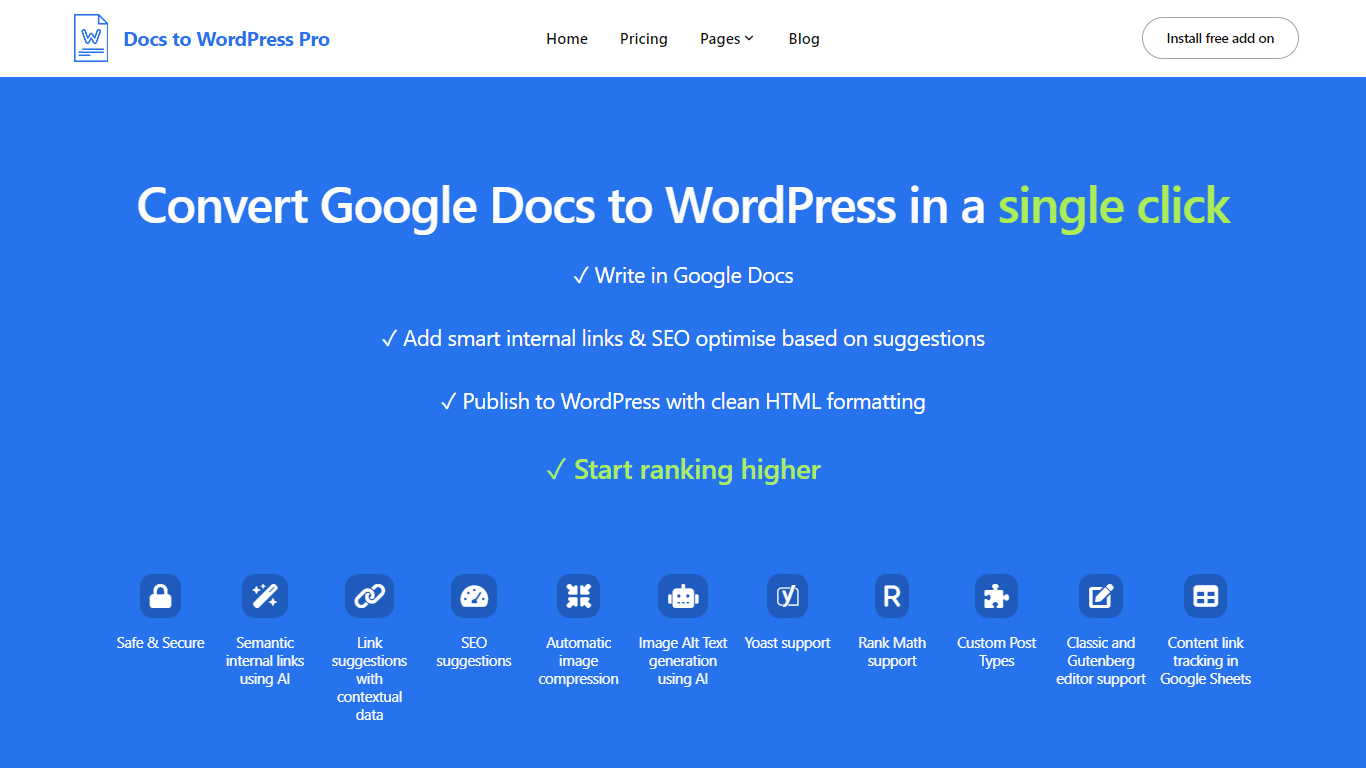
Docs to WordPress Pro is a Google Workspace add-on that publishes Google Docs content to WordPress from the Docs sidebar. You write in Google Docs, run SEO checks, add internal links, and push posts to WordPress with clean HTML or Gutenberg blocks.
The add-on covers image compression, AI alt text, semantic internal linking, related post suggestions, and Yoast or Rank Math metadata fields. It also logs published posts to a Google Sheet so you can track which Doc maps to which WordPress URL.
It fits bloggers, content teams, and publishers who want to draft in Docs but publish on WordPress without manual copy-paste or formatting fixes.
Frase

What is Frase?
Frase runs the full content loop for SEO and generative engine optimization: site audit, topic research, drafting, CMS publishing, ranking monitoring, and AI citation tracking. You start with a site auditor that scores each page for Google and AI readiness, then move drafts through WordPress, Webflow, Sanity, Wix, or FraseCMS hosting.
Most teams stitch together a research tab, a writing app, and a rank tracker that never talk to each other. Frase keeps brand context, competitor SERP data, and optimization scores in one workflow so Content Guard can draft fixes when a live page slips instead of waiting for a weekly report.
In-house content teams, SEO leads, and agencies managing multiple domains are the core buyers. Plans start at $39 per month billed yearly with a 7-day trial that needs no credit card, and Professional at $103 per month adds more seats, audit volume, and broader AI visibility tracking.
Google Docs to Wordpress Upvotes
Frase Upvotes
Google Docs to Wordpress Top Features
Publish Google Docs to WordPress from the Docs editor sidebar without a separate portal login
Generate semantic internal links and related post suggestions in one click using AI
Run SEO checks for focus keywords, readability, alt text, and meta descriptions before publishing
Compress images and generate AI alt text automatically during export
Set Yoast or Rank Math focus keywords and meta descriptions directly from Google Docs
Track published Docs and WordPress posts in a consolidated Google Sheet
Frase Top Features
Site Auditor scores pages for SEO, GEO, and AI readiness with ranked fix lists
Publishes to WordPress, Webflow, Sanity, Wix, or FraseCMS hosting
AI Visibility tracks citations across ChatGPT, Perplexity, Claude, Gemini, and Google AI
Content Guard drafts revisions when Google rankings or traffic decay on live pages
Frase Answers widget captures visitor questions to feed the next content brief
Starter plan includes 10 articles and 50 audit pages per month on 1 site
Professional plan adds 40 articles, 250 audit pages, and 3 seats across 5 sites
Google Docs to Wordpress Category
- Content Creation
Frase Category
- Content Creation
Google Docs to Wordpress Pricing Type
- Freemium
Frase Pricing Type
- Paid