Google Docs to Wordpress vs Copysmith
Dive into the comparison of Google Docs to Wordpress vs Copysmith and discover which AI Content Creation tool stands out. We examine alternatives, upvotes, features, reviews, pricing, and beyond.
When comparing Google Docs to Wordpress and Copysmith, which one rises above the other?
When we compare Google Docs to Wordpress and Copysmith, two exceptional content creation tools powered by artificial intelligence, and place them side by side, several key similarities and differences come to light. There's no clear winner in terms of upvotes, as both tools have received the same number. You can help us determine the winner by casting your vote and tipping the scales in favor of one of the tools.
Want to flip the script? Upvote your favorite tool and change the game!
Google Docs to Wordpress
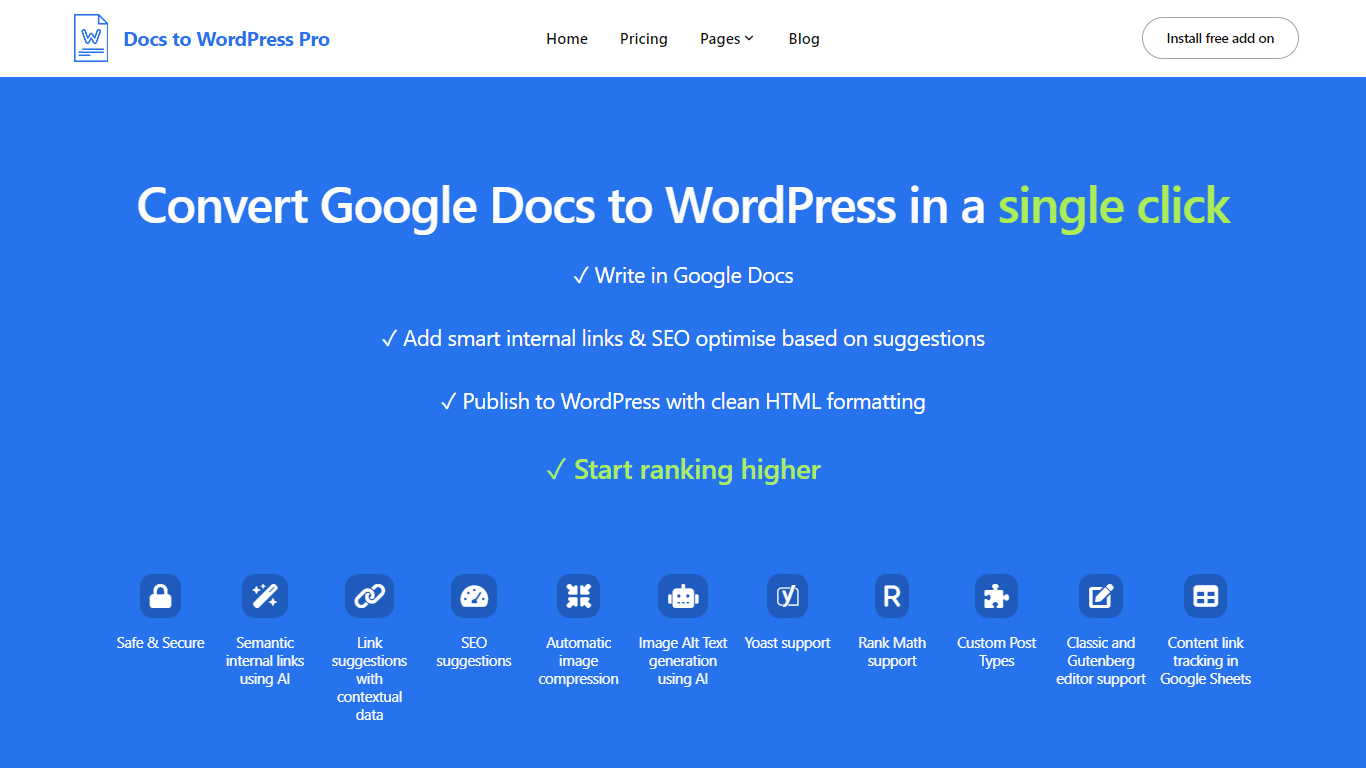

What is Google Docs to Wordpress?
Docs to WordPress Pro is a Google Workspace add-on that publishes Google Docs content to WordPress from the Docs sidebar. You write in Google Docs, run SEO checks, add internal links, and push posts to WordPress with clean HTML or Gutenberg blocks.
The add-on covers image compression, AI alt text, semantic internal linking, related post suggestions, and Yoast or Rank Math metadata fields. It also logs published posts to a Google Sheet so you can track which Doc maps to which WordPress URL.
It fits bloggers, content teams, and publishers who want to draft in Docs but publish on WordPress without manual copy-paste or formatting fixes.
Copysmith
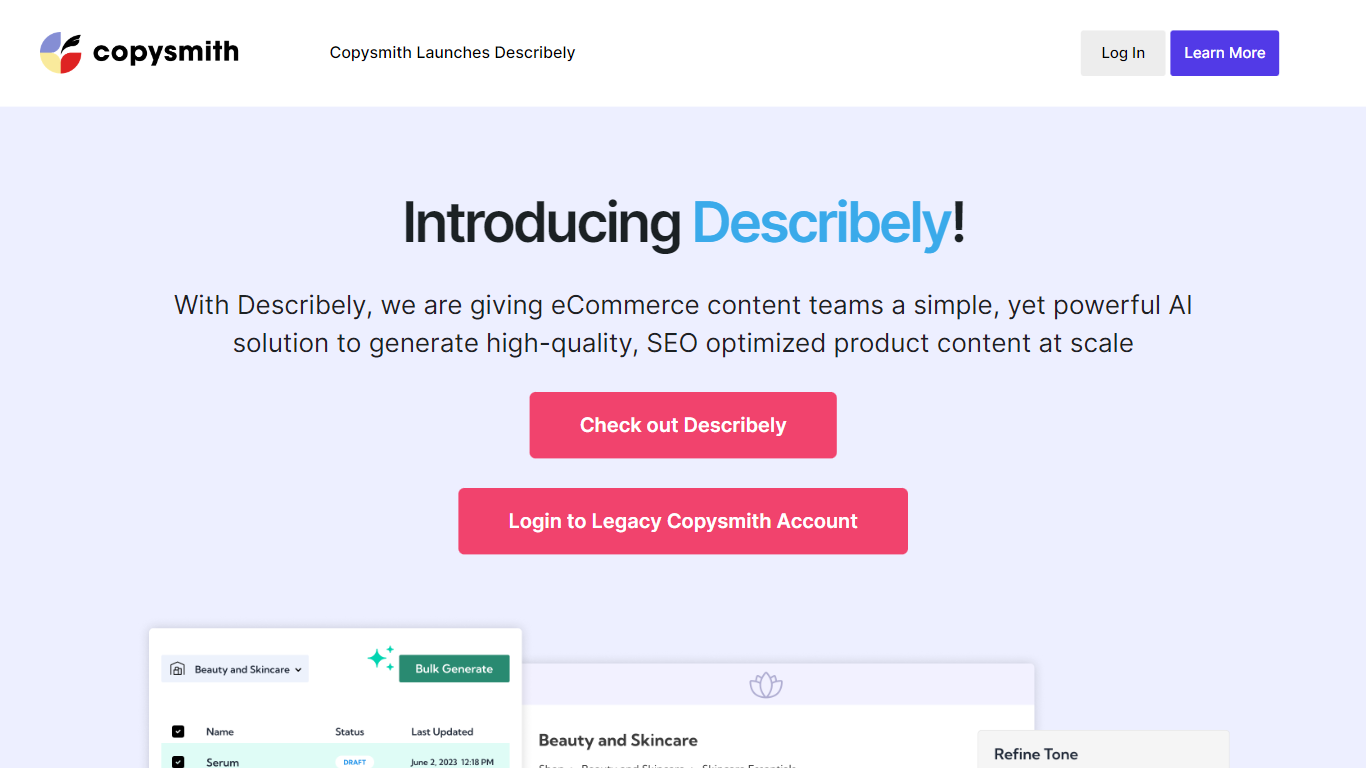
What is Copysmith?
eCommerce content teams can now benefit from the AI solution provided by Describely. This AI tool offers a simple yet powerful way to generate high-quality and SEO optimized product content at scale. With Describely, users can easily write, rewrite, and optimize product descriptions, bullet points, titles, and tags. The tool allows for seamless integration with popular eCommerce platforms and tools, making it a convenient solution for content management. Describely also offers keyword research and SERP analysis, helping users create product content that ranks well on search engines. Whether managing a small or large product catalog, Describely has plans to support the needs of any user.
Google Docs to Wordpress Upvotes
Copysmith Upvotes
Google Docs to Wordpress Top Features
Publish Google Docs to WordPress from the Docs editor sidebar without a separate portal login
Generate semantic internal links and related post suggestions in one click using AI
Run SEO checks for focus keywords, readability, alt text, and meta descriptions before publishing
Compress images and generate AI alt text automatically during export
Set Yoast or Rank Math focus keywords and meta descriptions directly from Google Docs
Track published Docs and WordPress posts in a consolidated Google Sheet
Copysmith Top Features
Unlimited High-Quality Content Creation: Describely enables users to generate unlimited high-quality content for their eCommerce products.
Robust Product Catalog Management: Users can import their entire product catalog to manage all product content in one place.
Bulk Product Content Generation: Describely allows for bulk content generation ensuring efficiency and scalability.
Integration with eCommerce Tools and Platforms: The AI tool seamlessly integrates with popular eCommerce platforms and tools making content management effortless.
Keyword Research and SERP Analysis: Users can gain insight into keywords and SERP rankings to optimize their product content and improve search engine visibility.
Google Docs to Wordpress Category
- Content Creation
Copysmith Category
- Content Creation
Google Docs to Wordpress Pricing Type
- Freemium
Copysmith Pricing Type
- Freemium