Google Docs to Wordpress vs FolkTalk
When comparing Google Docs to Wordpress vs FolkTalk, which AI Content Creation tool shines brighter? We look at pricing, alternatives, upvotes, features, reviews, and more.
In a comparison between Google Docs to Wordpress and FolkTalk, which one comes out on top?
When we put Google Docs to Wordpress and FolkTalk side by side, both being AI-powered content creation tools, The upvote count shows a clear preference for FolkTalk. The upvote count for FolkTalk is 7, and for Google Docs to Wordpress it's 6.
Think we got it wrong? Cast your vote and show us who's boss!
Google Docs to Wordpress

What is Google Docs to Wordpress?
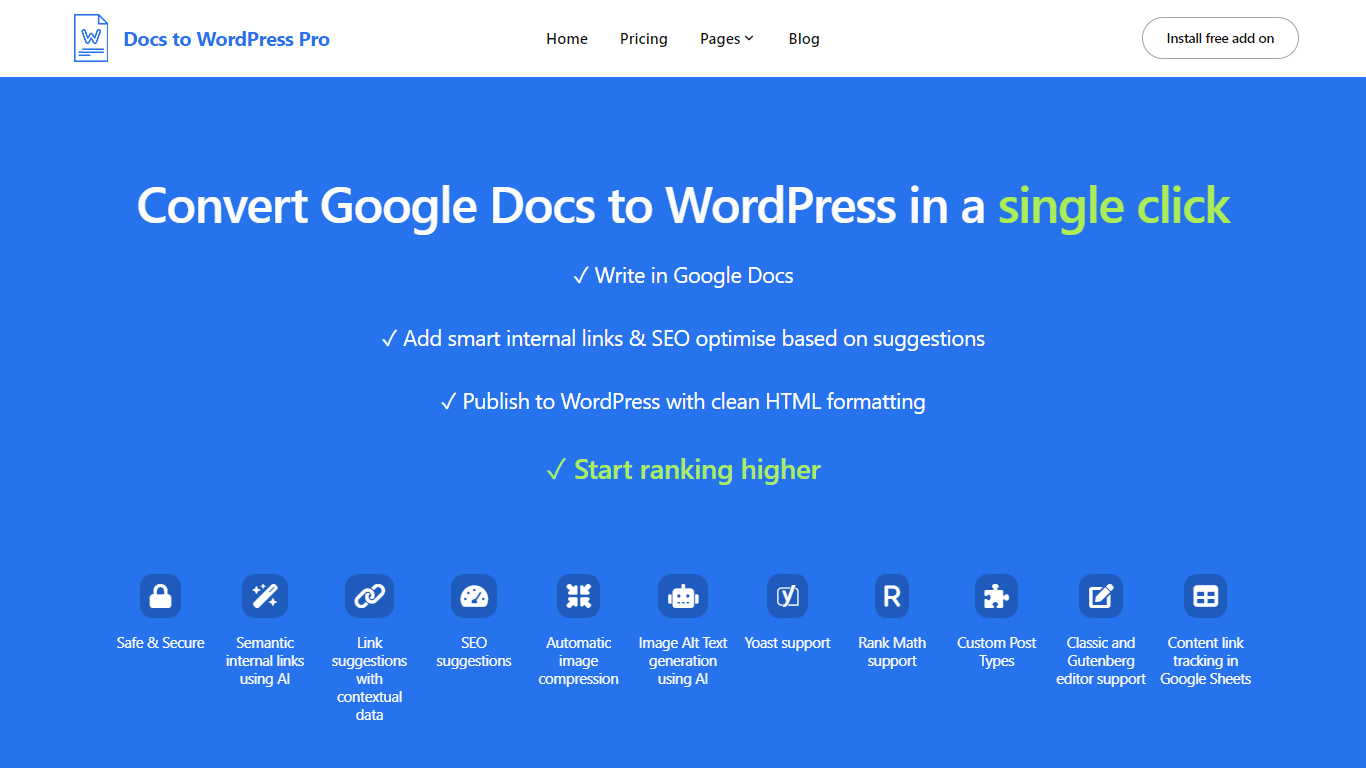
Docs to WordPress Pro is a Google Workspace add-on that publishes Google Docs content to WordPress from the Docs sidebar. You write in Google Docs, run SEO checks, add internal links, and push posts to WordPress with clean HTML or Gutenberg blocks.
The add-on covers image compression, AI alt text, semantic internal linking, related post suggestions, and Yoast or Rank Math metadata fields. It also logs published posts to a Google Sheet so you can track which Doc maps to which WordPress URL.
It fits bloggers, content teams, and publishers who want to draft in Docs but publish on WordPress without manual copy-paste or formatting fixes.
FolkTalk

What is FolkTalk?
FolkTalk transforms your single video or audio recording into personalized media tailored for each viewer. Using AI, it customizes messages with individual names and details, helping businesses engage customers more deeply. The platform supports multiple formats and integrates with various channels like email, SMS, social media, and websites, ensuring your personalized content reaches audiences wherever they are.
FolkTalk prioritizes quality, data security, and scalability, making it suitable for startups and large enterprises alike. Trusted by global brands, it streamlines personalized communication to boost engagement and customer loyalty while saving time on manual customization.
Google Docs to Wordpress Upvotes
FolkTalk Upvotes
Google Docs to Wordpress Top Features
Publish Google Docs to WordPress from the Docs editor sidebar without a separate portal login
Generate semantic internal links and related post suggestions in one click using AI
Run SEO checks for focus keywords, readability, alt text, and meta descriptions before publishing
Compress images and generate AI alt text automatically during export
Set Yoast or Rank Math focus keywords and meta descriptions directly from Google Docs
Track published Docs and WordPress posts in a consolidated Google Sheet
FolkTalk Top Features
Personalized media creation from a single recording 🎥
AI-powered customization with individual names and details 🤖
Supports multiple video and audio formats for flexibility 🎞️
Omnichannel delivery via email, SMS, social media, and websites 📱
High-quality output with data security and scalability 🔒
Google Docs to Wordpress Category
- Content Creation
FolkTalk Category
- Content Creation
Google Docs to Wordpress Pricing Type
- Freemium
FolkTalk Pricing Type
- Paid