Google Translate vs VideoDubber
Explore the showdown between Google Translate vs VideoDubber and find out which AI Translation tool wins. We analyze upvotes, features, reviews, pricing, alternatives, and more.
In a face-off between Google Translate and VideoDubber, which one takes the crown?
When we contrast Google Translate with VideoDubber, both of which are exceptional AI-operated translation tools, and place them side by side, we can spot several crucial similarities and divergences. The upvote count shows a clear preference for Google Translate. Google Translate has been upvoted 8 times by aitools.fyi users, and VideoDubber has been upvoted 6 times.
Don't agree with the result? Cast your vote and be a part of the decision-making process!
Google Translate
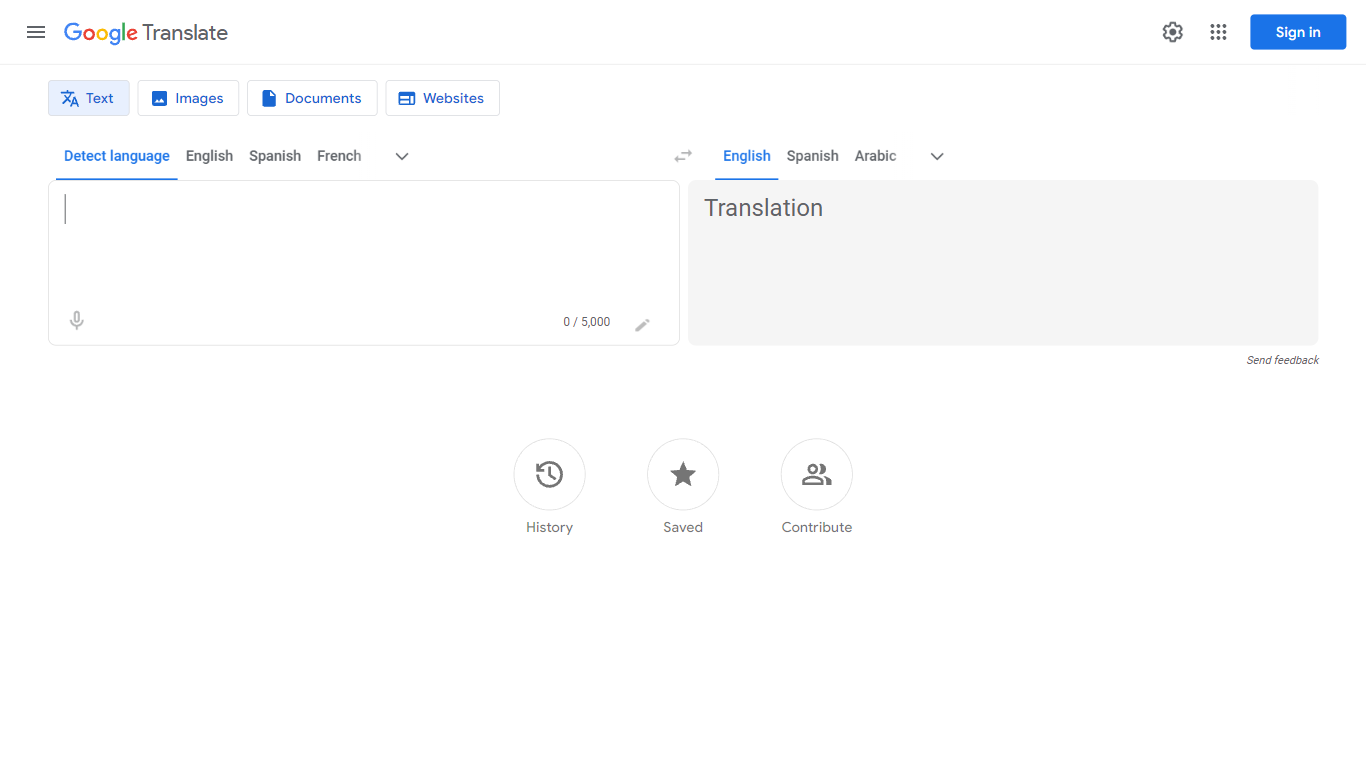

What is Google Translate?
Google Translate is a versatile and user-friendly online service provided by Google that empowers users to overcome language barriers. This powerful tool offers instant translation of words, phrases, and entire web pages, enabling seamless communication and access to information across over 100 different languages. By leveraging advanced technology, Google Translate ensures that you can understand and be understood no matter where you are or what language you need. Whether you're learning a new language, traveling, or conducting international business, Google Translate is your go-to companion for translations that are both rapid and reliable.
VideoDubber
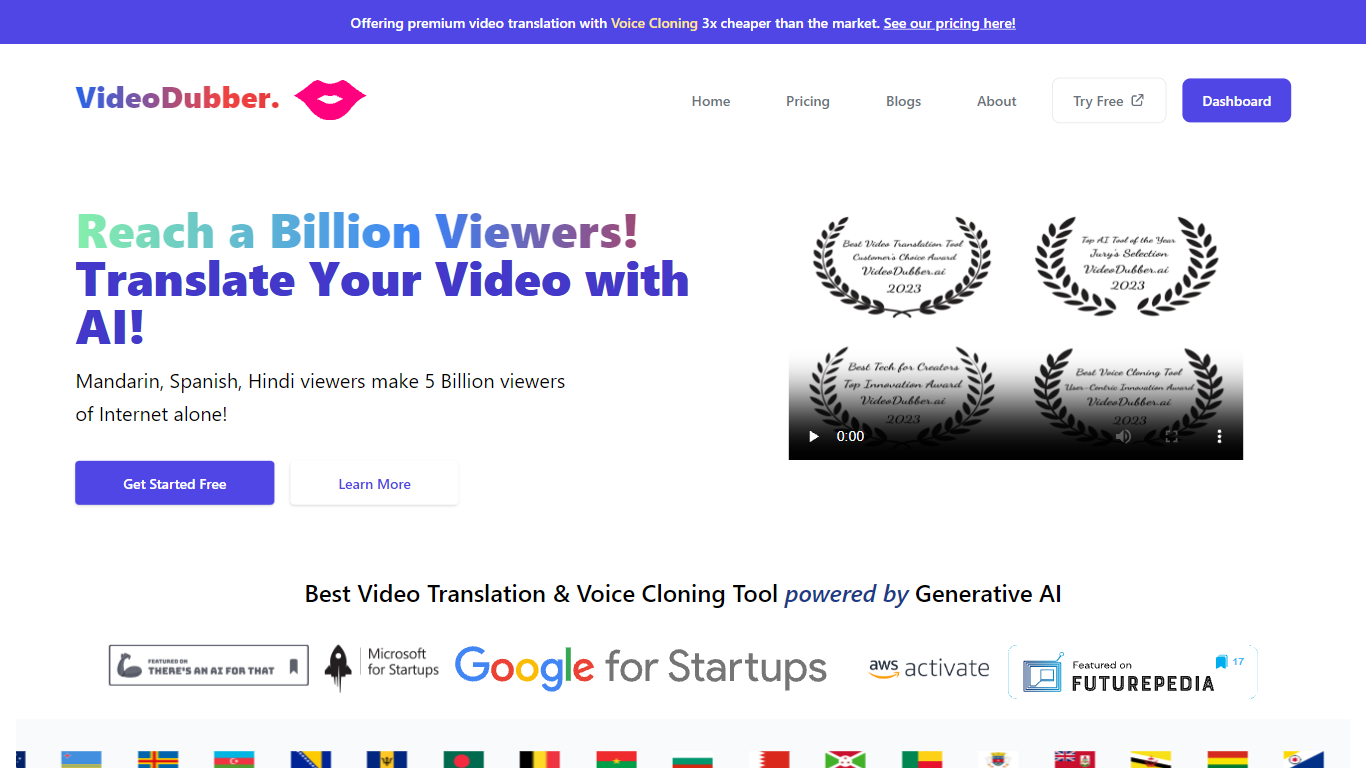
What is VideoDubber?
VideoDubber is a video translation and dubbing platform that turns uploaded footage into localized versions with cloned voices, lip sync, and subtitles. You upload a video, pick a target language, and get back a dubbed MP4 or subtitle files in SRT or VTT format. The service covers 150+ languages and handles multi-speaker projects with per-speaker voice selection.
Where most voice tools stop at audio-only dubbing, VideoDubber bundles frame-accurate lip sync (SyncPRO) and unlimited post-export edits in the same workflow. Its per-minute pricing undercuts ElevenLabs on the comparison table the site publishes, and editing scripts or re-exporting does not trigger metered revision fees on any plan.
YouTubers, e-learning teams, and marketing departments use VideoDubber to localize course libraries, YouTube channels, and promotional videos without reshooting. The platform also ships a REST API with translate, dub, and lipsync endpoints for teams embedding dubbing into a CMS or LMS pipeline.
Google Translate Upvotes
VideoDubber Upvotes
Google Translate Top Features
🌐 Translate text, documents, images, and websites instantly across 100+ languages
🎤 Use voice input to speak and translate text quickly and easily
📄 Drag and drop documents for fast translation without extra steps
⚙️ Adjust voice speed for spoken translations to suit your listening preference
🌙 Switch between light and dark themes for comfortable use anytime
VideoDubber Top Features
150+ target languages with 180+ voice options listed on the about page
VoicePARROT voice cloning trained on 200K+ hours of real speech for natural dubbing
SyncPRO frame-accurate lip sync that tracks dubbed audio syllable by syllable
Export finished projects as SRT, VTT, or fully dubbed MP4 from one editor
REST API with POST /v1/translate, /v1/dub, and /v1/lipsync endpoints plus job polling
Glossary locking keeps product names and key terms consistent across languages
Unlimited script edits and re-exports with no metered revision fees on any plan
Google Translate Category
- Translation
VideoDubber Category
- Translation
Google Translate Pricing Type
- Free
VideoDubber Pricing Type
- Freemium