Google Workspace vs FlowSavvy
Dive into the comparison of Google Workspace vs FlowSavvy and discover which AI Productivity tool stands out. We examine alternatives, upvotes, features, reviews, pricing, and beyond.
When comparing Google Workspace and FlowSavvy , which one rises above the other?
When we compare Google Workspace and FlowSavvy , two exceptional productivity tools powered by artificial intelligence, and place them side by side, several key similarities and differences come to light. There's no clear winner in terms of upvotes, as both tools have received the same number. Every vote counts! Cast yours and contribute to the decision of the winner.
Not your cup of tea? Upvote your preferred tool and stir things up!
Google Workspace

What is Google Workspace?
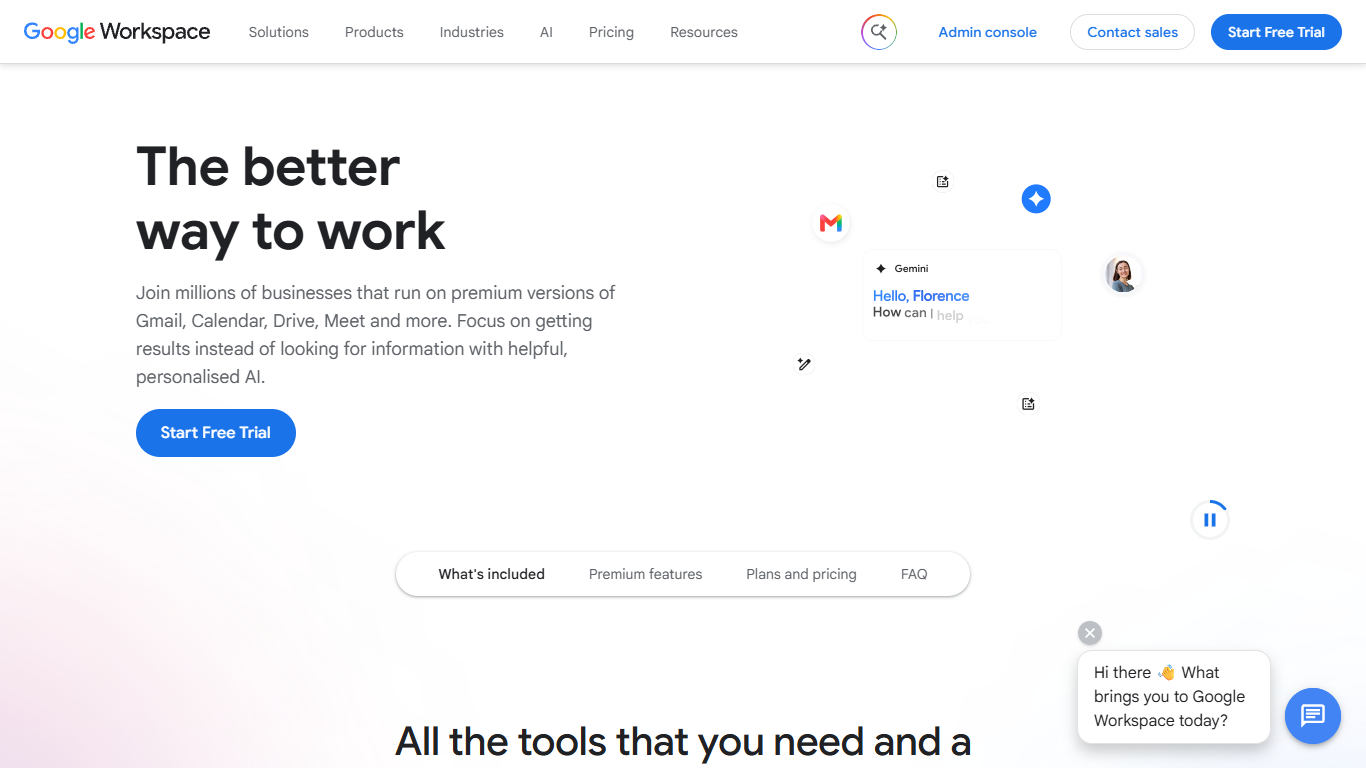
Google Workspace bundles Gmail, Calendar, Drive, Docs, Meet, Chat, and other cloud apps into one subscription for businesses, teams, and organizations. Instead of juggling separate tools, you get custom email at your domain, shared calendars, file storage, and office apps that talk to each other.
The apps are built to work together. Turn an email into a calendar event, start a Meet call from your inbox, or co-edit a Doc while teammates see changes in real time. Higher plans add Gemini assistants in Gmail, Docs, Sheets, Slides, and Meet, plus tools like NotebookLM and Google Vids.
Plans range from small teams to enterprise, with an admin console for user management, security policies, and endpoint controls. Google offers a 14-day trial for new customers before billing begins.
FlowSavvy
What is FlowSavvy ?
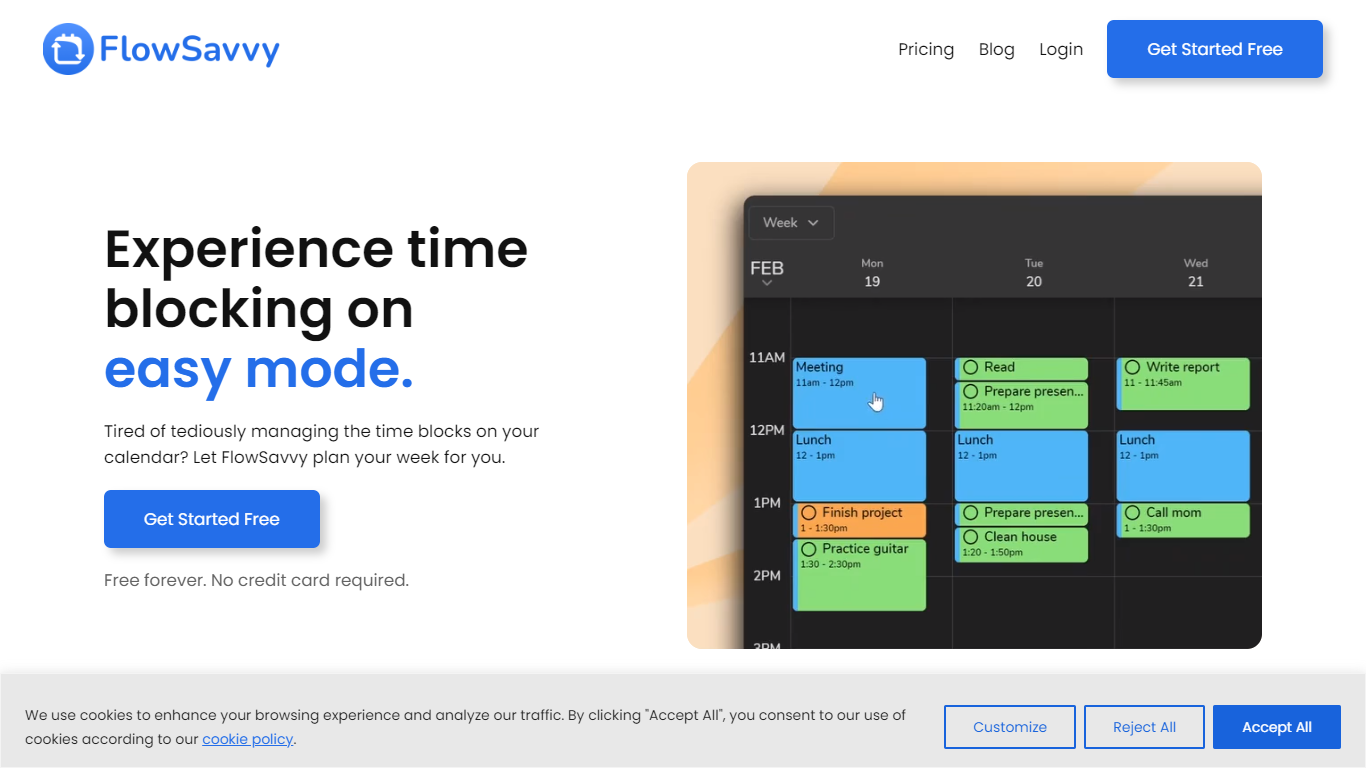
FlowSavvy offers a fresh take on time management by automating time blocking and task scheduling to reduce stress and manual effort. It acts like a digital assistant that creates weekly plans and adjusts them automatically when your schedule changes, so you don’t have to constantly rearrange tasks yourself. The platform supports habit building by letting you set recurring tasks that fit your lifestyle and work hours, helping you maintain a healthy work-life balance. It integrates smoothly with popular calendars like Google, iCloud, and Outlook, keeping all your appointments and tasks in one place. The interface is clean and easy to use, with color-coded tasks that give you a quick view of your workload. FlowSavvy is accessible on all devices and lets you start for free without needing a credit card. This makes it a practical tool for anyone looking to organize their time more effectively without the hassle of manual scheduling. Whether you’re a busy professional, a student, or managing a household, FlowSavvy adapts to your needs and helps you stay on track effortlessly.
Google Workspace Upvotes
FlowSavvy Upvotes
Google Workspace Top Features
Custom business email at your domain with spam and phishing protection
Gemini assistants in Gmail, Docs, Sheets, Slides, and Meet on Standard plans and up
Real-time co-editing in Docs, Sheets, and Slides with built-in chat and comments
Meet video calls with recording, noise cancellation, and up to 500 participants on Plus
Pooled cloud storage from 30 GB per user on Starter to 5 TB on Plus and Enterprise
Admin console for users, security settings, endpoint management, and Vault archiving
NotebookLM for research synthesis and Google Vids for creating and editing videos
FlowSavvy Top Features
🗓️ Automatic weekly planning that adjusts as your schedule changes
🔄 Smart recurring tasks to build and maintain good habits
📅 Syncs with Google, iCloud, and Outlook calendars for unified scheduling
🎨 Color-coded tasks for quick workload visualization
📱 Available on all devices with no credit card required to start
Google Workspace Category
- Productivity
FlowSavvy Category
- Productivity
Google Workspace Pricing Type
- Paid
FlowSavvy Pricing Type
- Freemium