GpTea vs AI Excel Bot
In the battle of GpTea vs AI Excel Bot, which AI tool comes out on top? We compare reviews, pricing, alternatives, upvotes, features, and more.
Between GpTea and AI Excel Bot, which one is superior?
Upon comparing GpTea with AI Excel Bot, which are both AI-powered tools, GpTea stands out as the clear frontrunner in terms of upvotes. The upvote count for GpTea is 7, and for AI Excel Bot it's 6.
You don't agree with the result? Cast your vote to help us decide!
GpTea


What is GpTea?
With GpTea, you'll never run out of inspiration. Our community sources the most engaging prompts to help you get the most out of ChatGPT. Why stare at a blank screen when there's a whole library of conversation starters to explore?
Whether you're looking to unleash your creativity, speed up research or just have some fun, you'll find a prompt for that. Upvote your favorites, share ones that spark new ideas or submit your own - together we'll keep refining the best collection of prompt potions to keep your ChatGPT conversations flowing.
AI Excel Bot
What is AI Excel Bot?
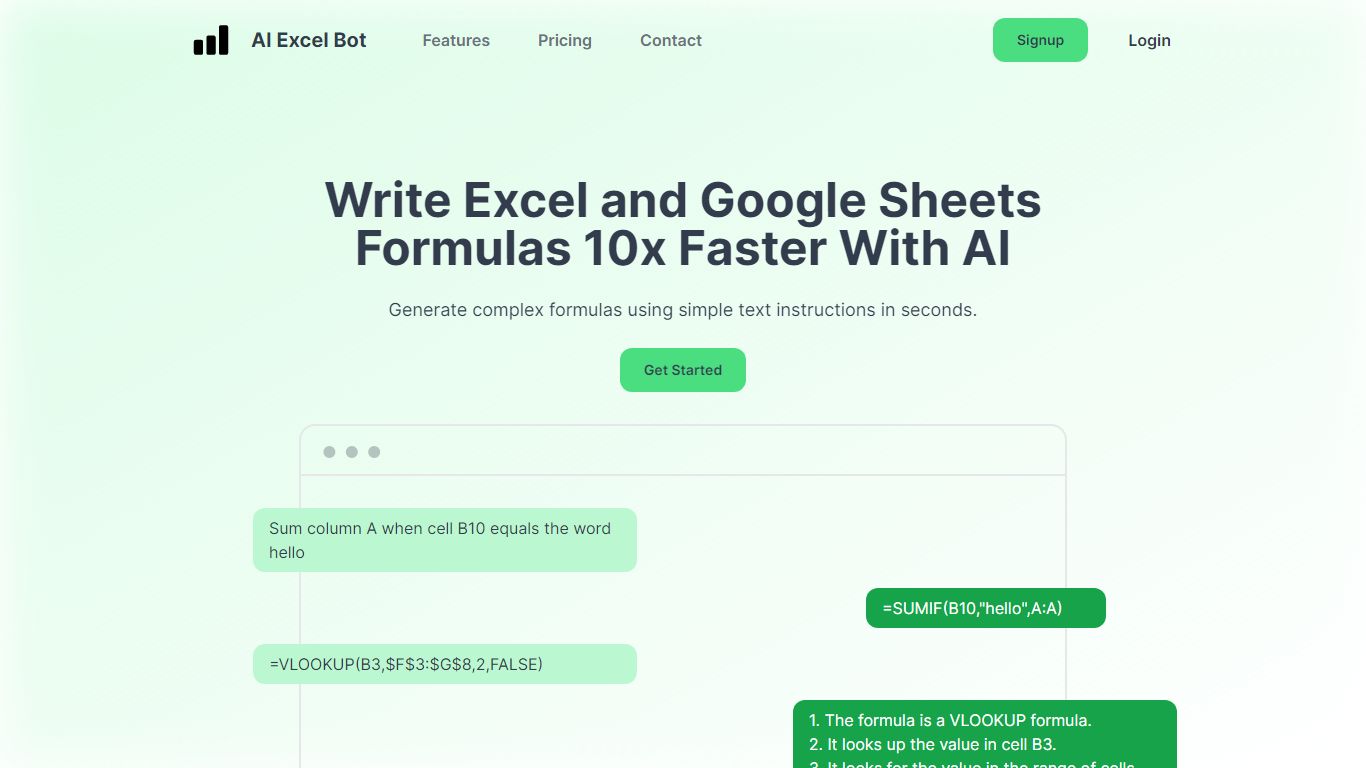
AI Excel Bot turns plain-English instructions into Excel and Google Sheets formulas in seconds. It is built for spreadsheet users who know the outcome they want but do not want to hunt through function syntax to get there.
The product also explains existing formulas in plain language and handles VBA code generation and explanation. According to the site, formula output runs on a GPT-3 model. Query Labs operates the service from India.
You can work from the web app or install the Chrome extension to stay inside Google Sheets. Pro subscribers also get an Excel add-in. The site documents support across array, database, date, financial, lookup, logical, math, statistical, text, and other formula families.
GpTea Upvotes
AI Excel Bot Upvotes
GpTea Top Features
19 niches including: writing, design, marketing, SEO, social media, etc.
New Prompts added daily by the community
Chat with ChatGPT directly without login to ChatGPT
Join the community, good prompts that come from your own people
AI Excel Bot Top Features
Describe the calculation you need in plain English and get a working Excel or Sheets formula back fast
Paste a complex formula and receive a step-by-step explanation of what each part does
Generate VBA snippets or get plain-language breakdowns of existing macro code
Chrome extension keeps formula help inside Google Sheets without leaving the spreadsheet
Pro adds an Excel add-in plus unlimited formula, VBA, and task generations each month
GpTea Category
- Productivity
AI Excel Bot Category
- Excel
GpTea Pricing Type
- Free
AI Excel Bot Pricing Type
- Freemium