GradeLab vs ChatGPT in Google Sheets
Compare GradeLab vs ChatGPT in Google Sheets and see which AI Automation tool is better when we compare features, reviews, pricing, alternatives, upvotes, etc.
Which one is better? GradeLab or ChatGPT in Google Sheets?
When we compare GradeLab with ChatGPT in Google Sheets, which are both AI-powered automation tools, Both tools are equally favored, as indicated by the identical upvote count. You can help us determine the winner by casting your vote and tipping the scales in favor of one of the tools.
Not your cup of tea? Upvote your preferred tool and stir things up!
GradeLab

What is GradeLab?
GradeLab is an assessment platform built for schools, universities, coaching centers, and government exam bodies that need to grade handwritten and digital exams faster without giving up teacher control. Upload scanned answer sheets or run online tests, and the system applies your rubrics to score essays, math, diagrams, and mixed-format papers while flagging anything that needs a human review.
What sets it apart is the focus on real exam workflows: OCR trained on student handwriting across 30+ languages, on-screen marking for distributed examiners, question generation from PDFs, LaTeX exam paper formatting, and REST APIs for LMS and EdTech integrations. Institutions can deploy on-premise so exam data stays inside their network.
GradeLab targets K-12 schools, higher-ed departments, test-prep centers, corporate training teams, and public-sector assessment programs that process large paper volumes and want consistent grading with analytics parents and administrators can actually read.
ChatGPT in Google Sheets
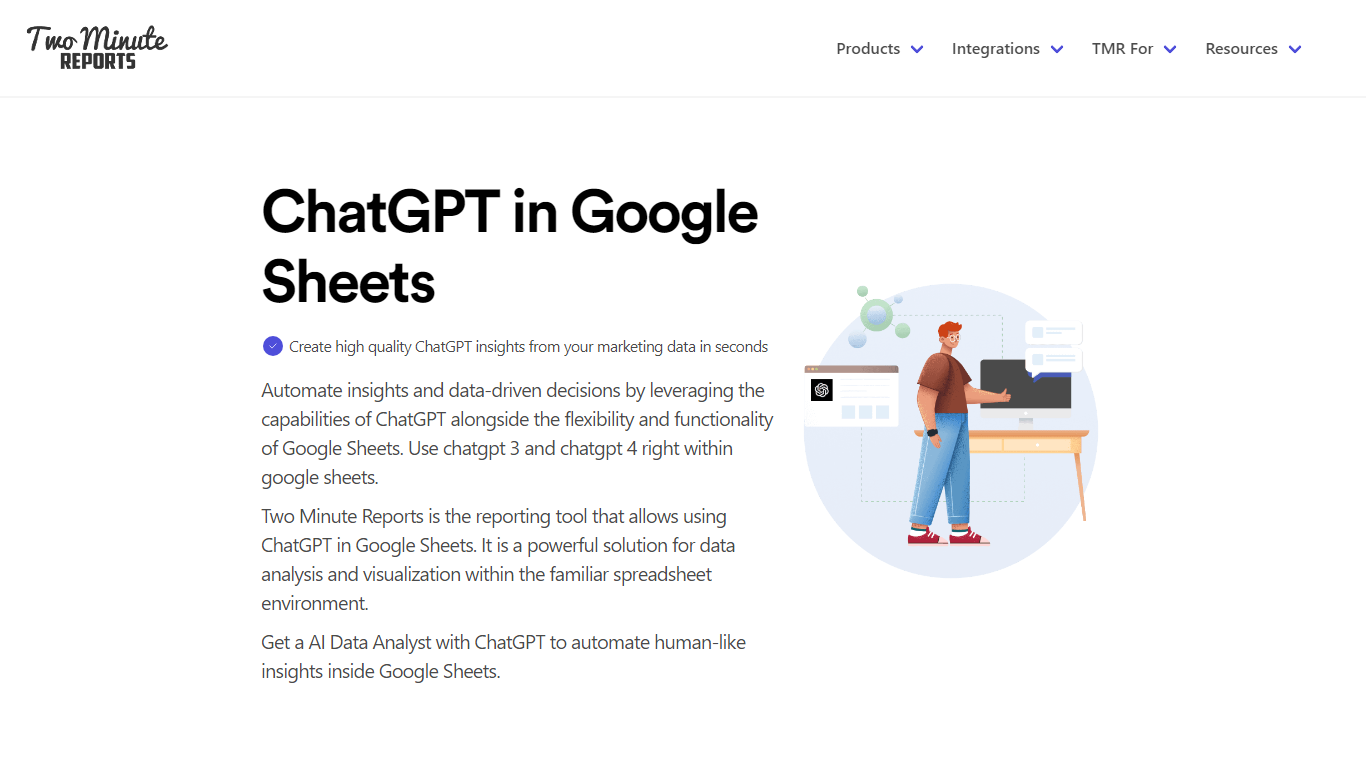
What is ChatGPT in Google Sheets?
ChatGPT in Google Sheets is a marketing automation add-on from Two Minute Reports that lets you ask questions about campaign data inside a spreadsheet. You paste your OpenAI API key into the sidebar, connect ad platforms like Google Ads or Meta, and query performance with plain-language prompts instead of formulas.
Most spreadsheet automation tools move rows between apps. This one stays inside Google Sheets and pairs live connector data with ChatGPT analysis, so you can flag pacing issues, draft client summaries, and schedule refreshes from the same workbook. The trade-off is scope: it is built for marketing reporting, not general workflow automation across arbitrary SaaS tools.
Marketing agencies, PPC managers, and in-house teams use it to turn connector-fed sheets into scheduled client reports. Setup takes about two minutes, exports go out as PDF or Excel, and the Lite plan covers three ad accounts per connector for smaller accounts.
GradeLab Upvotes
ChatGPT in Google Sheets Upvotes
GradeLab Top Features
Grade 200 handwritten exams in under 30 minutes with 99%+ OCR accuracy
Handles essays, math, diagrams, and MCQs across 30+ languages including Arabic and Chinese
Teachers override any AI score with one click and add comments before release
Generate MCQs, short answers, and essay prompts from uploaded PDFs or text
Build LaTeX-formatted exam papers with complex math notation and export to PDF
REST API grades up to 500 submissions per batch with webhooks and sandbox keys
On-premise deployment keeps exam data inside your institution with zero cloud dependency
ChatGPT in Google Sheets Top Features
Paste an OpenAI API key in the sidebar to query spreadsheet data with natural-language prompts
Pull metrics from 30+ connectors including Google Ads, Meta, Shopify, and GA4
Speedboost loads large reports in under 5 seconds with intelligent caching
Schedule daily, weekly, or monthly refreshes; Pro adds hourly runs
100+ Google Sheets and Looker Studio templates for PPC, SEO, and social reporting
Export insights as PDF or Excel for client delivery without extra formatting
GradeLab Category
- Automation
ChatGPT in Google Sheets Category
- Automation
GradeLab Pricing Type
- Paid
ChatGPT in Google Sheets Pricing Type
- Freemium