Gradio vs AskUI
When comparing Gradio vs AskUI, which AI Developer tool shines brighter? We look at pricing, alternatives, upvotes, features, reviews, and more.
In a comparison between Gradio and AskUI, which one comes out on top?
When we put Gradio and AskUI side by side, both being AI-powered developer tools, Interestingly, both tools have managed to secure the same number of upvotes. Join the aitools.fyi users in deciding the winner by casting your vote.
Feeling rebellious? Cast your vote and shake things up!
Gradio
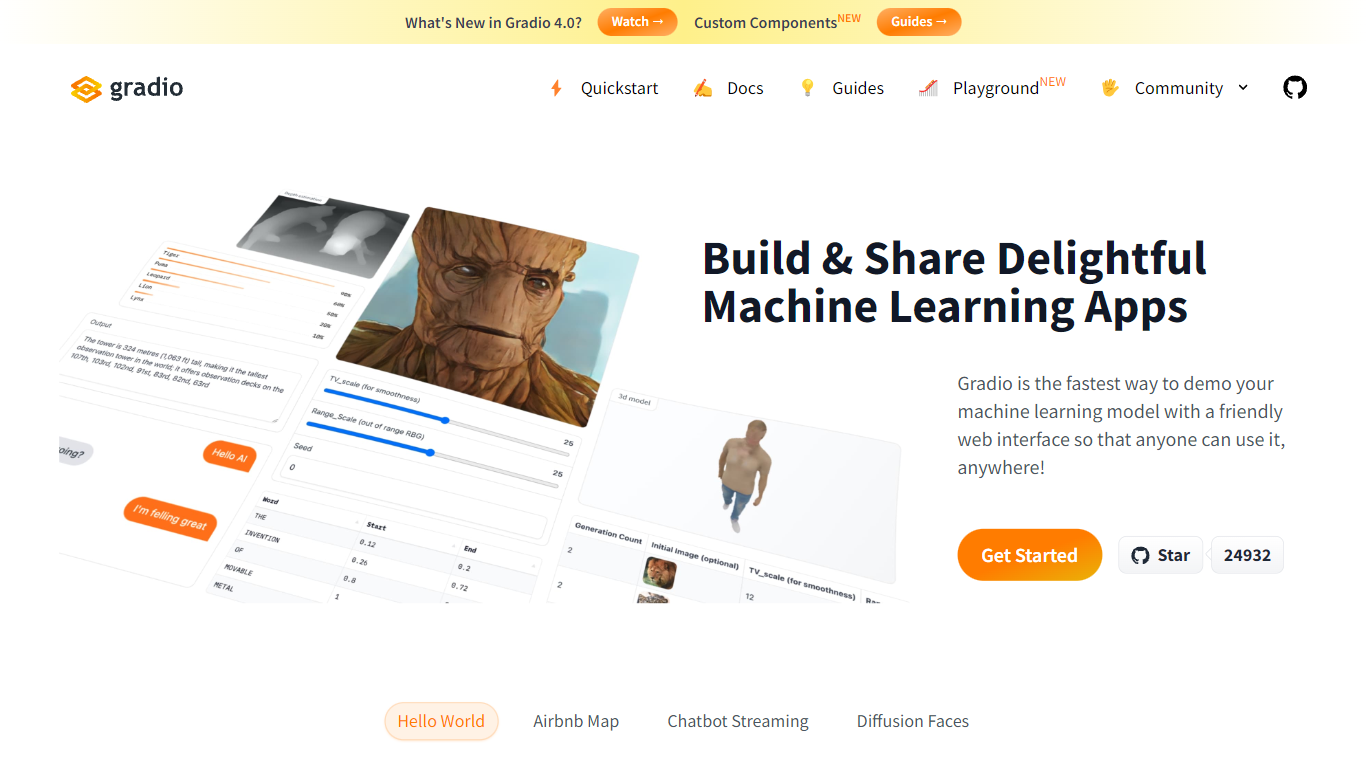

What is Gradio?
Gradio lets you wrap any Python function or ML model in a web demo with a few lines of code. This open-source Python library ships 40-plus UI components for images, audio, video, chat, dataframes, and JSON, then serves the interface locally or deploys it permanently to Hugging Face Spaces. Run pip install gradio, define your function, and call demo.launch() to get a browser UI at localhost:7860.
Streamlit and Dash also build Python web apps, but Gradio is built specifically for model demos: gr.Interface wraps a single prediction function, gr.ChatInterface handles chatbots, and gr.Blocks supports multi-step layouts like the Automatic1111 Stable Diffusion UI. The share=True flag creates a temporary public URL in seconds, which is hard to replicate without setting up your own hosting.
ML engineers, researchers, and hobbyists use Gradio to prototype interfaces before production. It requires Python 3.10 or higher, needs no JavaScript or CSS knowledge, and is free and open source with optional free hosting on Hugging Face Spaces.
AskUI
What is AskUI?
AskUI lets delivery teams automate real devices in plain English. You write a task as a Markdown file in Git, an AI agent runs it on desktop, web, mobile, or hardware displays, and returns a verdict plus a screenshot for every step.
Traditional test automation depends on DOM selectors and brittle scripts that break when UIs change. AskUI tests what is rendered on screen, including canvas apps, Citrix sessions, and QNX HMIs controlled through HDMI capture with nothing installed on the target. The trade-off is sales-led pricing quoted per concurrent agent after a scoping call, not self-serve monthly plans.
QA teams replace manual regression on legacy SAP portals and vendor RFQ systems. Automotive manufacturers run HMI regression across infotainment fleets. Operations teams generate audit evidence with screenshot-backed run reports from scheduled agent jobs.
Gradio Upvotes
AskUI Upvotes
Gradio Top Features
Build a working demo with
gr.Interface(fn, inputs, outputs)in under 10 lines of Python40-plus built-in components for images, audio, video, 3D, chat, plots, and dataframes
Free permanent hosting on Hugging Face Spaces with auto-scaling and a shareable URL
demo.launch(share=True)creates a temporary public link like https://xxxxx.gradio.live in secondsGradio 6 adds MCP support, vibe mode for natural-language app editing, and hot reload via
gradio app.py43,000-plus GitHub stars with clients for querying any Gradio app from Python or JavaScript
AskUI Top Features
Tasks are Markdown files in Git with no selectors or traditional test scripts
Agent runs on Windows, macOS, Linux, web, Android, and iOS simulators from one desktop app
Hardware HMI testing via HDMI capture and USB control with zero software on the target device
Each run returns a verdict and screenshot for every step as audit evidence
CLI runs the same agent engine headless in CI pipelines
Bring your own model with no inference fee on Enterprise deployments
ISO 27001 certified with on-premise and air-gapped deployment options
Gradio Category
- Developer
AskUI Category
- Developer
Gradio Pricing Type
- Free
AskUI Pricing Type
- Paid