Granola vs Superpowered
In the battle of Granola vs Superpowered, which AI Meeting Assistant tool comes out on top? We compare reviews, pricing, alternatives, upvotes, features, and more.
Which one is better? Granola or Superpowered?
Upon comparing Granola with Superpowered, which are both AI-powered meeting assistant tools, Both tools have received the same number of upvotes from aitools.fyi users. Since other aitools.fyi users could decide the winner, the ball is in your court now to cast your vote and help us determine the winner.
You don't agree with the result? Cast your vote to help us decide!
Granola


What is Granola?
Granola is an AI notepad built for people who live in back-to-back meetings. You jot quick notes during a call, and Granola transcribes the conversation from your computer audio without sending a bot into the room. When the meeting ends, it turns your rough bullets into structured notes, action items, and follow-ups you can search later.
Otter and Fireflies join your call as a visible bot participant. Granola takes a notepad-first approach instead: you stay in the call while it listens through your computer audio, then fills in the gaps around what you captured. That keeps notes personal to you while still pulling in what everyone said.
Before external meetings, Granola syncs with your calendar and builds a Brief with attendees, prior context, and what to watch for. Afterward, Granola Chat lets you query a single call, a folder of sales notes, or your full meeting history to draft emails, specs, and summaries grounded in what was actually said.
Granola runs on macOS, Windows, and iPhone, works with Zoom, Google Meet, Microsoft Teams, and other meeting apps, and connects to tools like Claude, ChatGPT, Notion, Slack, and Cursor through MCP and API access on paid plans.
Superpowered
What is Superpowered?
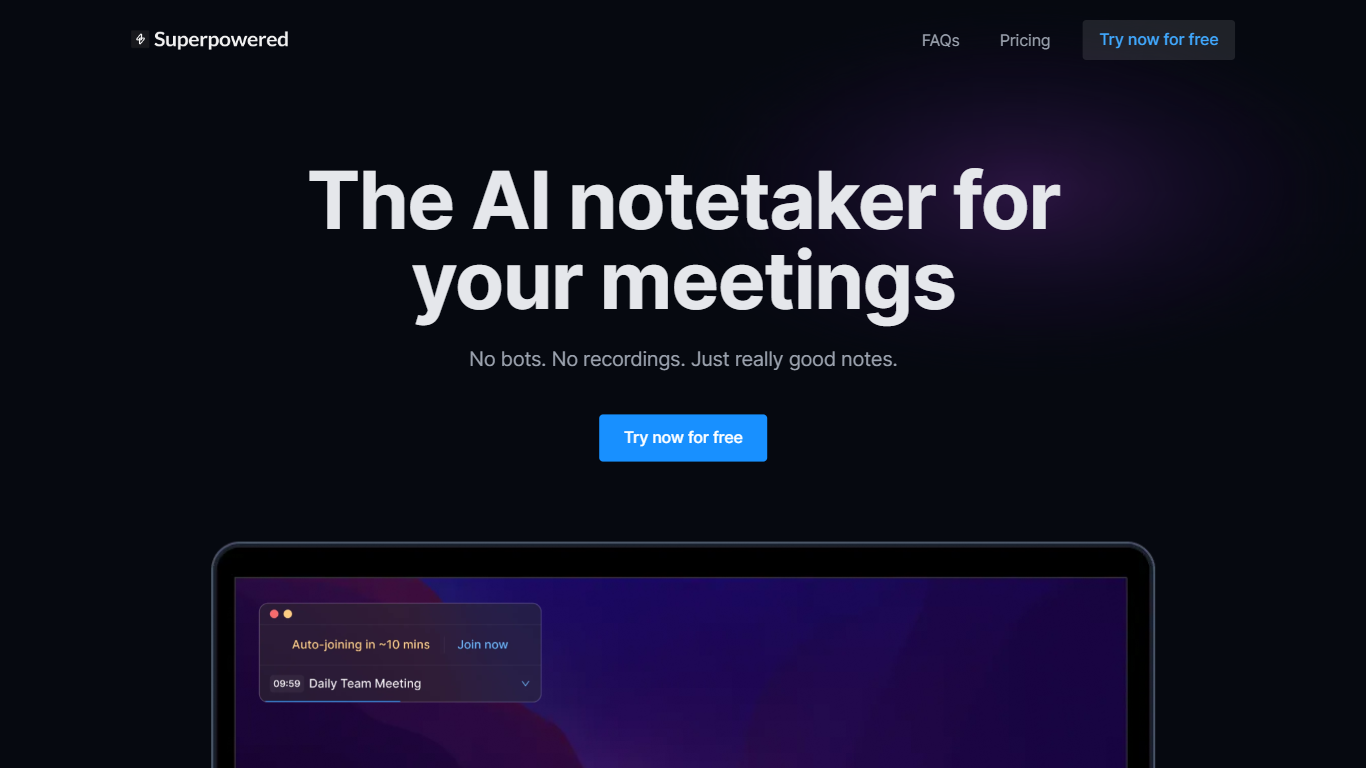
Superpowered captures meeting notes by transcribing audio from your Mac or Windows device without sending a bot into the call. It listens locally, generates structured AI notes from the live transcript, and syncs calendar reminders so you can join Zoom, Google Meet, or other platforms with one click.
Compared with bot-based notetakers that join as visible participants, Superpowered keeps calls bot-free and deletes live audio immediately after transcription. Transcripts stay available for seven days to finish note generation, then drop. That workflow targets teams who want summaries without storing full meeting recordings.
Sales reps, managers, and recruiters use template-driven notes for 1:1s, interviews, and customer calls. Integrations push outputs to Slack, Notion, Google Drive, Salesforce, HubSpot, or Zapier on paid tiers. The Free plan includes 10 AI notes per month; Basic and Pro unlock unlimited notes and deeper integrations.
Granola Upvotes
Superpowered Upvotes
Granola Top Features
No bot in your call — it listens through your computer audio
Calendar Briefs before external meetings with prior context
Granola Chat queries a call, folder, or your full note history
MCP connector feeds meeting notes into Claude, Cursor, and ChatGPT
Works on macOS, Windows, and iPhone with Zoom, Meet, and Teams
Notes stay private until you choose who to share them with
Superpowered Top Features
Transcribes device audio live with no meeting bot joining the video call
AI Templates format notes for 1:1s, sales calls, interviews, and custom workflows
Free plan includes 10 AI Notes per month with one calendar connection
Basic plan at $25 per month adds unlimited AI Notes and Notion plus Google Drive exports
Pro plan at $50 per month adds Salesforce, HubSpot, and Zapier integrations
Supports more than 50 transcription languages from English to Japanese and Welsh
Granola Category
- Meeting Assistant
Superpowered Category
- Meeting Assistant
Granola Pricing Type
- Freemium
Superpowered Pricing Type
- Freemium