
Last updated 08-14-2026
Category:
Reviews:
Join thousands of AI enthusiasts in the World of AI!
Superpowered
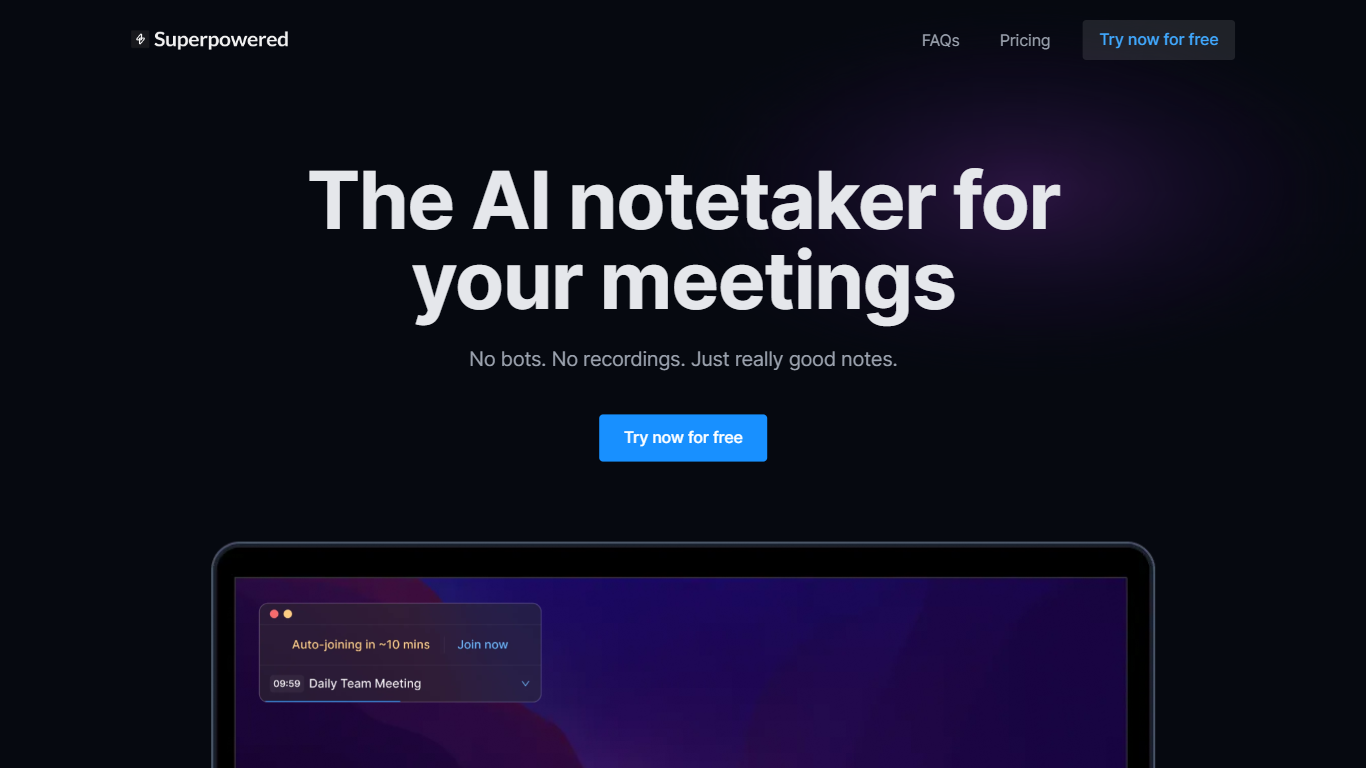
Superpowered captures meeting notes by transcribing audio from your Mac or Windows device without sending a bot into the call. It listens locally, generates structured AI notes from the live transcript, and syncs calendar reminders so you can join Zoom, Google Meet, or other platforms with one click.
Compared with bot-based notetakers that join as visible participants, Superpowered keeps calls bot-free and deletes live audio immediately after transcription. Transcripts stay available for seven days to finish note generation, then drop. That workflow targets teams who want summaries without storing full meeting recordings.
Sales reps, managers, and recruiters use template-driven notes for 1:1s, interviews, and customer calls. Integrations push outputs to Slack, Notion, Google Drive, Salesforce, HubSpot, or Zapier on paid tiers. The Free plan includes 10 AI notes per month; Basic and Pro unlock unlimited notes and deeper integrations.
Transcribes device audio live with no meeting bot joining the video call
AI Templates format notes for 1:1s, sales calls, interviews, and custom workflows
Free plan includes 10 AI Notes per month with one calendar connection
Basic plan at $25 per month adds unlimited AI Notes and Notion plus Google Drive exports
Pro plan at $50 per month adds Salesforce, HubSpot, and Zapier integrations
Supports more than 50 transcription languages from English to Japanese and Welsh
Bot-free design transcribes local device audio instead of joining calls as a visible participant
Template library structures notes for 1:1s, sales calls, and interviews consistently
Free tier lets teams test AI Notes before upgrading to unlimited usage
Desktop app is limited to macOS and Windows with no mobile or Linux support yet
Free plan caps AI Notes at 10 per month and keeps only one month of history
AI Chat memory feature is marked coming soon on the marketing site
How do Superpowered AI Notes work?
Superpowered transcribes audio from your device during a meeting and uses that transcript to generate structured AI notes. Audio is processed live rather than from a stored meeting recording.
Does Superpowered record meetings?
No. Superpowered does not record meetings. Audio is transcribed live and deleted immediately, while transcripts are kept for seven days so you can generate notes before deletion.
What platforms does Superpowered support?
Superpowered runs on macOS and Windows desktop apps and works with major meeting platforms without adding a bot participant. Mobile and Linux are not supported yet.
Which calendars work with Superpowered?
Superpowered connects to Google Calendar and Outlook calendars for notifications and auto-join. The FAQ documents a workaround for Apple Calendar users.
Is Superpowered secure?
Superpowered states it is SOC-2 Type II and GDPR compliant. Security and privacy details are published on superpowered.me/security and superpowered.me/privacy.
How much does Superpowered cost?
Superpowered offers a Free plan at $0 with 10 AI Notes per month, a Basic plan at $25 per month, and a Pro plan at $50 per month. Yearly billing advertises savings up to 54 percent.