Graphy vs AutoDraw
In the contest of Graphy vs AutoDraw, which AI Design tool is the champion? We evaluate pricing, alternatives, upvotes, features, reviews, and more.
If you had to choose between Graphy and AutoDraw, which one would you go for?
When we examine Graphy and AutoDraw, both of which are AI-enabled design tools, what unique characteristics do we discover? AutoDraw stands out as the clear frontrunner in terms of upvotes. The upvote count for AutoDraw is 16, and for Graphy it's 6.
Does the result make you go "hmm"? Cast your vote and turn that frown upside down!
Graphy
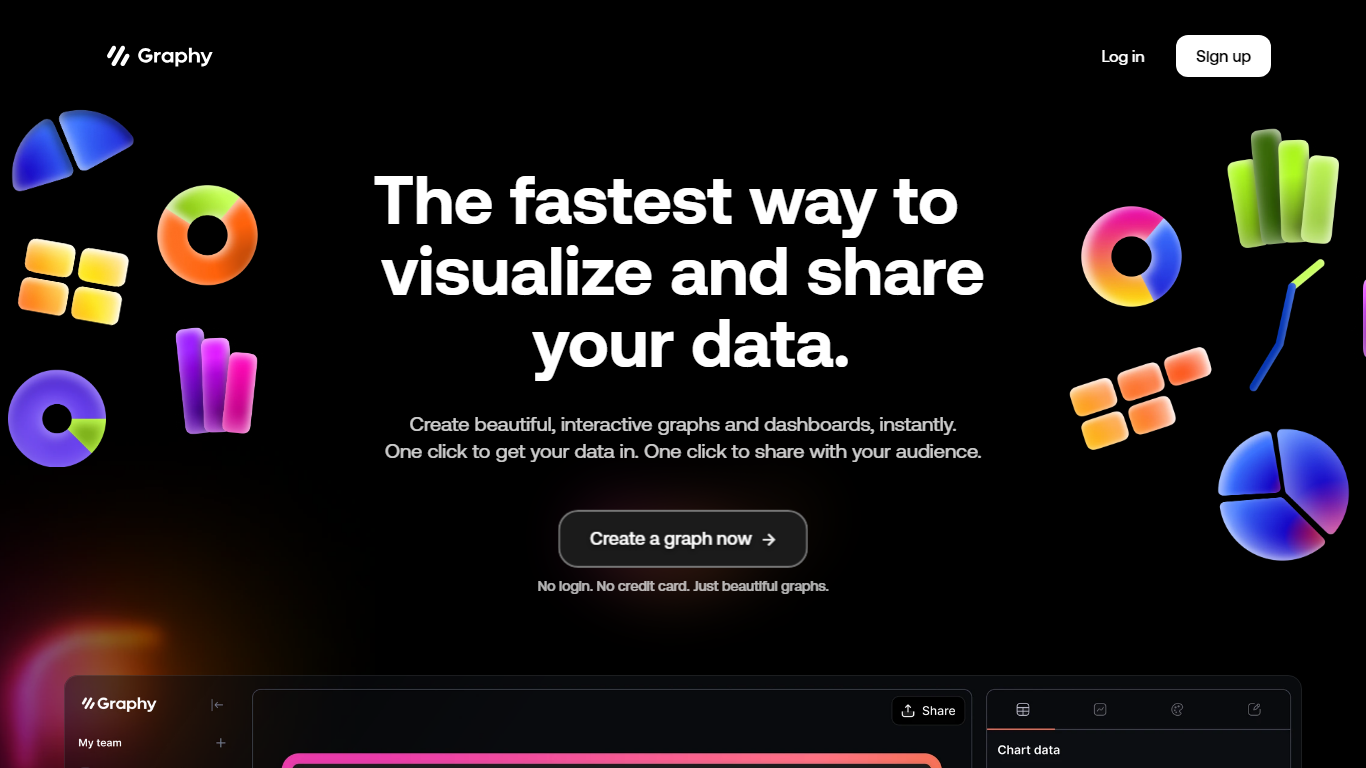

What is Graphy?
Discover the power of simplicity and efficiency with Graphy, the ultimate destination for quick data visualization and sharing. Whether you're working with graphs or dashboards, Graphy offers a seamless experience, enabling you to create stunning, interactive visuals in an instant. One-click integration streamlines your workflow, allowing you to import data easily and share your insights without any hassle. Trusted by over 20,000 users, this platform transforms the daunting task of data analysis into a straightforward and enjoyable process. Ideal for team collaboration, regular updates, ad-hoc questions, external reporting, and boosting audience engagement through compelling visual narratives. With no login or credit card requirements, Graphy stands out as the go-to tool for effortless and effective data storytelling.
AutoDraw
What is AutoDraw?
AutoDraw is a new kind of drawing tool. It pairs machine learning with drawings from talented artists to help everyone create anything visual, fast. There’s nothing to download. Nothing to pay for. And it works anywhere: smartphone, tablet, laptop, desktop, etc.
AutoDraw’s suggestion tool uses the same technology used in QuickDraw, to guess what you’re trying to draw. Right now, it can guess hundreds of drawings and we look forward to adding more over time. If you are interested in creating drawings for others to use with AutoDraw, contact us here.
We hope AutoDraw will help make drawing and creating a little more accessible and fun for everyone.
Built by Dan Motzenbecker and Kyle Phillips with friends at Google Creative Lab.
Graphy Upvotes
AutoDraw Upvotes
Graphy Top Features
Instant Visualization: Create beautiful interactive graphs and dashboards instantly.
One-Click Data Integration: Import your data seamlessly with just one click.
Easy Sharing: Effortlessly share your insights with your audience at the click of a button.
No Login or Credit Card Required: Start creating beautiful graphs without any signup barriers.
Trusted by Thousands: Join a wide base of 20000+ users who trust Graphy for their data-driven needs.
AutoDraw Top Features
No top features listedGraphy Category
- Design
AutoDraw Category
- Design
Graphy Pricing Type
- Freemium
AutoDraw Pricing Type
- Free