Graphy vs SketchGPT
In the contest of Graphy vs SketchGPT, which AI Design tool is the champion? We evaluate pricing, alternatives, upvotes, features, reviews, and more.
If you had to choose between Graphy and SketchGPT, which one would you go for?
When we examine Graphy and SketchGPT, both of which are AI-enabled design tools, what unique characteristics do we discover? Interestingly, both tools have managed to secure the same number of upvotes. You can help us determine the winner by casting your vote and tipping the scales in favor of one of the tools.
Don't agree with the result? Cast your vote and be a part of the decision-making process!
Graphy
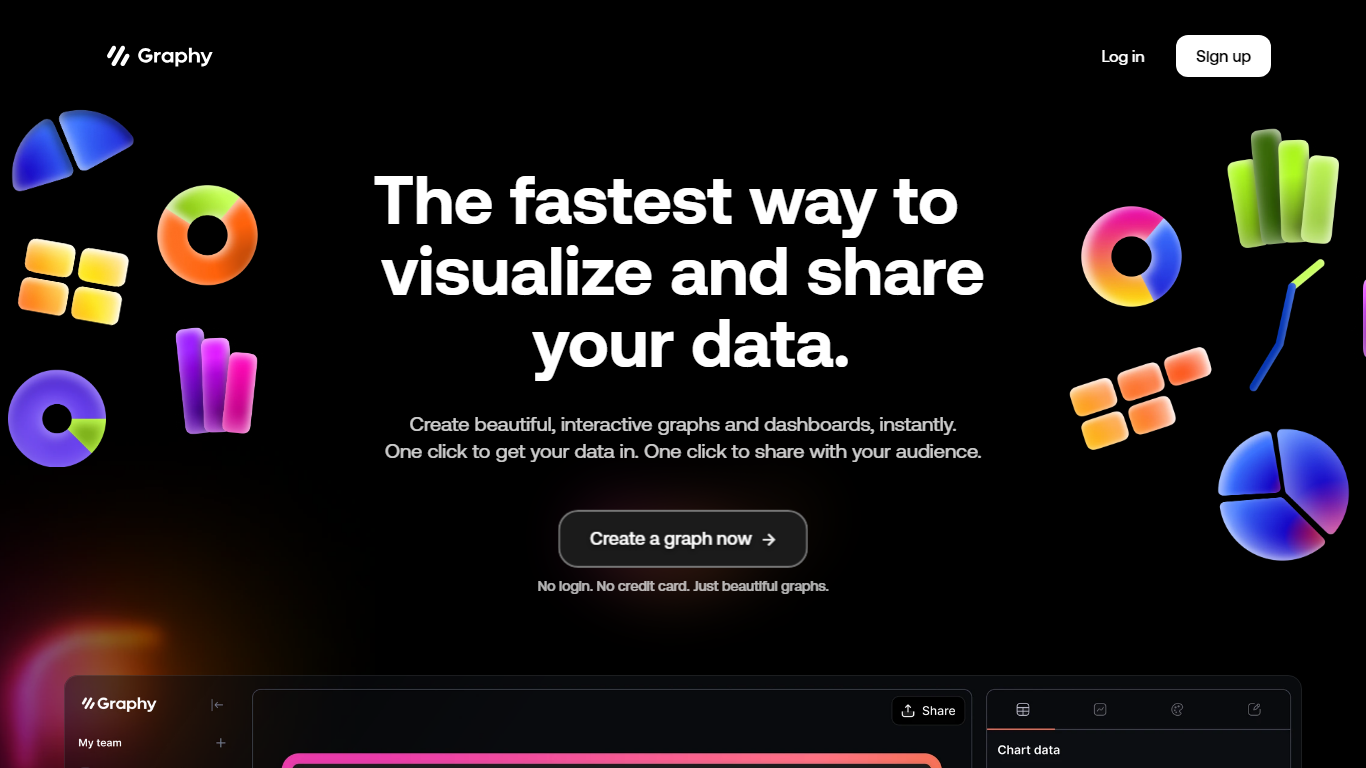

What is Graphy?
Discover the power of simplicity and efficiency with Graphy, the ultimate destination for quick data visualization and sharing. Whether you're working with graphs or dashboards, Graphy offers a seamless experience, enabling you to create stunning, interactive visuals in an instant. One-click integration streamlines your workflow, allowing you to import data easily and share your insights without any hassle. Trusted by over 20,000 users, this platform transforms the daunting task of data analysis into a straightforward and enjoyable process. Ideal for team collaboration, regular updates, ad-hoc questions, external reporting, and boosting audience engagement through compelling visual narratives. With no login or credit card requirements, Graphy stands out as the go-to tool for effortless and effective data storytelling.
SketchGPT
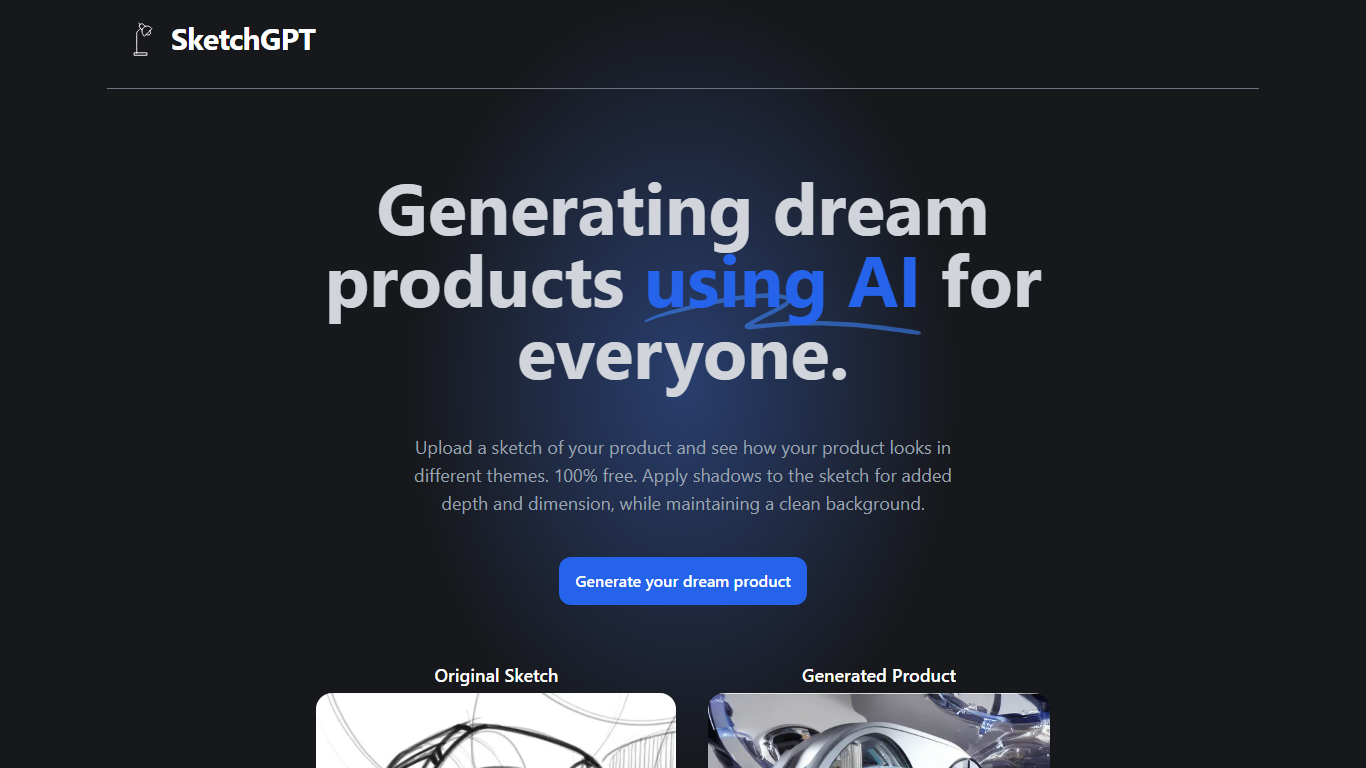
What is SketchGPT?
Transform your abstract ideas into tangible designs with SketchGPT—the AI-driven platform that grants power to your creativity. Whether you're an inventor, a designer, or anyone with a dream product in mind, SketchGPT helps you visualize your original sketches in various themes at no cost. The process is simple: upload your sketch, and let the AI work its magic, providing you with a generated product image that captures different thematic interpretations. The added shadow effect imbues your designs with depth and dimension while retaining a pristine background. This tool is not just a utility; it's a creative companion made with love by Sean Liu, ready to bridge the gap between your imagination and reality.
Graphy Upvotes
SketchGPT Upvotes
Graphy Top Features
Instant Visualization: Create beautiful interactive graphs and dashboards instantly.
One-Click Data Integration: Import your data seamlessly with just one click.
Easy Sharing: Effortlessly share your insights with your audience at the click of a button.
No Login or Credit Card Required: Start creating beautiful graphs without any signup barriers.
Trusted by Thousands: Join a wide base of 20000+ users who trust Graphy for their data-driven needs.
SketchGPT Top Features
Free to Use: Explore and visualize your product ideas without any charges.
Visual Enhancement: Apply shadows for added depth and realism in your sketches.
Theme Variations: See your sketch in different themes to explore various design avenues.
Clean Backgrounds: Maintain a pristine background while focusing on product aesthetics.
Creator’s Touch: Made with dedication and love by developer Sean Liu.
Graphy Category
- Design
SketchGPT Category
- Design
Graphy Pricing Type
- Freemium
SketchGPT Pricing Type
- Freemium