Graphy vs Slidesgo
Dive into the comparison of Graphy vs Slidesgo and discover which AI Design tool stands out. We examine alternatives, upvotes, features, reviews, pricing, and beyond.
When comparing Graphy and Slidesgo, which one rises above the other?
When we compare Graphy and Slidesgo, two exceptional design tools powered by artificial intelligence, and place them side by side, several key similarities and differences come to light. The upvote count reveals a draw, with both tools earning the same number of upvotes. Your vote matters! Help us decide the winner among aitools.fyi users by casting your vote.
Don't agree with the result? Cast your vote and be a part of the decision-making process!
Graphy
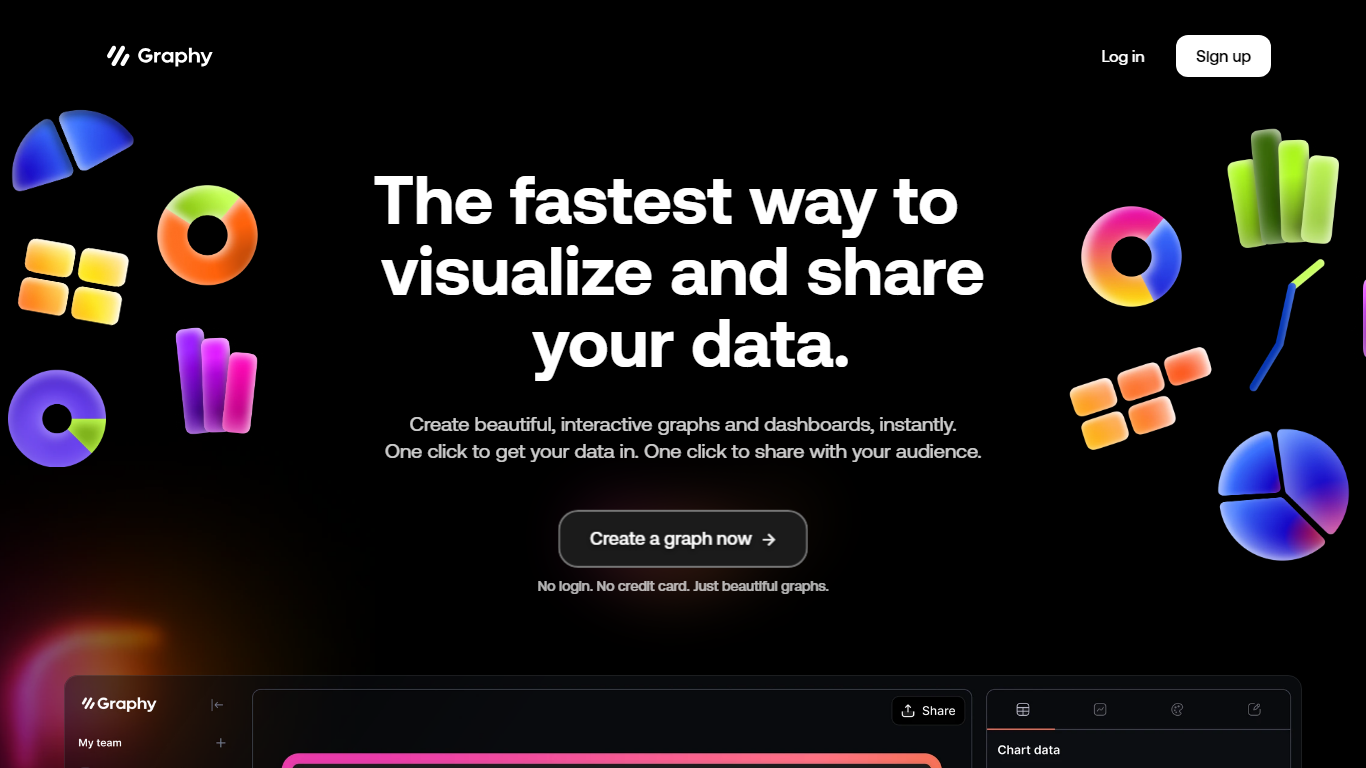

What is Graphy?
Discover the power of simplicity and efficiency with Graphy, the ultimate destination for quick data visualization and sharing. Whether you're working with graphs or dashboards, Graphy offers a seamless experience, enabling you to create stunning, interactive visuals in an instant. One-click integration streamlines your workflow, allowing you to import data easily and share your insights without any hassle. Trusted by over 20,000 users, this platform transforms the daunting task of data analysis into a straightforward and enjoyable process. Ideal for team collaboration, regular updates, ad-hoc questions, external reporting, and boosting audience engagement through compelling visual narratives. With no login or credit card requirements, Graphy stands out as the go-to tool for effortless and effective data storytelling.
Slidesgo
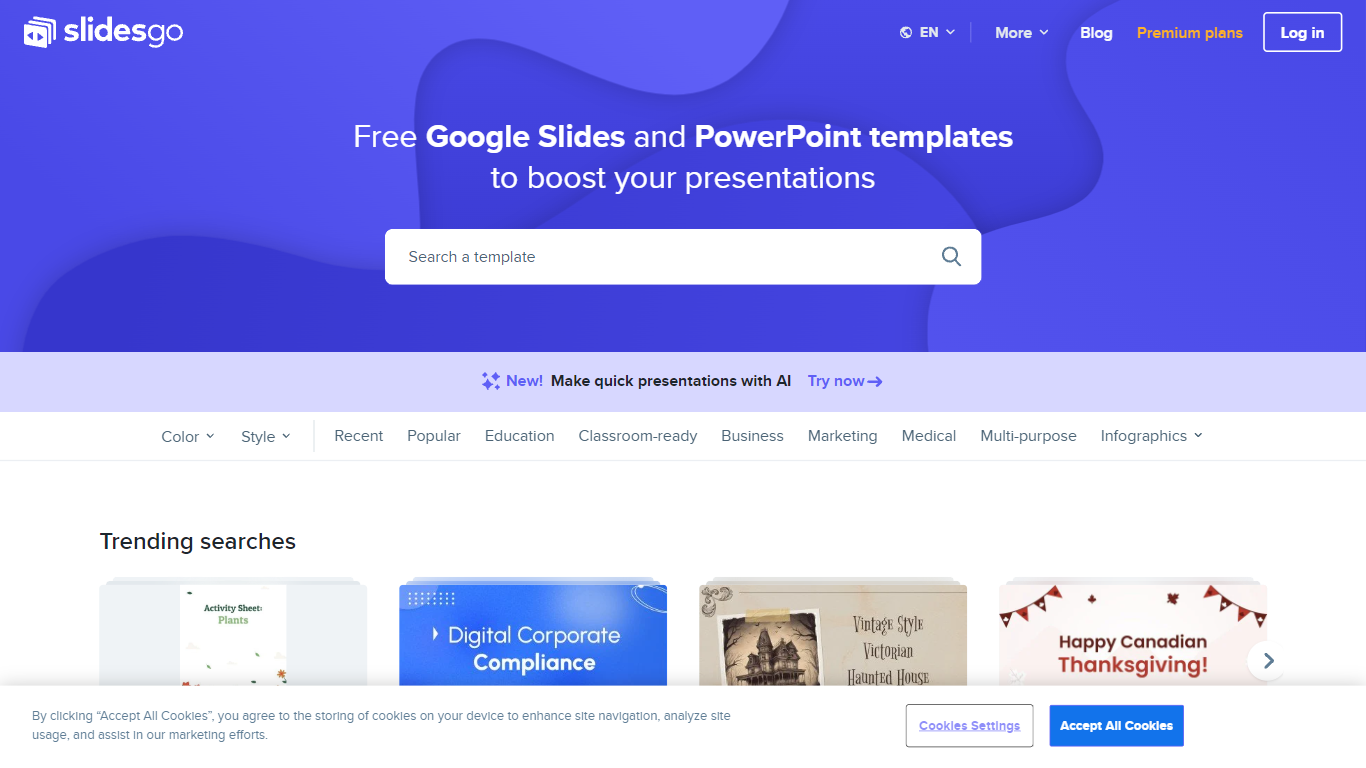
What is Slidesgo?
Free Google Slides themes and Powerpoint templates offers a wide range of professionally designed presentation templates that can be used for both Google Slides and Powerpoint. With a variety of colors and styles to choose from, including yellow, blue, white, gray, cream, gold, orange, brown, silver, black, pink, purple, green, and red, you can find the perfect template to suit your needs. Whether you need a template for education, business, marketing, medical, or any other purpose, this website has you covered. Additionally, there are various infographic templates available for creating visually appealing and informative presentations. The website also provides access to free vectors, photos, customizable icons, online template editing, editable illustrations, and free videos and motion graphics.
Graphy Upvotes
Slidesgo Upvotes
Graphy Top Features
Instant Visualization: Create beautiful interactive graphs and dashboards instantly.
One-Click Data Integration: Import your data seamlessly with just one click.
Easy Sharing: Effortlessly share your insights with your audience at the click of a button.
No Login or Credit Card Required: Start creating beautiful graphs without any signup barriers.
Trusted by Thousands: Join a wide base of 20000+ users who trust Graphy for their data-driven needs.
Slidesgo Top Features
Wide variety of templates: There is a diverse selection of templates available catering to different needs and preferences.
Professional design: The templates are professionally designed to ensure a polished and visually appealing presentation.
Compatibility: The templates can be used for both Google Slides and Powerpoint providing flexibility and convenience.
Infographic templates: The website offers a collection of infographic templates for creating visually engaging presentations.
Additional resources: In addition to templates the website provides access to free vectors photos customizable icons online template editing editable illustrations and free videos and motion graphics.
Graphy Category
- Design
Slidesgo Category
- Design
Graphy Pricing Type
- Freemium
Slidesgo Pricing Type
- Freemium