Guidemaker vs ChatBA
Dive into the comparison of Guidemaker vs ChatBA and discover which AI Productivity tool stands out. We examine alternatives, upvotes, features, reviews, pricing, and beyond.
When comparing Guidemaker and ChatBA, which one rises above the other?
When we compare Guidemaker and ChatBA, two exceptional productivity tools powered by artificial intelligence, and place them side by side, several key similarities and differences come to light. The upvote count is neck and neck for both Guidemaker and ChatBA. Your vote matters! Help us decide the winner among aitools.fyi users by casting your vote.
Disagree with the result? Upvote your favorite tool and help it win!
Guidemaker

What is Guidemaker?
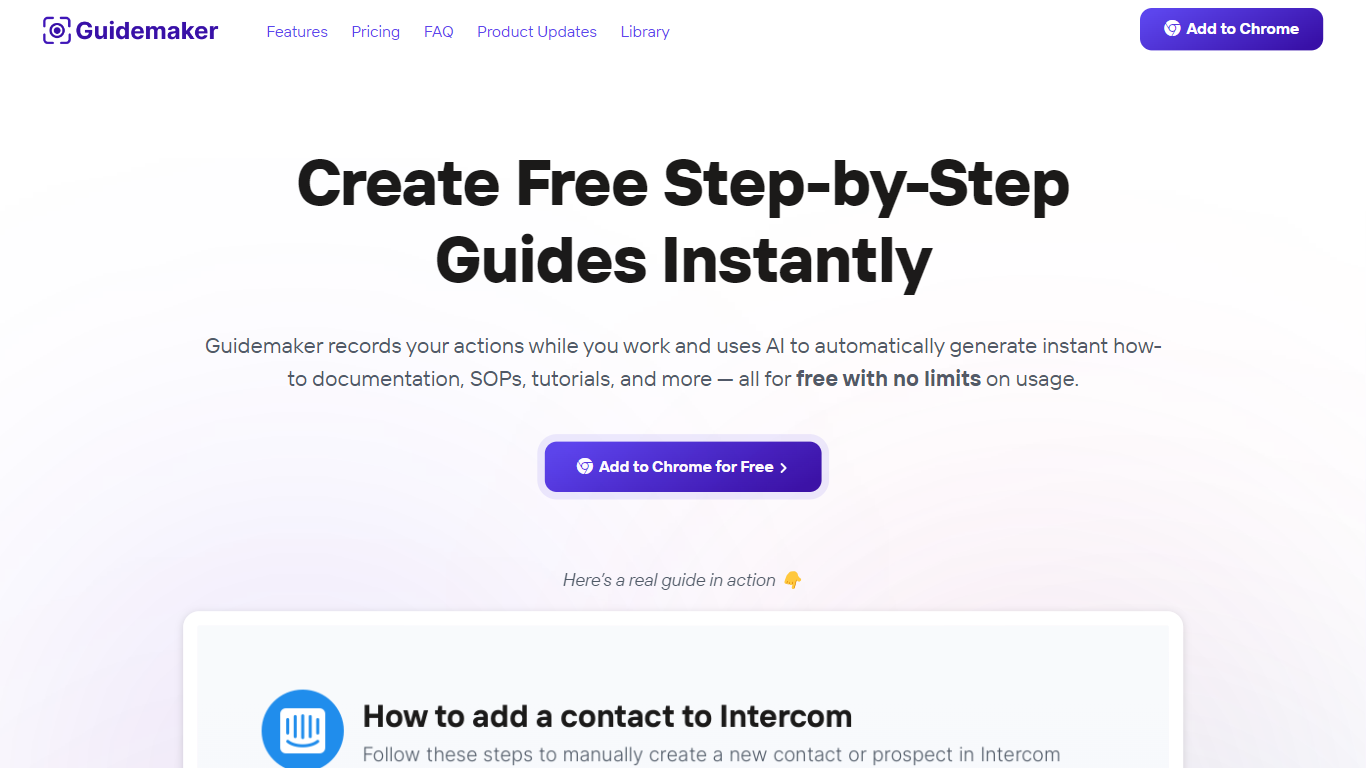
Guidemaker is a productivity Chrome extension that records your clicks while you work and turns the session into step-by-step how-to guides, SOPs, and tutorials. Its AI drafts the written steps and screenshots, then outputs web, video, and slide versions from the same capture.
Compared with manual screenshot tools, Guidemaker runs in the background so you do not stop to document each click. The homepage demo claims all three guide formats are generated in 25 seconds, and paid tiers add PDF, HTML, markdown, and video exports plus team workspaces.
Customer success teams, onboarding managers, and internal ops leads who need repeatable process docs are the core users. The free Basic plan caps you at 10 guides, while Plus and Team seats unlock unlimited guides, branding controls, and shared workspaces.
ChatBA
What is ChatBA?
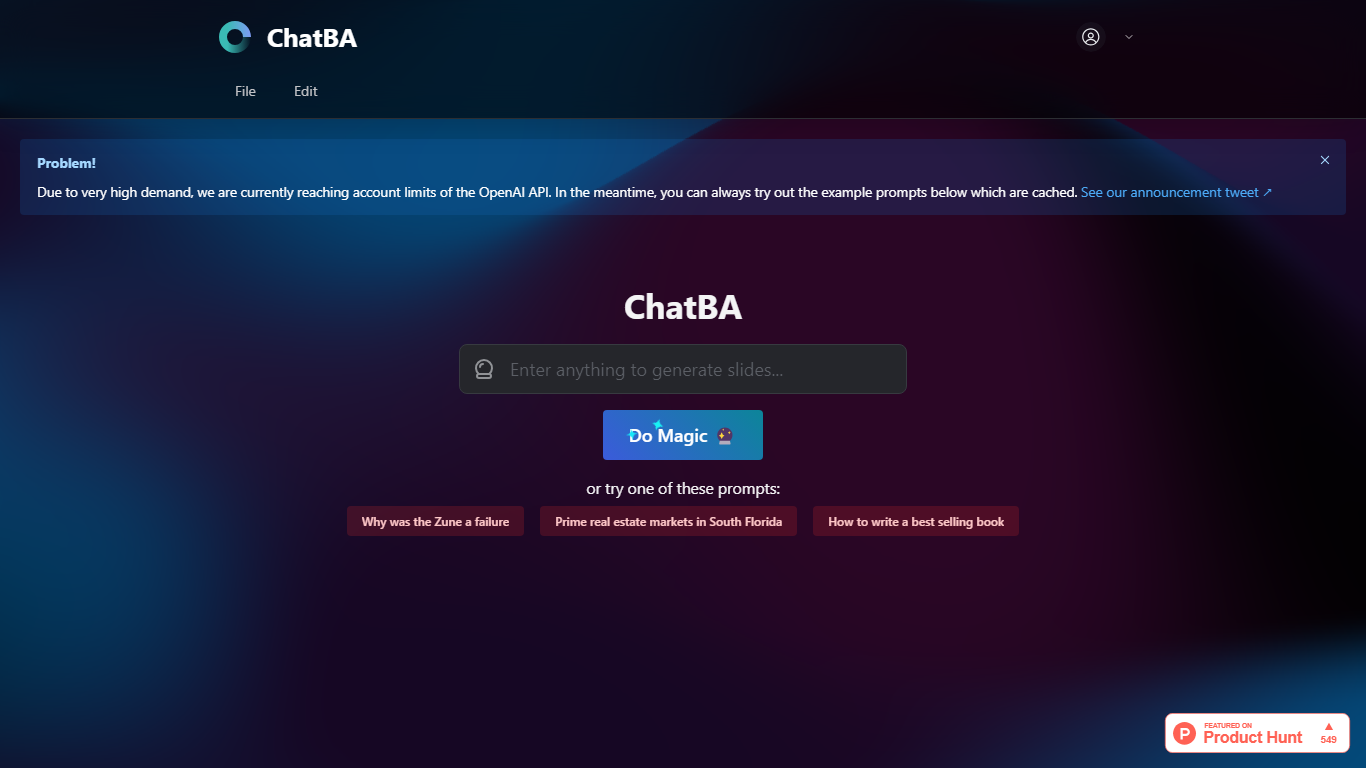
ChatBA turns a short text prompt into a full slide deck with one click. Type a topic or question, hit Do Magic, and you get a presentation instead of a chat reply. It fits anyone who needs slides fast without opening a traditional deck editor first.
Most slide tools start with blank layouts and bullet placeholders. ChatBA skips that setup and generates the full deck from natural language, similar to how ChatBCG markets generative slides on Product Hunt. The trade-off is reliance on OpenAI API capacity, and the site warns when account limits block live runs.
Students, startup founders, and consultants who prototype talks or client decks get the most value. When API limits hit, cached example prompts still load so you can preview the output style before trying your own topic.
Guidemaker Upvotes
ChatBA Upvotes
Guidemaker Top Features
Chrome extension records browser workflows and drafts AI-written step lists
Generates web, video, and slideshow guide formats from one capture
Basic plan is free with a 10-guide limit and link sharing
Plus plan at $10 per seat per month adds PDF, HTML, markdown, and video export
Team plan includes 5 editor seats and 10 viewer seats on annual billing
4.7-star rating listed on the Guidemaker Chrome Web Store page
Embeds into knowledge bases such as Tettra through share links
ChatBA Top Features
Creates slide decks from a single text prompt via the Do Magic button
Example prompts load from cache when live API capacity is limited
Built as generative AI for slides rather than a chat-only interface
Links to ChatBCG, a related generative slide product on Product Hunt
Minimal interface with no account setup visible on the homepage
Guidemaker Category
- Productivity
ChatBA Category
- Productivity
Guidemaker Pricing Type
- Freemium
ChatBA Pricing Type
- Free