Guidemaker vs Missive
Compare Guidemaker vs Missive and see which AI Productivity tool is better when we compare features, reviews, pricing, alternatives, upvotes, etc.
Which one is better? Guidemaker or Missive?
When we compare Guidemaker with Missive, which are both AI-powered productivity tools, Both tools are equally favored, as indicated by the identical upvote count. Join the aitools.fyi users in deciding the winner by casting your vote.
Not your cup of tea? Upvote your preferred tool and stir things up!
Guidemaker

What is Guidemaker?
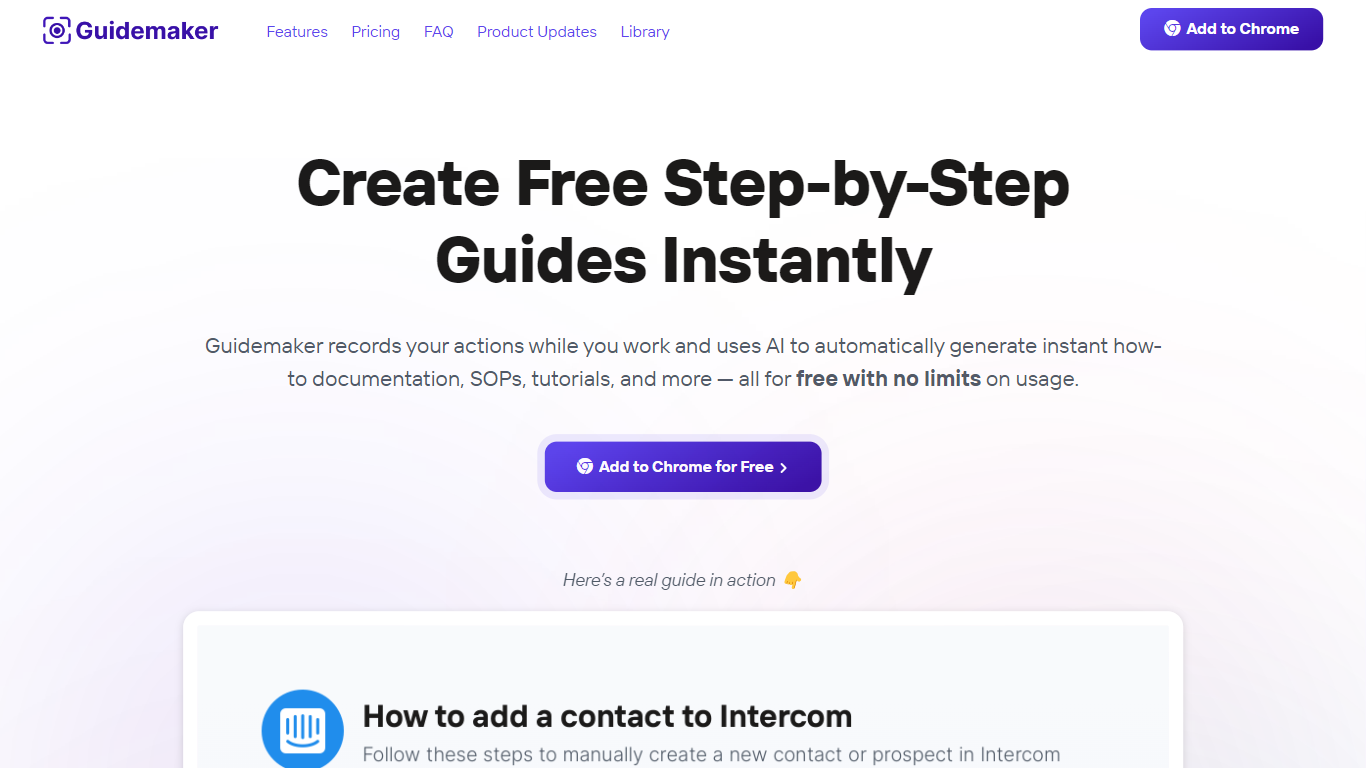
Guidemaker is a productivity Chrome extension that records your clicks while you work and turns the session into step-by-step how-to guides, SOPs, and tutorials. Its AI drafts the written steps and screenshots, then outputs web, video, and slide versions from the same capture.
Compared with manual screenshot tools, Guidemaker runs in the background so you do not stop to document each click. The homepage demo claims all three guide formats are generated in 25 seconds, and paid tiers add PDF, HTML, markdown, and video exports plus team workspaces.
Customer success teams, onboarding managers, and internal ops leads who need repeatable process docs are the core users. The free Basic plan caps you at 10 guides, while Plus and Team seats unlock unlimited guides, branding controls, and shared workspaces.
Missive
What is Missive?
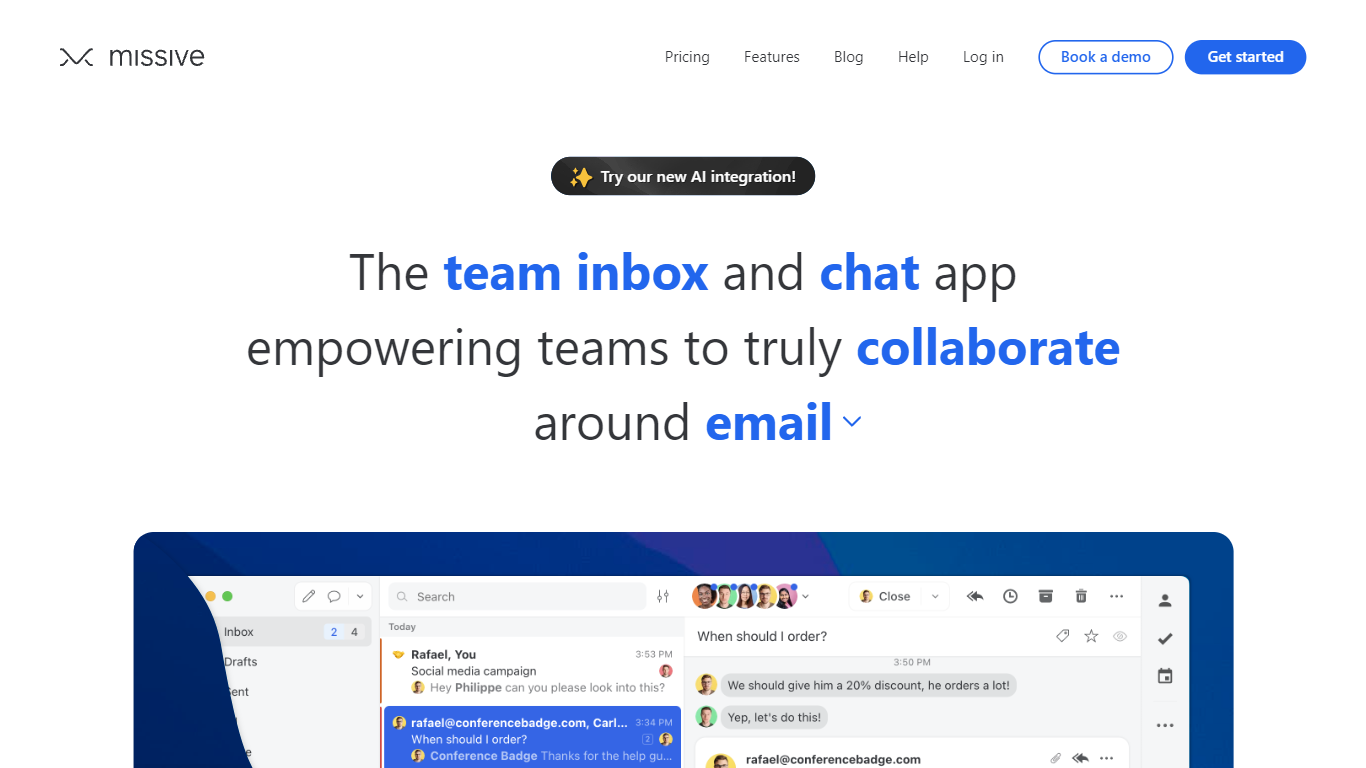
Missive turns shared email, SMS, and social inboxes into a team workspace where coworkers assign threads, comment internally, and track tasks without forwarding chains. The product splits into Collaborate for inbox teamwork, Coordinate for turning messages into work, and Connect for pulling CRM and tool context into conversations.
Where basic shared Gmail folders collapse into reply-all chaos, Missive adds @mentions, conversation assignments, and rules with up to 1,000 automations on higher tiers. Pricing is per seat with a 30-day trial and no credit card, and plans scale from five users on Starter to unlimited seats on Business with SAML SSO and IP restrictions.
Small agencies, law firms, logistics teams, and remote operators use Missive to keep client email visible across the team while personal inboxes stay private. The site cites SOC 2 Type II compliance, integrations with ChatGPT, Pipedrive, and Trello, plus desktop and mobile apps synced through mail.missiveapp.com.
Guidemaker Upvotes
Missive Upvotes
Guidemaker Top Features
Chrome extension records browser workflows and drafts AI-written step lists
Generates web, video, and slideshow guide formats from one capture
Basic plan is free with a 10-guide limit and link sharing
Plus plan at $10 per seat per month adds PDF, HTML, markdown, and video export
Team plan includes 5 editor seats and 10 viewer seats on annual billing
4.7-star rating listed on the Guidemaker Chrome Web Store page
Embeds into knowledge bases such as Tettra through share links
Missive Top Features
Unified email, SMS, and social accounts inside team spaces and inboxes
Starter plan at $14 per user per month billed yearly with up to 5 users
Productive tier adds integrations, rules, basic analytics, and API access for up to 50 users at $24 per user monthly
Business tier at $36 per user monthly includes SAML SSO, IP restrictions, and advanced analytics
30-day free trial with no credit card required before upgrade
AI assistant and automations available on paid plans with API key setup
SOC 2 Type II audited security policies listed across all workspace tiers
Guidemaker Category
- Productivity
Missive Category
- Productivity
Guidemaker Pricing Type
- Freemium
Missive Pricing Type
- Paid