FlowSavvy vs Missive
Compare FlowSavvy vs Missive and see which AI Productivity tool is better when we compare features, reviews, pricing, alternatives, upvotes, etc.
Which one is better? FlowSavvy or Missive?
When we compare FlowSavvy with Missive, which are both AI-powered productivity tools, Both tools have received the same number of upvotes from aitools.fyi users. Join the aitools.fyi users in deciding the winner by casting your vote.
Don't agree with the result? Cast your vote and be a part of the decision-making process!
FlowSavvy

What is FlowSavvy ?
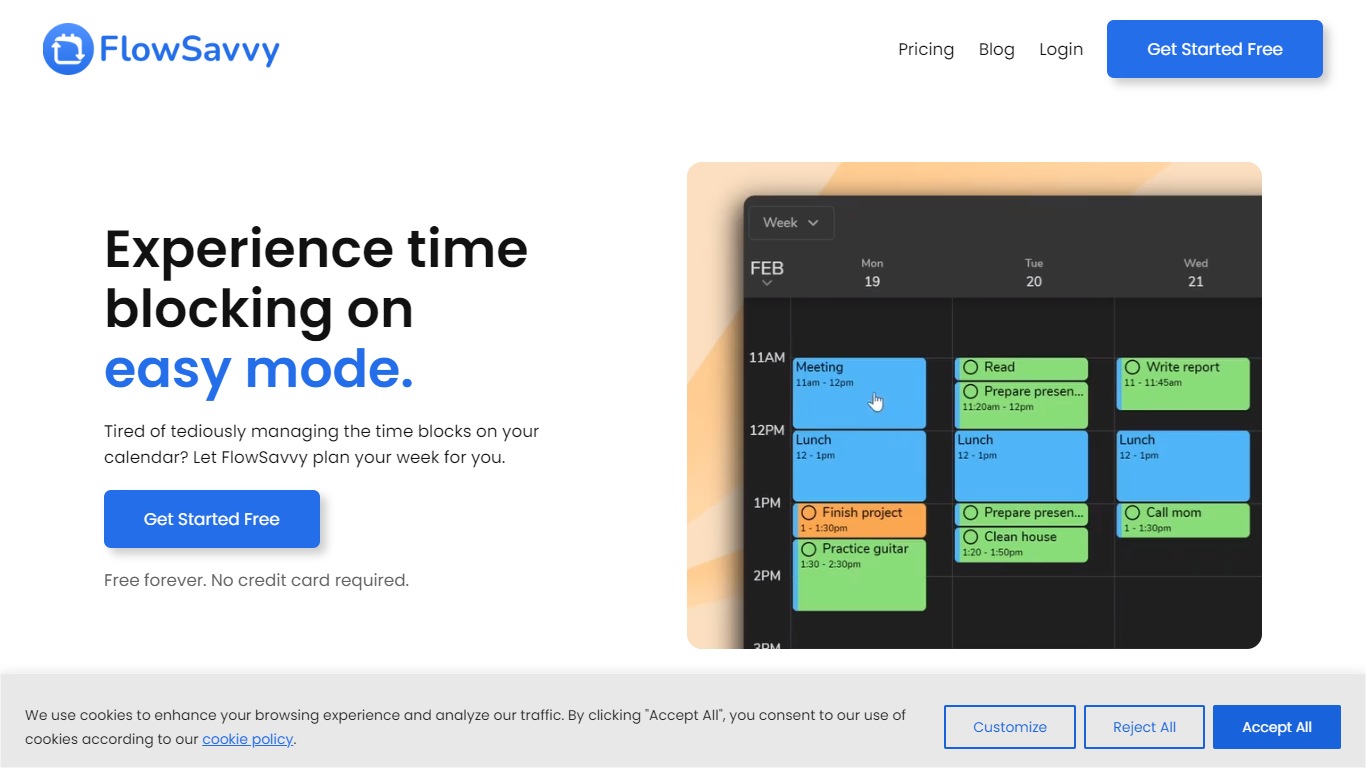
FlowSavvy offers a fresh take on time management by automating time blocking and task scheduling to reduce stress and manual effort. It acts like a digital assistant that creates weekly plans and adjusts them automatically when your schedule changes, so you don’t have to constantly rearrange tasks yourself. The platform supports habit building by letting you set recurring tasks that fit your lifestyle and work hours, helping you maintain a healthy work-life balance. It integrates smoothly with popular calendars like Google, iCloud, and Outlook, keeping all your appointments and tasks in one place. The interface is clean and easy to use, with color-coded tasks that give you a quick view of your workload. FlowSavvy is accessible on all devices and lets you start for free without needing a credit card. This makes it a practical tool for anyone looking to organize their time more effectively without the hassle of manual scheduling. Whether you’re a busy professional, a student, or managing a household, FlowSavvy adapts to your needs and helps you stay on track effortlessly.
Missive
What is Missive?
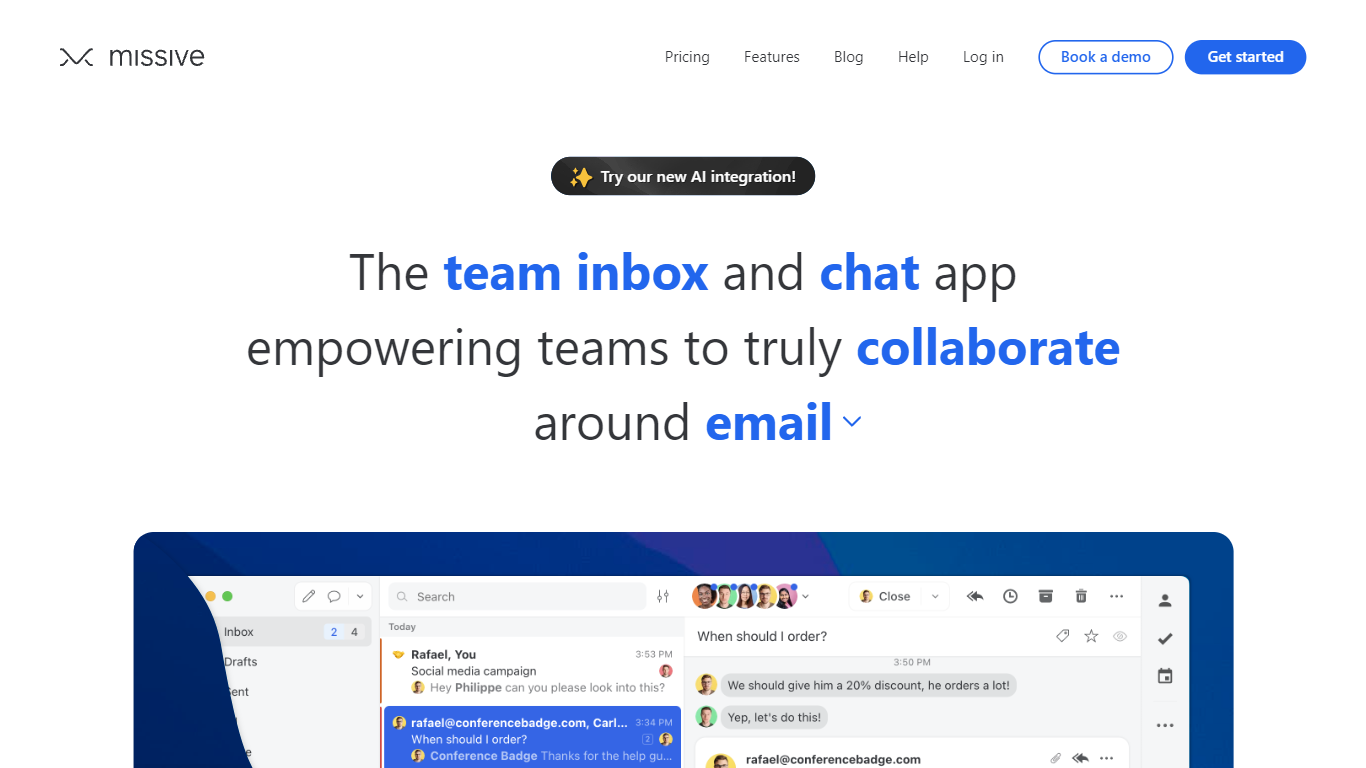
Missive turns shared email, SMS, and social inboxes into a team workspace where coworkers assign threads, comment internally, and track tasks without forwarding chains. The product splits into Collaborate for inbox teamwork, Coordinate for turning messages into work, and Connect for pulling CRM and tool context into conversations.
Where basic shared Gmail folders collapse into reply-all chaos, Missive adds @mentions, conversation assignments, and rules with up to 1,000 automations on higher tiers. Pricing is per seat with a 30-day trial and no credit card, and plans scale from five users on Starter to unlimited seats on Business with SAML SSO and IP restrictions.
Small agencies, law firms, logistics teams, and remote operators use Missive to keep client email visible across the team while personal inboxes stay private. The site cites SOC 2 Type II compliance, integrations with ChatGPT, Pipedrive, and Trello, plus desktop and mobile apps synced through mail.missiveapp.com.
FlowSavvy Upvotes
Missive Upvotes
FlowSavvy Top Features
🗓️ Automatic weekly planning that adjusts as your schedule changes
🔄 Smart recurring tasks to build and maintain good habits
📅 Syncs with Google, iCloud, and Outlook calendars for unified scheduling
🎨 Color-coded tasks for quick workload visualization
📱 Available on all devices with no credit card required to start
Missive Top Features
Unified email, SMS, and social accounts inside team spaces and inboxes
Starter plan at $14 per user per month billed yearly with up to 5 users
Productive tier adds integrations, rules, basic analytics, and API access for up to 50 users at $24 per user monthly
Business tier at $36 per user monthly includes SAML SSO, IP restrictions, and advanced analytics
30-day free trial with no credit card required before upgrade
AI assistant and automations available on paid plans with API key setup
SOC 2 Type II audited security policies listed across all workspace tiers
FlowSavvy Category
- Productivity
Missive Category
- Productivity
FlowSavvy Pricing Type
- Freemium
Missive Pricing Type
- Paid