Hyper Notepad vs Missive
Explore the showdown between Hyper Notepad vs Missive and find out which AI Productivity tool wins. We analyze upvotes, features, reviews, pricing, alternatives, and more.
When comparing Hyper Notepad and Missive, which one rises above the other?
When we contrast Hyper Notepad with Missive, both of which are exceptional AI-operated productivity tools, and place them side by side, we can spot several crucial similarities and divergences. Both tools have received the same number of upvotes from aitools.fyi users. Every vote counts! Cast yours and contribute to the decision of the winner.
Not your cup of tea? Upvote your preferred tool and stir things up!
Hyper Notepad

What is Hyper Notepad?
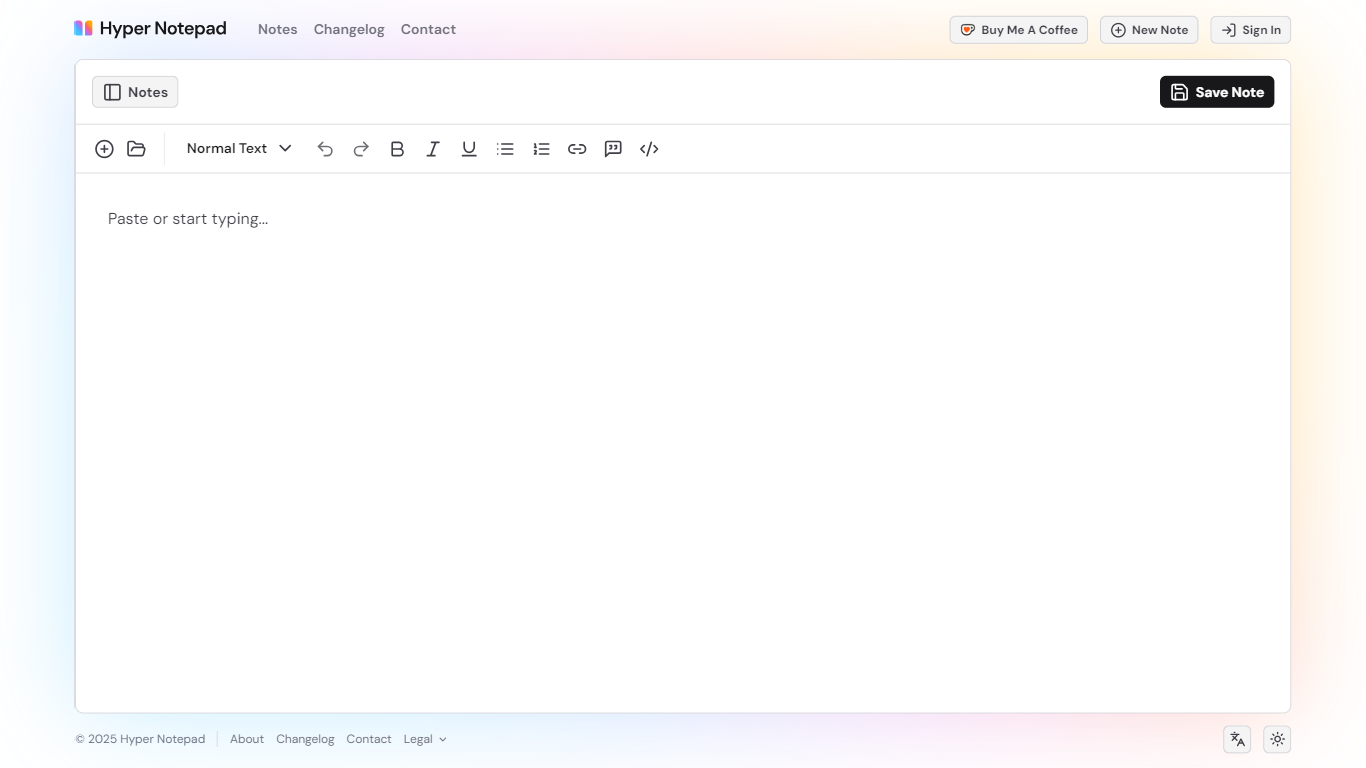
Hyper Notepad is a browser-based productivity notepad for writing, saving, and sharing notes without installing software. You open the page, start typing, and get a unique link to share the note with anyone. Notes are encrypted at rest, autosave as you type, and work on desktop or mobile browsers.
Unlike Google Docs or Notion, Hyper Notepad stays intentionally lightweight. There are no workspaces, databases, or collaboration threads. You trade team features for zero-friction sharing, optional password locks, and auto-expiring notes that delete themselves after a set time.
It suits students, freelancers, and teams who need a quick scratchpad or a shareable doc without accounts. Writers who want rich text, code blocks, and optional Premium extras like tables, image embeds, and custom themes can upgrade when the free tier is not enough.
Missive
What is Missive?
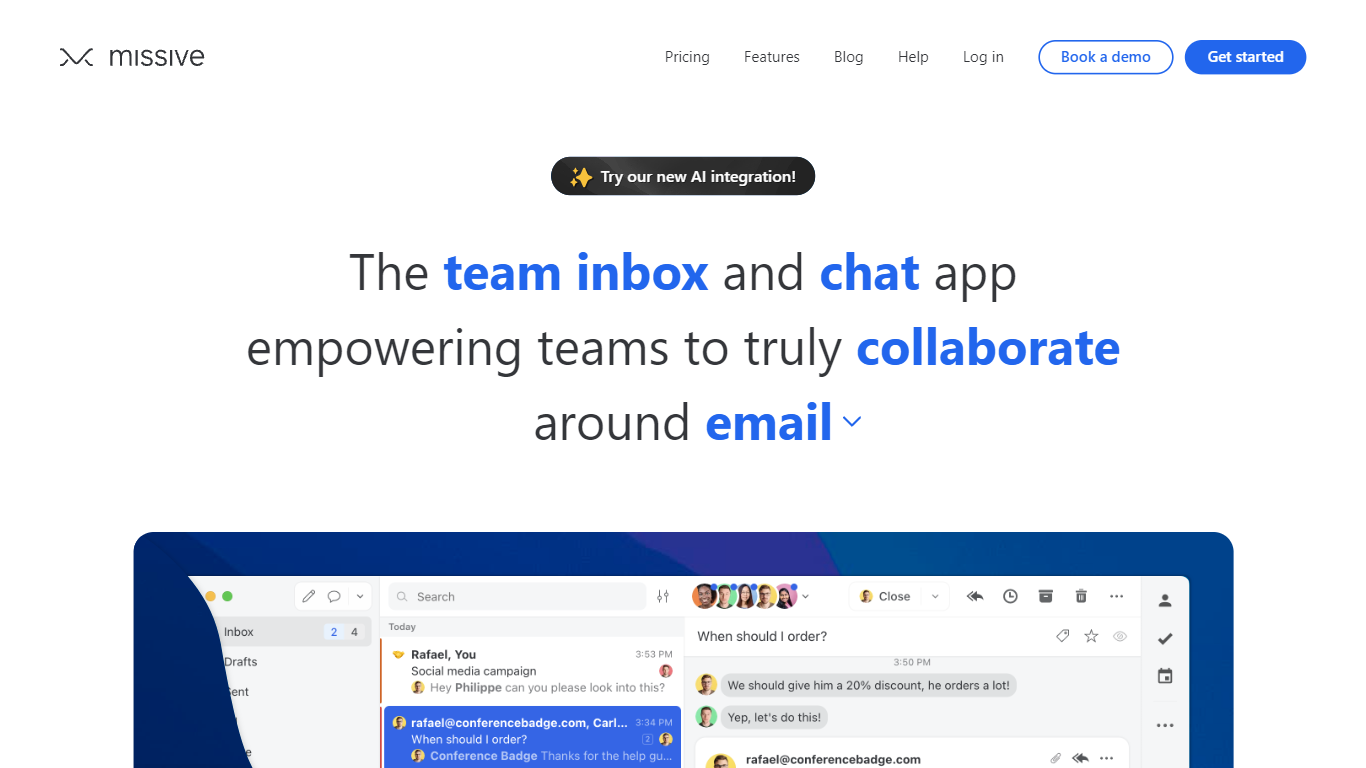
Missive turns shared email, SMS, and social inboxes into a team workspace where coworkers assign threads, comment internally, and track tasks without forwarding chains. The product splits into Collaborate for inbox teamwork, Coordinate for turning messages into work, and Connect for pulling CRM and tool context into conversations.
Where basic shared Gmail folders collapse into reply-all chaos, Missive adds @mentions, conversation assignments, and rules with up to 1,000 automations on higher tiers. Pricing is per seat with a 30-day trial and no credit card, and plans scale from five users on Starter to unlimited seats on Business with SAML SSO and IP restrictions.
Small agencies, law firms, logistics teams, and remote operators use Missive to keep client email visible across the team while personal inboxes stay private. The site cites SOC 2 Type II compliance, integrations with ChatGPT, Pipedrive, and Trello, plus desktop and mobile apps synced through mail.missiveapp.com.
Hyper Notepad Upvotes
Missive Upvotes
Hyper Notepad Top Features
Create and share unlimited notes with unique links, no account required
Notes encrypt at rest with optional password protection and auto-expiry timers
Premium adds image uploads, tables, live inline math, and custom themes from $3.99 per month
Rich text editor with code blocks, autosave, and download or print support
Light and dark mode with cross-device access when you sign in
Missive Top Features
Unified email, SMS, and social accounts inside team spaces and inboxes
Starter plan at $14 per user per month billed yearly with up to 5 users
Productive tier adds integrations, rules, basic analytics, and API access for up to 50 users at $24 per user monthly
Business tier at $36 per user monthly includes SAML SSO, IP restrictions, and advanced analytics
30-day free trial with no credit card required before upgrade
AI assistant and automations available on paid plans with API key setup
SOC 2 Type II audited security policies listed across all workspace tiers
Hyper Notepad Category
- Productivity
Missive Category
- Productivity
Hyper Notepad Pricing Type
- Freemium
Missive Pricing Type
- Paid