Guidemaker vs MonitUp
Dive into the comparison of Guidemaker vs MonitUp and discover which AI Productivity tool stands out. We examine alternatives, upvotes, features, reviews, pricing, and beyond.
When comparing Guidemaker and MonitUp, which one rises above the other?
When we compare Guidemaker and MonitUp, two exceptional productivity tools powered by artificial intelligence, and place them side by side, several key similarities and differences come to light. The upvote count reveals a draw, with both tools earning the same number of upvotes. You can help us determine the winner by casting your vote and tipping the scales in favor of one of the tools.
Not your cup of tea? Upvote your preferred tool and stir things up!
Guidemaker
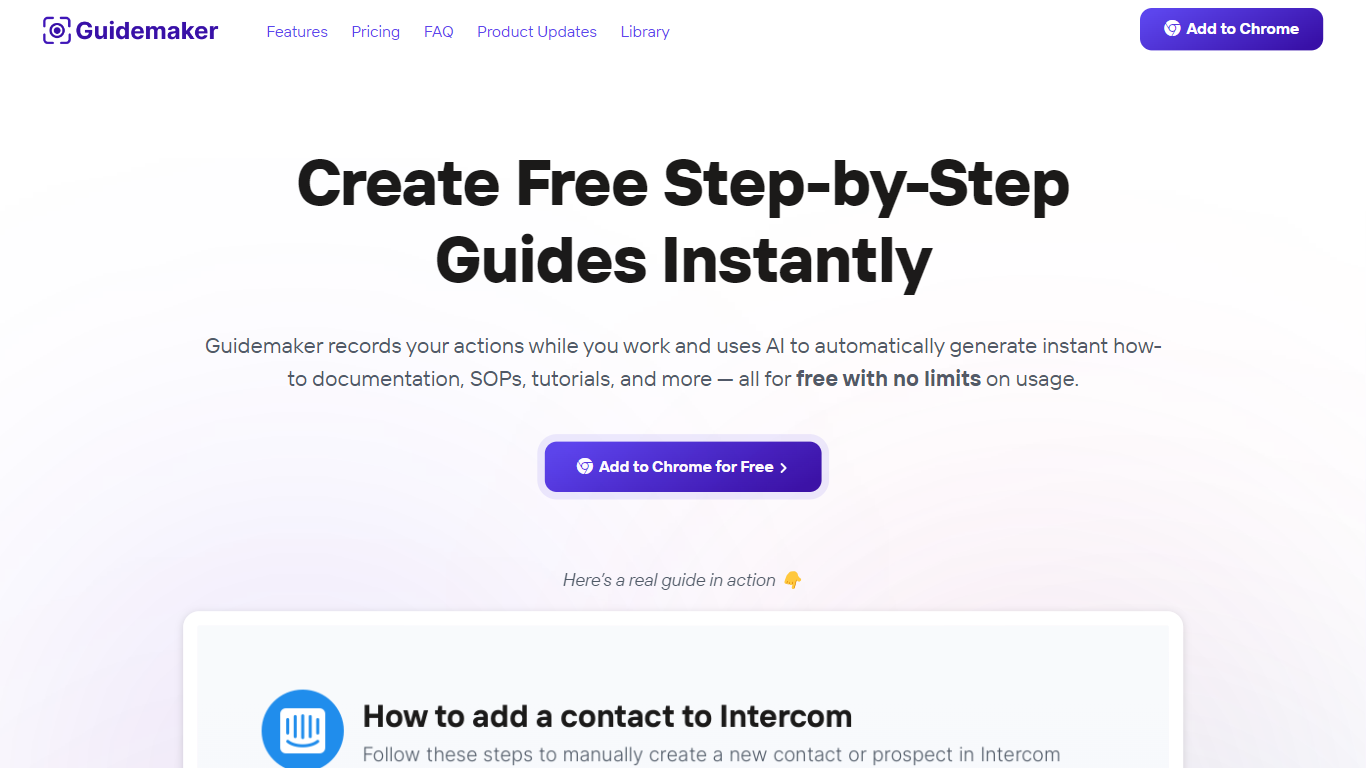

What is Guidemaker?
Guidemaker is a productivity Chrome extension that records your clicks while you work and turns the session into step-by-step how-to guides, SOPs, and tutorials. Its AI drafts the written steps and screenshots, then outputs web, video, and slide versions from the same capture.
Compared with manual screenshot tools, Guidemaker runs in the background so you do not stop to document each click. The homepage demo claims all three guide formats are generated in 25 seconds, and paid tiers add PDF, HTML, markdown, and video exports plus team workspaces.
Customer success teams, onboarding managers, and internal ops leads who need repeatable process docs are the core users. The free Basic plan caps you at 10 guides, while Plus and Team seats unlock unlimited guides, branding controls, and shared workspaces.
MonitUp
What is MonitUp?
MonitUp is a Windows desktop time tracker that logs which apps and websites you use, how long you keep the computer on, and optional screenshots throughout the day. It sits in the background with low resource use and turns that activity into productivity reports you can review in a web dashboard.
Most time trackers ask you to start timers manually. MonitUp's Premium plan flips that: it auto-starts when your PC boots during hours you set, captures random screenshots every 5 minutes if you enable them, and feeds the data into AI suggestions. The cheaper Freelancer tier keeps tracking manual, which suits contractors who bill by task rather than by clock time.
Remote managers get a performance appraisal view built on objective usage data instead of self-reported hours. You can label apps efficient, inefficient, or neutral so reports reflect your actual workflow, not a generic productivity score. GDPR monitoring is built in for teams that need compliance documentation.
Freelancers, remote employees, and small teams on Windows who want automatic activity logging with optional screenshot proof will get the most from MonitUp. Mac users can join a waitlist by emailing [email protected].
Guidemaker Upvotes
MonitUp Upvotes
Guidemaker Top Features
Chrome extension records browser workflows and drafts AI-written step lists
Generates web, video, and slideshow guide formats from one capture
Basic plan is free with a 10-guide limit and link sharing
Plus plan at $10 per seat per month adds PDF, HTML, markdown, and video export
Team plan includes 5 editor seats and 10 viewer seats on annual billing
4.7-star rating listed on the Guidemaker Chrome Web Store page
Embeds into knowledge bases such as Tettra through share links
MonitUp Top Features
Premium plan auto-starts tracking when your PC boots during set working hours
Freelancer plan at $6 per user per month with manual task start and stop
Premium plan at $9 per user per month with notifications and PC performance tracking
Random screenshots every 5 minutes when enabled, passive mode by default
Label apps efficient, inefficient, or neutral for custom productivity reports
AI analyzes daily activity logs and sends personalized efficiency suggestions
Guidemaker Category
- Productivity
MonitUp Category
- Productivity
Guidemaker Pricing Type
- Freemium
MonitUp Pricing Type
- Freemium