Guidemaker vs PDF Candy
Dive into the comparison of Guidemaker vs PDF Candy and discover which AI Productivity tool stands out. We examine alternatives, upvotes, features, reviews, pricing, and beyond.
When comparing Guidemaker and PDF Candy, which one rises above the other?
When we compare Guidemaker and PDF Candy, two exceptional productivity tools powered by artificial intelligence, and place them side by side, several key similarities and differences come to light. In the race for upvotes, PDF Candy takes the trophy. The number of upvotes for PDF Candy stands at 12, and for Guidemaker it's 6.
Not your cup of tea? Upvote your preferred tool and stir things up!
Guidemaker
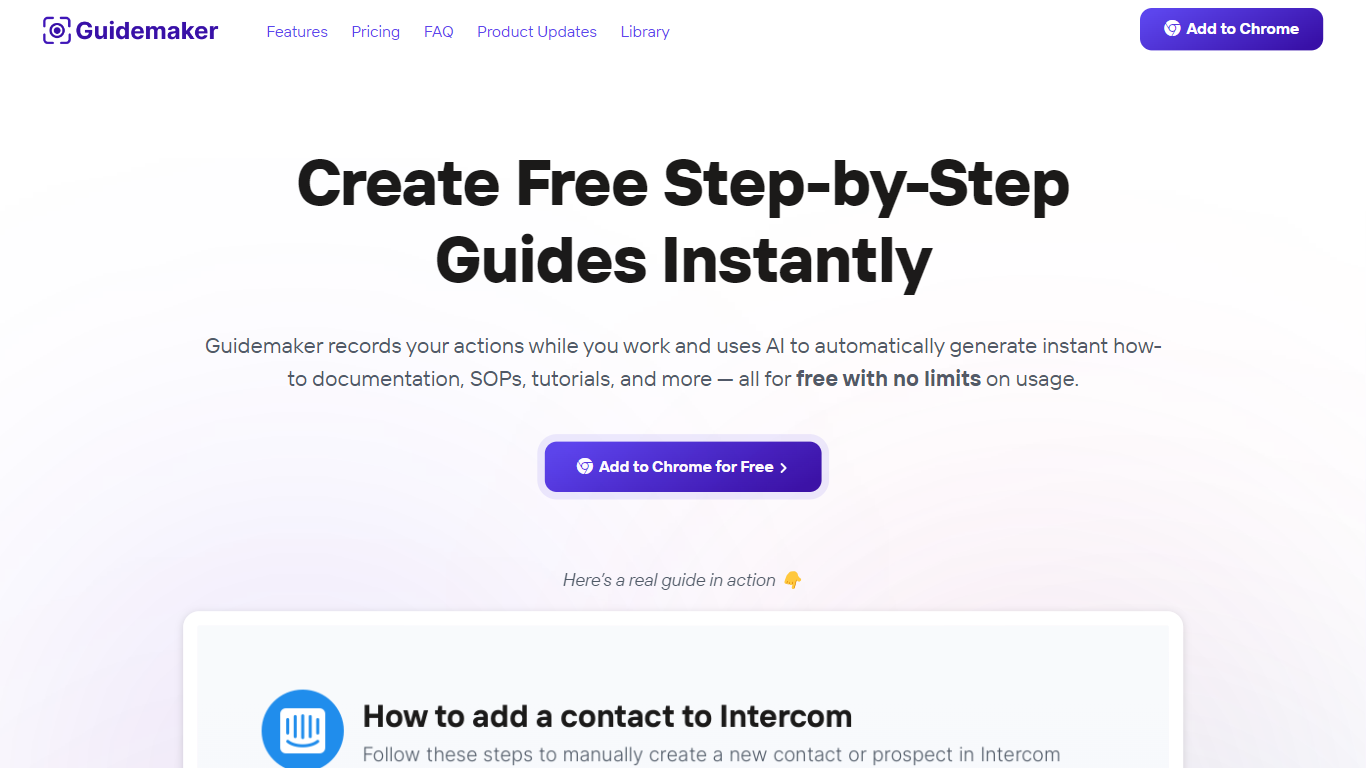

What is Guidemaker?
Guidemaker is a productivity Chrome extension that records your clicks while you work and turns the session into step-by-step how-to guides, SOPs, and tutorials. Its AI drafts the written steps and screenshots, then outputs web, video, and slide versions from the same capture.
Compared with manual screenshot tools, Guidemaker runs in the background so you do not stop to document each click. The homepage demo claims all three guide formats are generated in 25 seconds, and paid tiers add PDF, HTML, markdown, and video exports plus team workspaces.
Customer success teams, onboarding managers, and internal ops leads who need repeatable process docs are the core users. The free Basic plan caps you at 10 guides, while Plus and Team seats unlock unlimited guides, branding controls, and shared workspaces.
PDF Candy
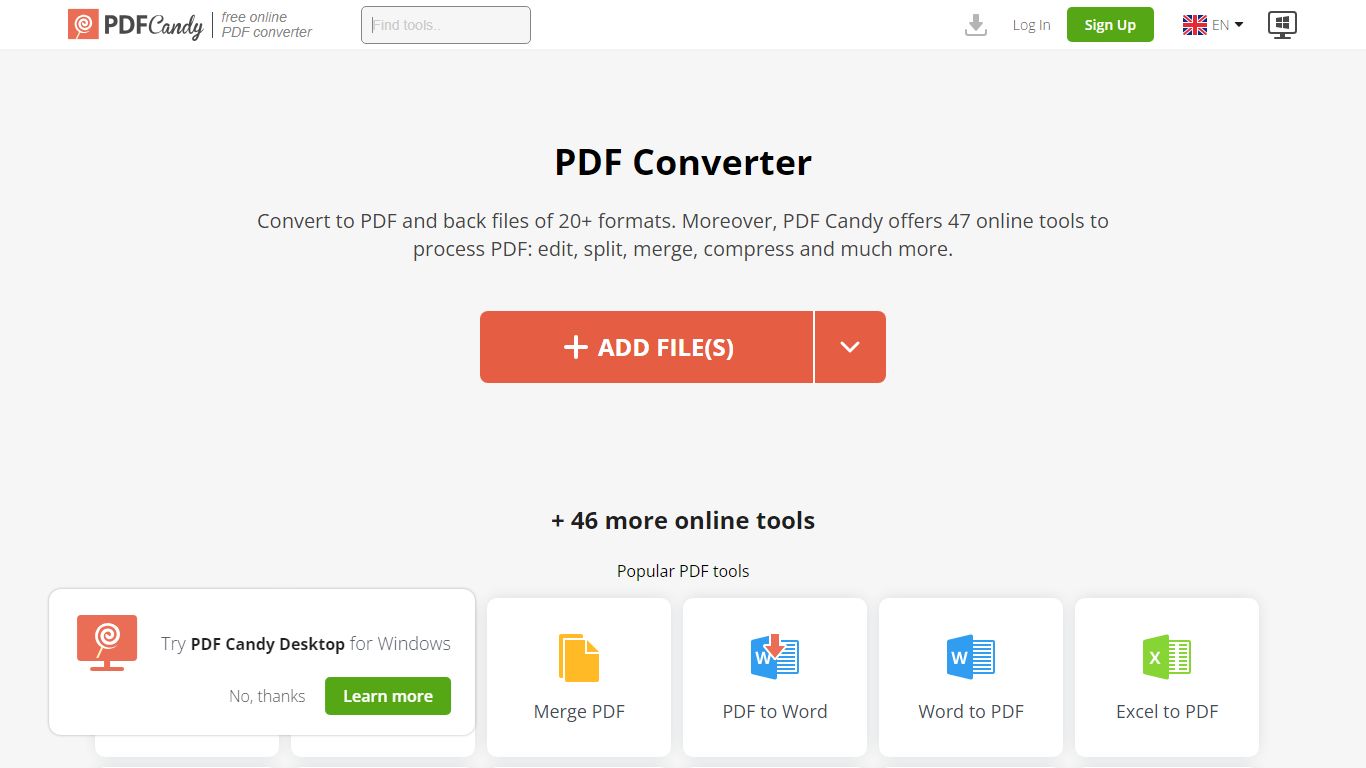
What is PDF Candy?
PDF Candy packs 90+ browser-based PDF tools into one productivity hub for editing, converting, merging, compressing, signing, and protecting documents. Newer additions include AI summarize, chat, and translate workflows alongside classics like PDF to Word and JPG to PDF.
Competing PDF sites usually split free limits across separate pages. PDF Candy keeps a forever-free web tier with no ads and no account required, then sells priority processing, 500 MB uploads, and an offline Windows desktop app with 35 tools. Paid bundles also include Video Candy and Image Candy web access.
Office workers, students, and small businesses reach for PDF Candy when they need a quick conversion without installing software, or when they want batch-friendly desktop processing. Files upload from Dropbox or Google Drive, and the site deletes uploads within two hours under GDPR rules.
Guidemaker Upvotes
PDF Candy Upvotes
Guidemaker Top Features
Chrome extension records browser workflows and drafts AI-written step lists
Generates web, video, and slideshow guide formats from one capture
Basic plan is free with a 10-guide limit and link sharing
Plus plan at $10 per seat per month adds PDF, HTML, markdown, and video export
Team plan includes 5 editor seats and 10 viewer seats on annual billing
4.7-star rating listed on the Guidemaker Chrome Web Store page
Embeds into knowledge bases such as Tettra through share links
PDF Candy Top Features
Offers 90+ online PDF tools covering edit, convert, merge, split, compress, and sign workflows
AI tools summarize PDFs, chat with document content, and translate PDF text in the browser
Forever free web tier works without signup and shows no ads
Paid web plans raise uploads to 500 MB per task with no hourly limits
Desktop + Web Yearly plan costs $4 per month and includes offline Windows software with 35 tools
Lifetime Desktop + Web license is a one-time $99 payment
Site supports 18 localized language versions from English to Korean
Guidemaker Category
- Productivity
PDF Candy Category
- Productivity
Guidemaker Pricing Type
- Freemium
PDF Candy Pricing Type
- Freemium