Guidemaker vs Process AI
In the battle of Guidemaker vs Process AI, which AI Productivity tool comes out on top? We compare reviews, pricing, alternatives, upvotes, features, and more.
Between Guidemaker and Process AI, which one is superior?
Upon comparing Guidemaker with Process AI, which are both AI-powered productivity tools, The upvote count favors Process AI, making it the clear winner. Process AI has garnered 8 upvotes, and Guidemaker has garnered 6 upvotes.
Want to flip the script? Upvote your favorite tool and change the game!
Guidemaker

What is Guidemaker?
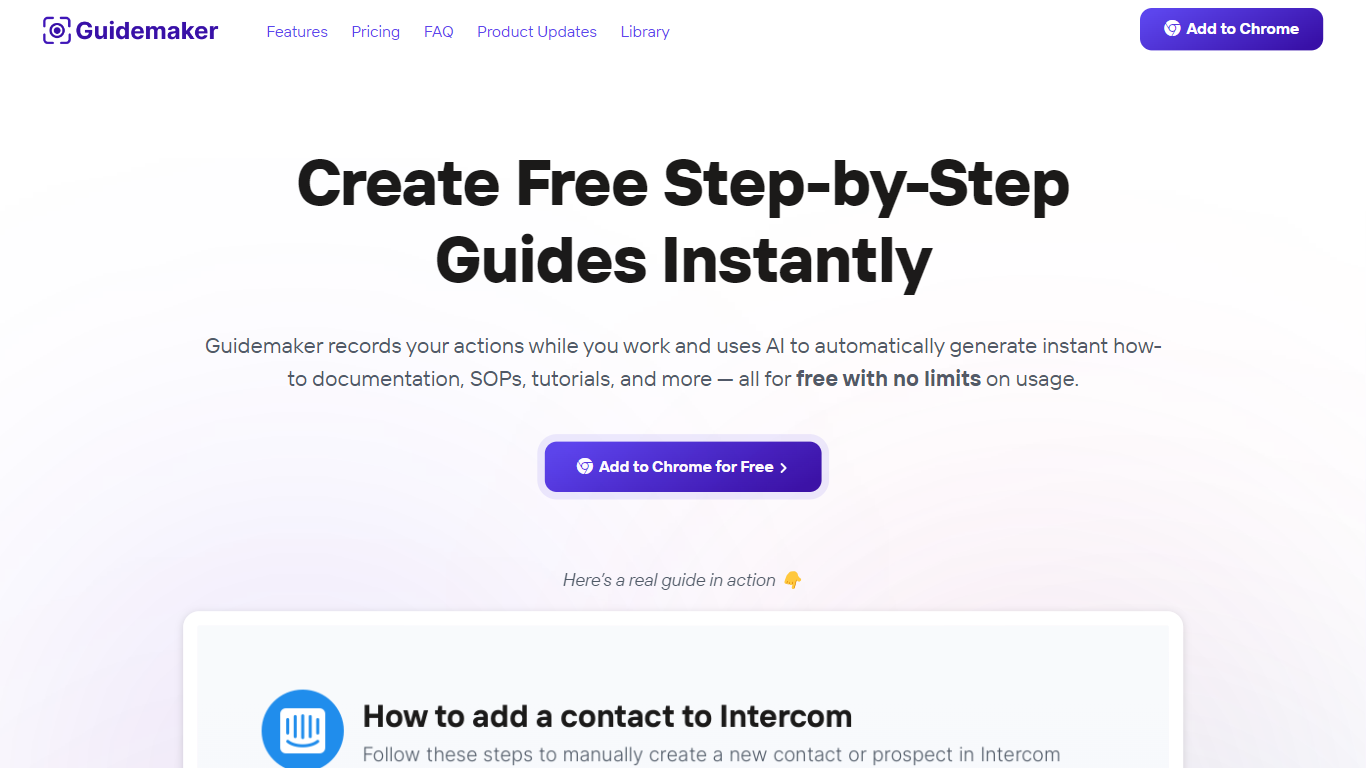
Guidemaker is a productivity Chrome extension that records your clicks while you work and turns the session into step-by-step how-to guides, SOPs, and tutorials. Its AI drafts the written steps and screenshots, then outputs web, video, and slide versions from the same capture.
Compared with manual screenshot tools, Guidemaker runs in the background so you do not stop to document each click. The homepage demo claims all three guide formats are generated in 25 seconds, and paid tiers add PDF, HTML, markdown, and video exports plus team workspaces.
Customer success teams, onboarding managers, and internal ops leads who need repeatable process docs are the core users. The free Basic plan caps you at 10 guides, while Plus and Team seats unlock unlimited guides, branding controls, and shared workspaces.
Process AI
What is Process AI?
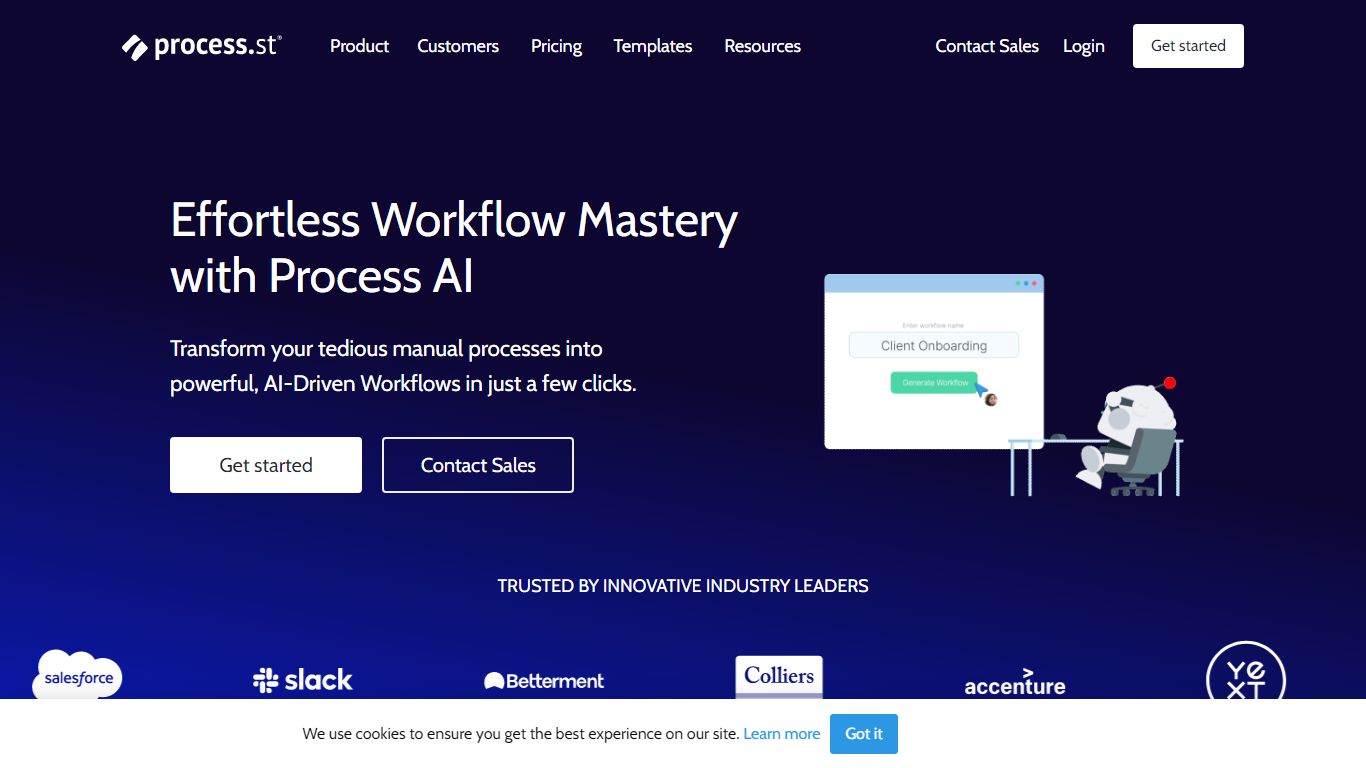
Process AI is the AI layer inside Process Street, a productivity platform where teams run recurring checklists, approvals, and compliance procedures. You describe what you need or upload a document, and the AI Workflow Generator builds a workflow with due dates, assignments, approvals, stop tasks, and variables in seconds instead of hours of manual setup.
Most workflow builders still expect you to wire every branch with if-this-then-that rules. Process AI compresses those rules into prompts and AI tasks that read uploaded documents, run formulas, draft emails, and pass data between steps. The trade-off is you are buying into Process Street's ecosystem: the AI runs inside their workflows, not as a standalone coding assistant.
Operations, HR, finance, and compliance teams at companies like Salesforce and Colliers use Process AI to generate workflows from documents, automate routine task instructions, and keep audit trails on recurring processes. Integrations include Slack, Trello, Zapier, Microsoft Teams, and Tray.io.
Guidemaker Upvotes
Process AI Upvotes
Guidemaker Top Features
Chrome extension records browser workflows and drafts AI-written step lists
Generates web, video, and slideshow guide formats from one capture
Basic plan is free with a 10-guide limit and link sharing
Plus plan at $10 per seat per month adds PDF, HTML, markdown, and video export
Team plan includes 5 editor seats and 10 viewer seats on annual billing
4.7-star rating listed on the Guidemaker Chrome Web Store page
Embeds into knowledge bases such as Tettra through share links
Process AI Top Features
AI Workflow Generator builds tailored workflows from a prompt or uploaded document in seconds
Auto-generated workflows include due dates, assignments, approvals, stop tasks, and variables
AI tasks draft emails, run formulas, translate text, and analyze sentiment inside workflow steps
Document analysis reads files uploaded to a workflow and feeds extracted data into later tasks
Customer data is not used to train AI models and stays scoped to each workflow instance
Pro plan includes 100 automation actions per month and 50 Public API calls per month
Integrations with Slack, Trello, Zapier, Microsoft Teams, Tray.io, and Make connectors
Guidemaker Category
- Productivity
Process AI Category
- Productivity
Guidemaker Pricing Type
- Freemium
Process AI Pricing Type
- Freemium