
Last updated 08-15-2026
Category:
Reviews:
Join thousands of AI enthusiasts in the World of AI!
Process AI
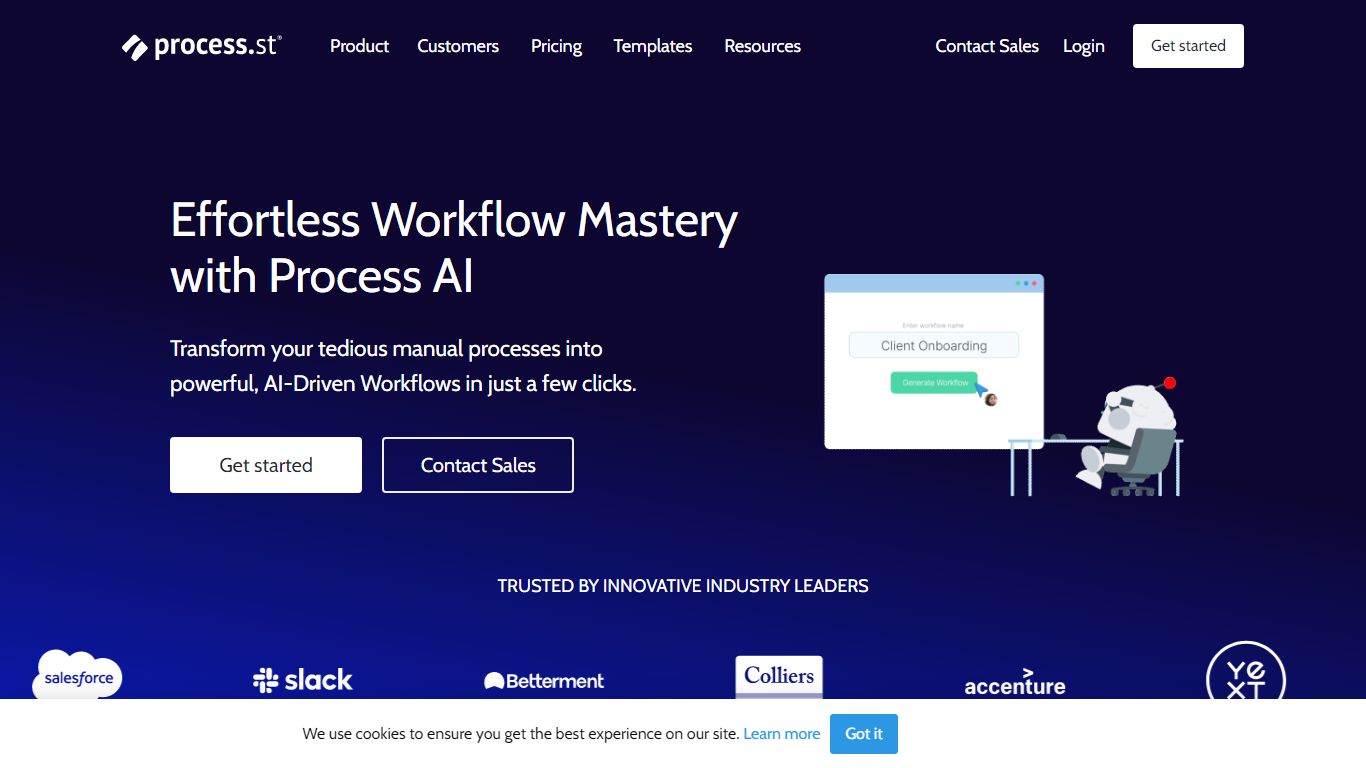
Process AI is the AI layer inside Process Street, a productivity platform where teams run recurring checklists, approvals, and compliance procedures. You describe what you need or upload a document, and the AI Workflow Generator builds a workflow with due dates, assignments, approvals, stop tasks, and variables in seconds instead of hours of manual setup.
Most workflow builders still expect you to wire every branch with if-this-then-that rules. Process AI compresses those rules into prompts and AI tasks that read uploaded documents, run formulas, draft emails, and pass data between steps. The trade-off is you are buying into Process Street's ecosystem: the AI runs inside their workflows, not as a standalone coding assistant.
Operations, HR, finance, and compliance teams at companies like Salesforce and Colliers use Process AI to generate workflows from documents, automate routine task instructions, and keep audit trails on recurring processes. Integrations include Slack, Trello, Zapier, Microsoft Teams, and Tray.io.
AI Workflow Generator builds tailored workflows from a prompt or uploaded document in seconds
Auto-generated workflows include due dates, assignments, approvals, stop tasks, and variables
AI tasks draft emails, run formulas, translate text, and analyze sentiment inside workflow steps
Document analysis reads files uploaded to a workflow and feeds extracted data into later tasks
Customer data is not used to train AI models and stays scoped to each workflow instance
Pro plan includes 100 automation actions per month and 50 Public API calls per month
Integrations with Slack, Trello, Zapier, Microsoft Teams, Tray.io, and Make connectors
Builds complete workflows from a document upload or short prompt instead of manual step wiring
AI tasks handle emails, formulas, translations, and sentiment analysis inside checklist steps
Customer data is not used for model training and stays isolated per workflow run
Pro trial runs 14 days with no credit card before you commit to a paid plan
Connects to Slack, Teams, Zapier, and Tray.io for cross-tool automation
AI features require Process Street; there is no standalone Process AI product outside the platform
Pro plan caps automation at 100 actions per month and Public API at 50 calls per month
Startup and Enterprise list prices are not published; you contact sales for quotes
Heavy AI workflow design still needs a Process Street subscription beyond the trial window
What does Process AI generate from a prompt?
Process AI creates full Process Street workflows from a short instruction or uploaded document. Generated workflows include due dates, task assignments, approval steps, stop tasks for dependencies, and variables that pass data between tasks without manual copy-paste.
Is Process AI data used to train models?
No. Process Street states your data is never used to train AI models. Data read or created inside a workflow instance stays exclusive to that run and cannot be accessed outside the workflow.
Does Process Street offer a free trial?
Yes. New Process Street accounts get a 14-day complimentary trial of the Pro plan with no credit card required. After the trial you purchase a plan to keep creating workflows and workflow runs.
Which integrations does Process AI support?
Process AI runs inside Process Street workflows that connect to Slack, Trello, Zapier, Microsoft Teams, Tray.io, Make, and Microsoft Power Automate. Pro includes 10 automation apps and 100 automation actions per month.
Who qualifies for the Process Street Startup plan?
Process Street offers a reduced Startup price on Pro for companies with fewer than 15 employees and under $2 million in revenue. Contact sales to confirm eligibility and pricing for your team.
Can Process AI analyze uploaded documents?
Yes. Process AI document analysis reads files attached to a workflow and uses the extracted content to complete downstream tasks. This removes manual re-entry when forms or policies feed later steps in a checklist.