Hyper Notepad vs Process AI
In the contest of Hyper Notepad vs Process AI, which AI Productivity tool is the champion? We evaluate pricing, alternatives, upvotes, features, reviews, and more.
If you had to choose between Hyper Notepad and Process AI, which one would you go for?
When we examine Hyper Notepad and Process AI, both of which are AI-enabled productivity tools, what unique characteristics do we discover? Process AI stands out as the clear frontrunner in terms of upvotes. The upvote count for Process AI is 8, and for Hyper Notepad it's 6.
Want to flip the script? Upvote your favorite tool and change the game!
Hyper Notepad


What is Hyper Notepad?
Hyper Notepad is a browser-based productivity notepad for writing, saving, and sharing notes without installing software. You open the page, start typing, and get a unique link to share the note with anyone. Notes are encrypted at rest, autosave as you type, and work on desktop or mobile browsers.
Unlike Google Docs or Notion, Hyper Notepad stays intentionally lightweight. There are no workspaces, databases, or collaboration threads. You trade team features for zero-friction sharing, optional password locks, and auto-expiring notes that delete themselves after a set time.
It suits students, freelancers, and teams who need a quick scratchpad or a shareable doc without accounts. Writers who want rich text, code blocks, and optional Premium extras like tables, image embeds, and custom themes can upgrade when the free tier is not enough.
Process AI
What is Process AI?
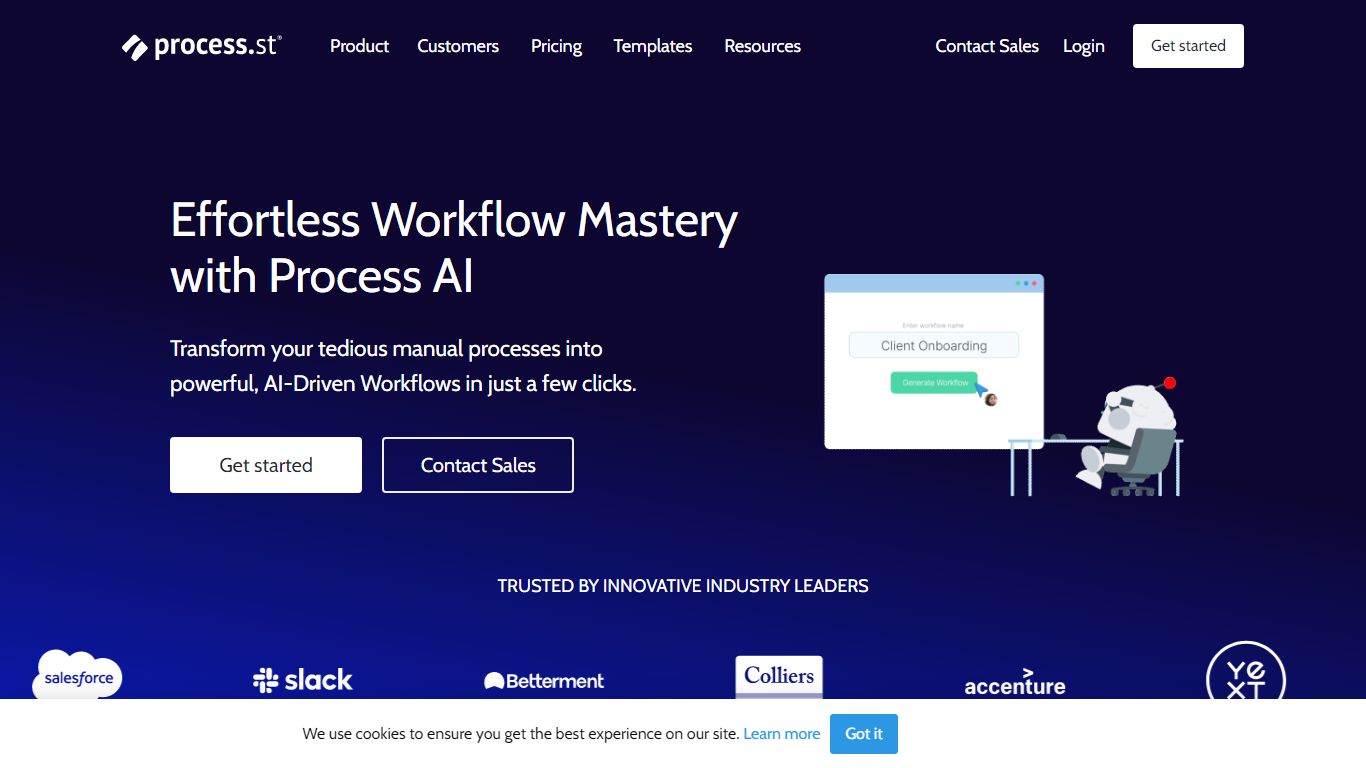
Process AI is the AI layer inside Process Street, a productivity platform where teams run recurring checklists, approvals, and compliance procedures. You describe what you need or upload a document, and the AI Workflow Generator builds a workflow with due dates, assignments, approvals, stop tasks, and variables in seconds instead of hours of manual setup.
Most workflow builders still expect you to wire every branch with if-this-then-that rules. Process AI compresses those rules into prompts and AI tasks that read uploaded documents, run formulas, draft emails, and pass data between steps. The trade-off is you are buying into Process Street's ecosystem: the AI runs inside their workflows, not as a standalone coding assistant.
Operations, HR, finance, and compliance teams at companies like Salesforce and Colliers use Process AI to generate workflows from documents, automate routine task instructions, and keep audit trails on recurring processes. Integrations include Slack, Trello, Zapier, Microsoft Teams, and Tray.io.
Hyper Notepad Upvotes
Process AI Upvotes
Hyper Notepad Top Features
Create and share unlimited notes with unique links, no account required
Notes encrypt at rest with optional password protection and auto-expiry timers
Premium adds image uploads, tables, live inline math, and custom themes from $3.99 per month
Rich text editor with code blocks, autosave, and download or print support
Light and dark mode with cross-device access when you sign in
Process AI Top Features
AI Workflow Generator builds tailored workflows from a prompt or uploaded document in seconds
Auto-generated workflows include due dates, assignments, approvals, stop tasks, and variables
AI tasks draft emails, run formulas, translate text, and analyze sentiment inside workflow steps
Document analysis reads files uploaded to a workflow and feeds extracted data into later tasks
Customer data is not used to train AI models and stays scoped to each workflow instance
Pro plan includes 100 automation actions per month and 50 Public API calls per month
Integrations with Slack, Trello, Zapier, Microsoft Teams, Tray.io, and Make connectors
Hyper Notepad Category
- Productivity
Process AI Category
- Productivity
Hyper Notepad Pricing Type
- Freemium
Process AI Pricing Type
- Freemium