Lifestack vs Process AI
In the clash of Lifestack vs Process AI, which AI Productivity tool emerges victorious? We assess reviews, pricing, alternatives, features, upvotes, and more.
When we put Lifestack and Process AI head to head, which one emerges as the victor?
Let's take a closer look at Lifestack and Process AI, both of which are AI-driven productivity tools, and see what sets them apart. Process AI stands out as the clear frontrunner in terms of upvotes. Process AI has garnered 8 upvotes, and Lifestack has garnered 6 upvotes.
Feeling rebellious? Cast your vote and shake things up!
Lifestack


What is Lifestack?
Lifestack is a productivity planner that builds your daily schedule around sleep, recovery, and focus instead of empty calendar blocks. It reads wearable and health signals, maps energy peaks and calm periods across your day, and drafts a schedule that places demanding work when you can actually focus.
Most calendar apps treat you like a task executor with unlimited stamina. Lifestack treats energy, meals, and rest as first-class inputs, overlaying focus and calm zones on your calendar so you see when deep work fits and when lighter tasks make sense. That body-first layer is the trade-off: it is narrower than a general project manager, but it connects health data to scheduling decisions most planners ignore.
The product suits professionals juggling meetings and deep work, ADHD users who need external structure around energy swings, and anyone syncing tasks from tools like Trello while trying to protect sleep and meal timing. Apps run on iPhone, Mac, Android, and Chrome, with a desktop Mac download and browser extension for calendar access.
Process AI
What is Process AI?
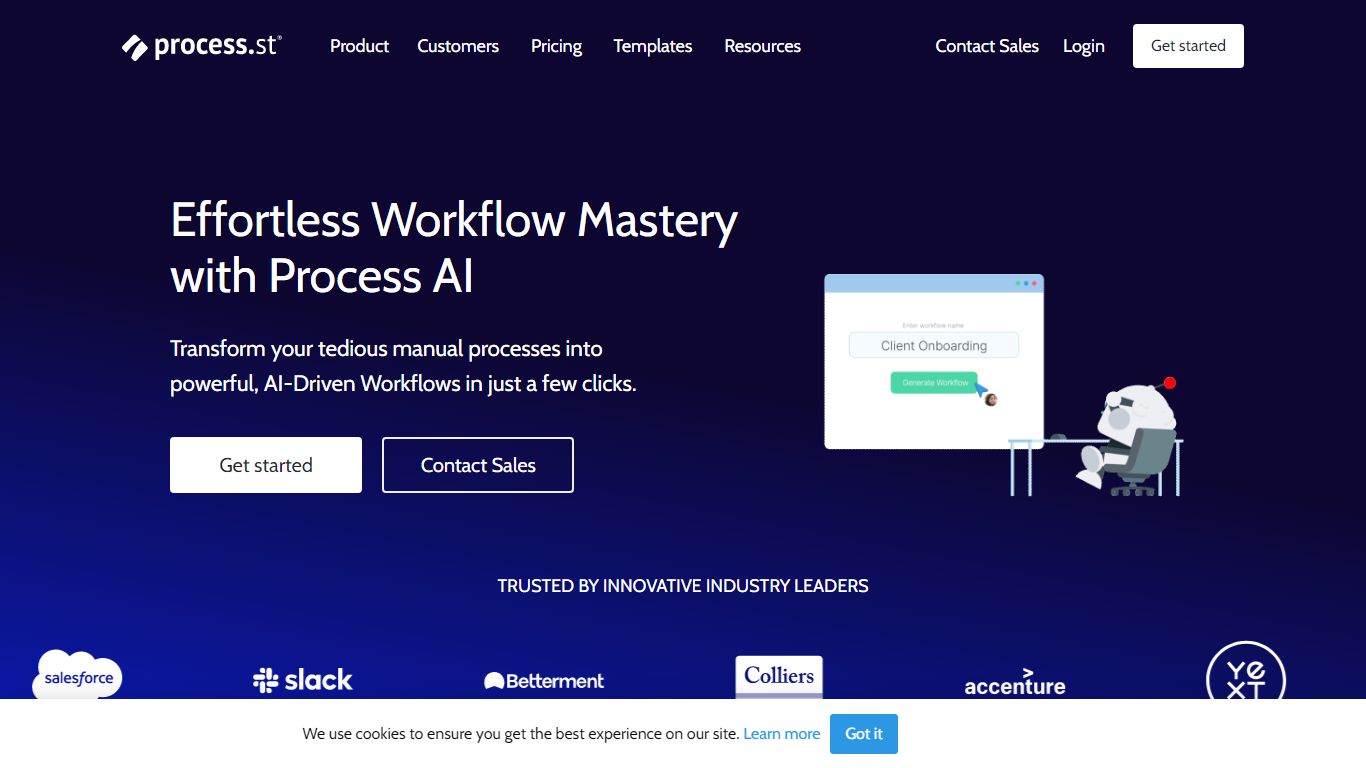
Process AI is the AI layer inside Process Street, a productivity platform where teams run recurring checklists, approvals, and compliance procedures. You describe what you need or upload a document, and the AI Workflow Generator builds a workflow with due dates, assignments, approvals, stop tasks, and variables in seconds instead of hours of manual setup.
Most workflow builders still expect you to wire every branch with if-this-then-that rules. Process AI compresses those rules into prompts and AI tasks that read uploaded documents, run formulas, draft emails, and pass data between steps. The trade-off is you are buying into Process Street's ecosystem: the AI runs inside their workflows, not as a standalone coding assistant.
Operations, HR, finance, and compliance teams at companies like Salesforce and Colliers use Process AI to generate workflows from documents, automate routine task instructions, and keep audit trails on recurring processes. Integrations include Slack, Trello, Zapier, Microsoft Teams, and Tray.io.
Lifestack Upvotes
Process AI Upvotes
Lifestack Top Features
Maps Energy Zones on your calendar so focus work lands during peak energy periods
Pulls wearable and Apple Health data into the same view as your schedule
Syncs tasks from third-party tools such as Trello alongside calendar events
Plans meals and sleep blocks around the day's meetings and task load
Chat copilot answers daily planning questions with your schedule in context
Runs on iPhone, Mac, Android, and Chrome with unlimited calendars and tasks on paid plans
Used by 30,000+ users per the Lifestack homepage
Process AI Top Features
AI Workflow Generator builds tailored workflows from a prompt or uploaded document in seconds
Auto-generated workflows include due dates, assignments, approvals, stop tasks, and variables
AI tasks draft emails, run formulas, translate text, and analyze sentiment inside workflow steps
Document analysis reads files uploaded to a workflow and feeds extracted data into later tasks
Customer data is not used to train AI models and stays scoped to each workflow instance
Pro plan includes 100 automation actions per month and 50 Public API calls per month
Integrations with Slack, Trello, Zapier, Microsoft Teams, Tray.io, and Make connectors
Lifestack Category
- Productivity
Process AI Category
- Productivity
Lifestack Pricing Type
- Paid
Process AI Pricing Type
- Freemium