Guidemaker vs TabMate
In the contest of Guidemaker vs TabMate, which AI Productivity tool is the champion? We evaluate pricing, alternatives, upvotes, features, reviews, and more.
If you had to choose between Guidemaker and TabMate, which one would you go for?
When we examine Guidemaker and TabMate, both of which are AI-enabled productivity tools, what unique characteristics do we discover? There's no clear winner in terms of upvotes, as both tools have received the same number. Every vote counts! Cast yours and contribute to the decision of the winner.
Feeling rebellious? Cast your vote and shake things up!
Guidemaker

What is Guidemaker?
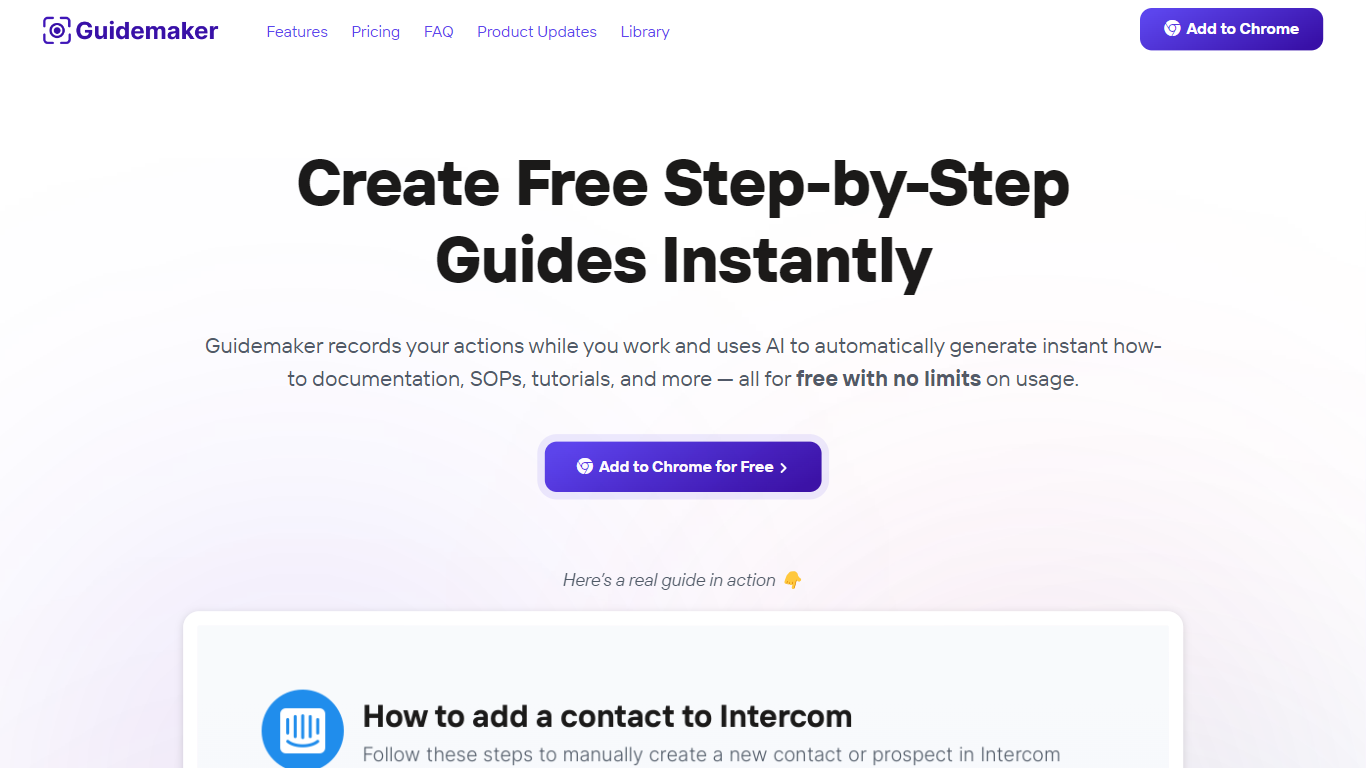
Guidemaker is a productivity Chrome extension that records your clicks while you work and turns the session into step-by-step how-to guides, SOPs, and tutorials. Its AI drafts the written steps and screenshots, then outputs web, video, and slide versions from the same capture.
Compared with manual screenshot tools, Guidemaker runs in the background so you do not stop to document each click. The homepage demo claims all three guide formats are generated in 25 seconds, and paid tiers add PDF, HTML, markdown, and video exports plus team workspaces.
Customer success teams, onboarding managers, and internal ops leads who need repeatable process docs are the core users. The free Basic plan caps you at 10 guides, while Plus and Team seats unlock unlimited guides, branding controls, and shared workspaces.
TabMate
What is TabMate?
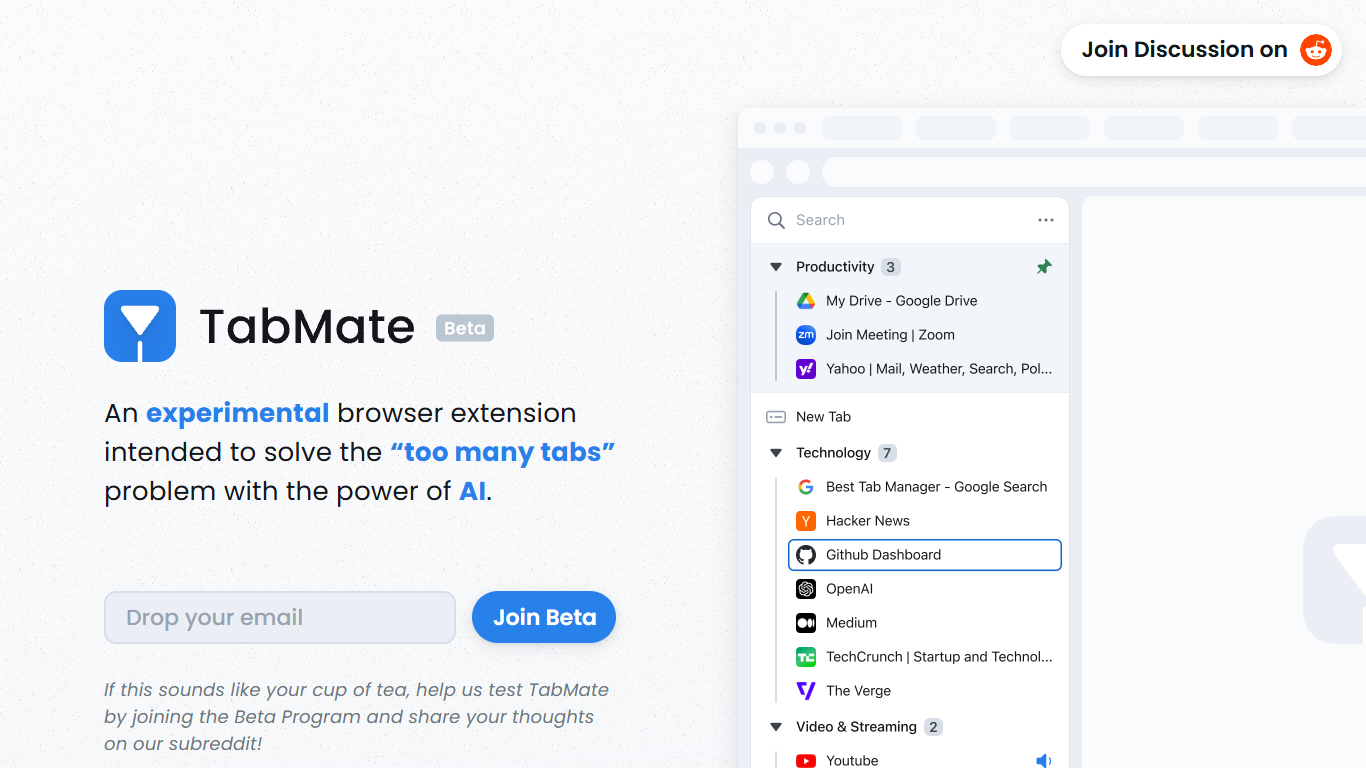
TabMate is a browser extension that uses AI to categorize and organize open tabs when you have too many. It is built for people who keep dozens of tabs open while researching, comparing options, or jumping between projects and want a cleaner browser without closing everything.
You browse normally and open tabs as usual. TabMate then groups and categorizes those tabs automatically, and you can reorganize, pin, or label groups however you like. The site describes it as an experimental approach to the classic too many tabs problem.
TabMate runs in Chrome and most Chromium-based browsers, including Edge, Brave, and Vivaldi, on macOS and Windows. The product is currently available through a beta program on the TabMate website.
Guidemaker Upvotes
TabMate Upvotes
Guidemaker Top Features
Chrome extension records browser workflows and drafts AI-written step lists
Generates web, video, and slideshow guide formats from one capture
Basic plan is free with a 10-guide limit and link sharing
Plus plan at $10 per seat per month adds PDF, HTML, markdown, and video export
Team plan includes 5 editor seats and 10 viewer seats on annual billing
4.7-star rating listed on the Guidemaker Chrome Web Store page
Embeds into knowledge bases such as Tettra through share links
TabMate Top Features
AI auto-categorizes open tabs so you can declutter without closing them
Customize which tabs and sites the AI groups together
Pin tabs and groups to keep important pages at the top
Keyboard shortcuts let you manage tabs mostly without a mouse
Group tabs by date, domain, or nested tree structures
Dark and black mode for late-night browsing sessions
Guidemaker Category
- Productivity
TabMate Category
- Productivity
Guidemaker Pricing Type
- Freemium
TabMate Pricing Type
- Free