FlowSavvy vs TabMate
Explore the showdown between FlowSavvy vs TabMate and find out which AI Productivity tool wins. We analyze upvotes, features, reviews, pricing, alternatives, and more.
In a face-off between FlowSavvy and TabMate, which one takes the crown?
When we contrast FlowSavvy with TabMate, both of which are exceptional AI-operated productivity tools, and place them side by side, we can spot several crucial similarities and divergences. There's no clear winner in terms of upvotes, as both tools have received the same number. You can help us determine the winner by casting your vote and tipping the scales in favor of one of the tools.
Does the result make you go "hmm"? Cast your vote and turn that frown upside down!
FlowSavvy

What is FlowSavvy ?
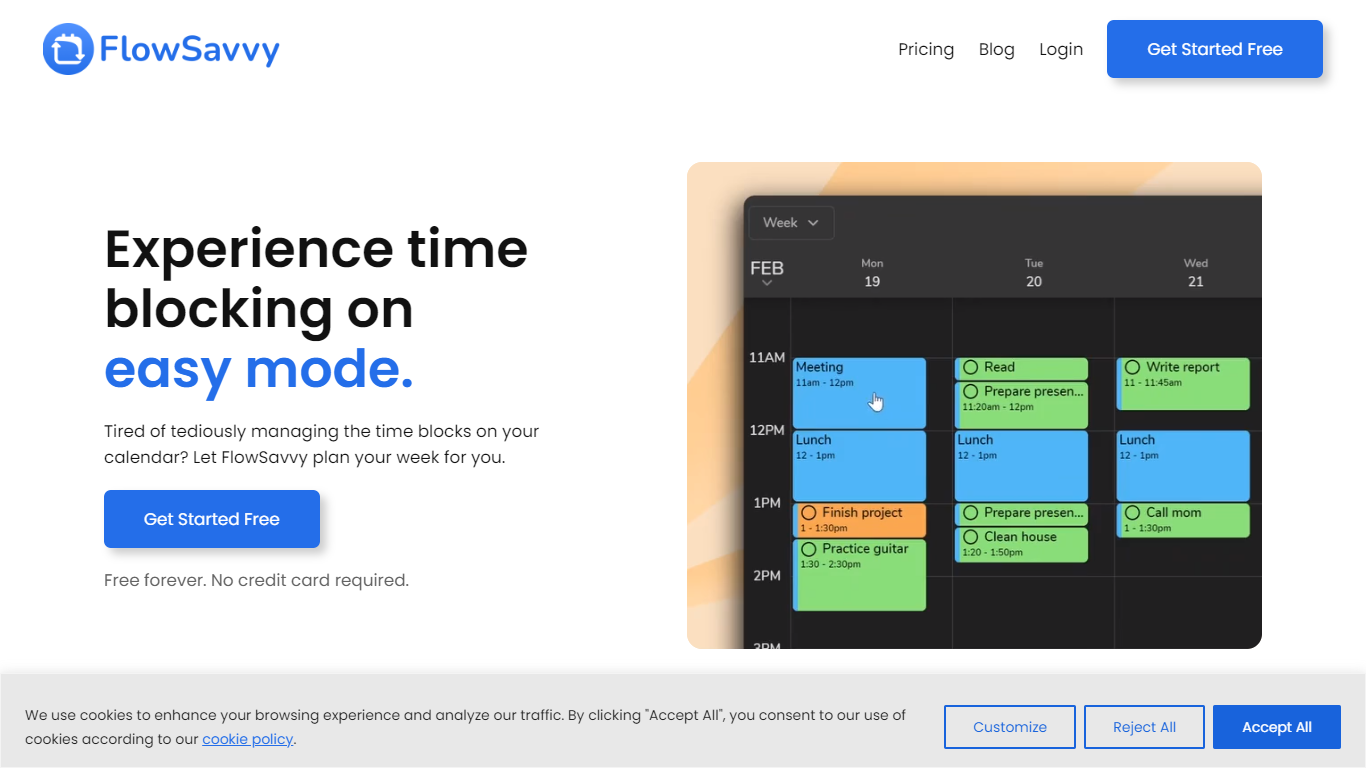
FlowSavvy offers a fresh take on time management by automating time blocking and task scheduling to reduce stress and manual effort. It acts like a digital assistant that creates weekly plans and adjusts them automatically when your schedule changes, so you don’t have to constantly rearrange tasks yourself. The platform supports habit building by letting you set recurring tasks that fit your lifestyle and work hours, helping you maintain a healthy work-life balance. It integrates smoothly with popular calendars like Google, iCloud, and Outlook, keeping all your appointments and tasks in one place. The interface is clean and easy to use, with color-coded tasks that give you a quick view of your workload. FlowSavvy is accessible on all devices and lets you start for free without needing a credit card. This makes it a practical tool for anyone looking to organize their time more effectively without the hassle of manual scheduling. Whether you’re a busy professional, a student, or managing a household, FlowSavvy adapts to your needs and helps you stay on track effortlessly.
TabMate
What is TabMate?
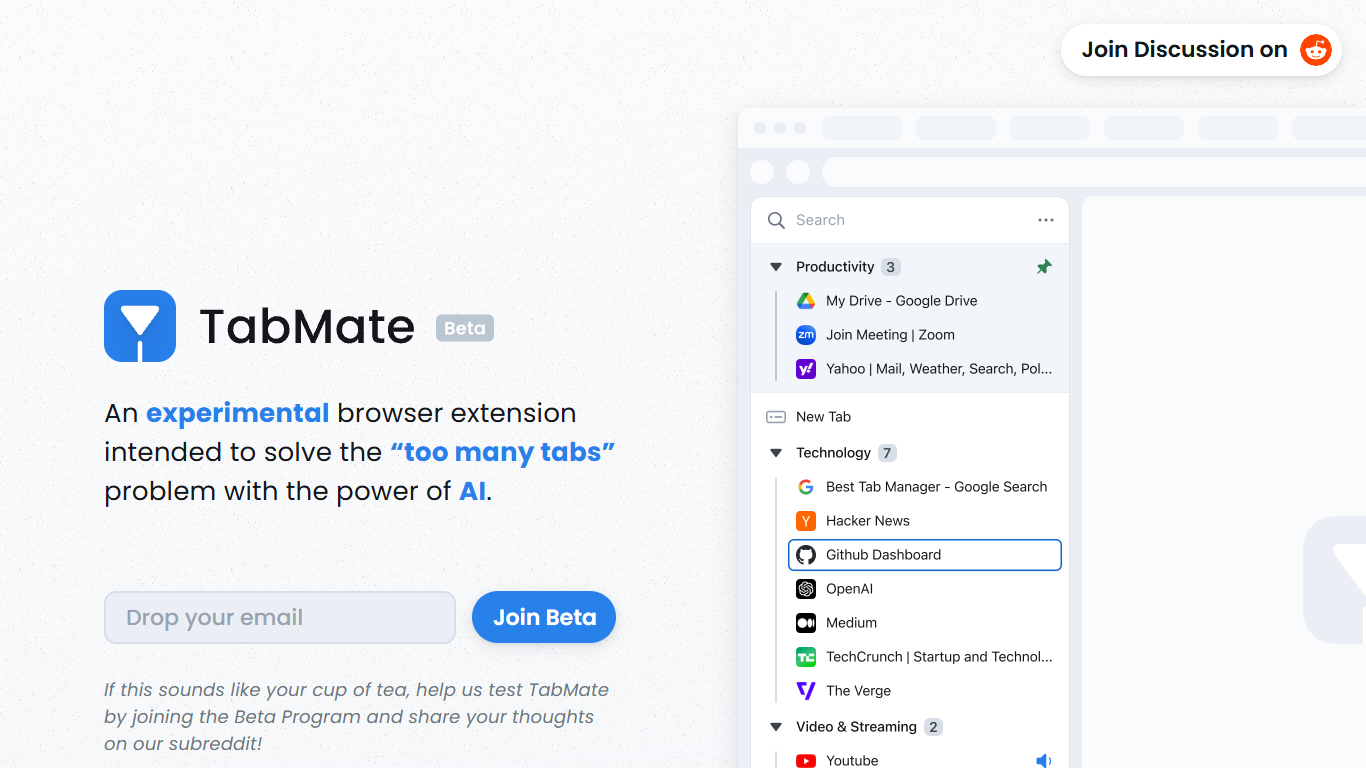
TabMate is a browser extension that uses AI to categorize and organize open tabs when you have too many. It is built for people who keep dozens of tabs open while researching, comparing options, or jumping between projects and want a cleaner browser without closing everything.
You browse normally and open tabs as usual. TabMate then groups and categorizes those tabs automatically, and you can reorganize, pin, or label groups however you like. The site describes it as an experimental approach to the classic too many tabs problem.
TabMate runs in Chrome and most Chromium-based browsers, including Edge, Brave, and Vivaldi, on macOS and Windows. The product is currently available through a beta program on the TabMate website.
FlowSavvy Upvotes
TabMate Upvotes
FlowSavvy Top Features
🗓️ Automatic weekly planning that adjusts as your schedule changes
🔄 Smart recurring tasks to build and maintain good habits
📅 Syncs with Google, iCloud, and Outlook calendars for unified scheduling
🎨 Color-coded tasks for quick workload visualization
📱 Available on all devices with no credit card required to start
TabMate Top Features
AI auto-categorizes open tabs so you can declutter without closing them
Customize which tabs and sites the AI groups together
Pin tabs and groups to keep important pages at the top
Keyboard shortcuts let you manage tabs mostly without a mouse
Group tabs by date, domain, or nested tree structures
Dark and black mode for late-night browsing sessions
FlowSavvy Category
- Productivity
TabMate Category
- Productivity
FlowSavvy Pricing Type
- Freemium
TabMate Pricing Type
- Free