HappyChat AI vs MixerBox AI
In the clash of HappyChat AI vs MixerBox AI, which AI Chat Bot tool emerges victorious? We assess reviews, pricing, alternatives, features, upvotes, and more.
When we put HappyChat AI and MixerBox AI head to head, which one emerges as the victor?
Let's take a closer look at HappyChat AI and MixerBox AI, both of which are AI-driven chat bot tools, and see what sets them apart. The upvote count is neck and neck for both HappyChat AI and MixerBox AI. Every vote counts! Cast yours and contribute to the decision of the winner.
Does the result make you go "hmm"? Cast your vote and turn that frown upside down!
HappyChat AI

What is HappyChat AI?
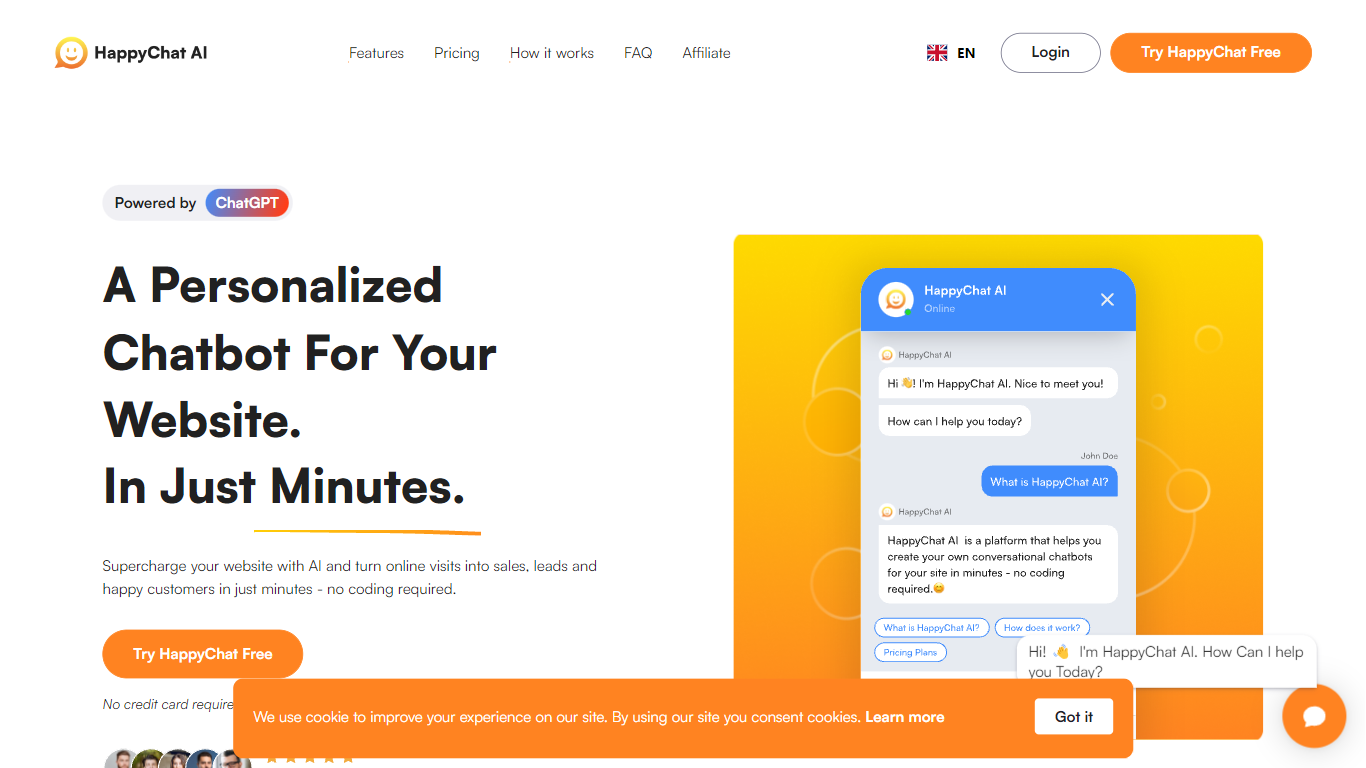
HappyChat AI lets you launch a ChatGPT-powered chatbot on your website by uploading documents or linking your site, training the bot, and dropping in a widget. The homepage pitches a three-step flow that takes minutes and does not require coding. Signup is free and the site says no credit card is needed to start.
Compared with generic live-chat widgets, HappyChat focuses on answers pulled from your own knowledge base rather than scripted macros. Growth plans add GPT-4 access, unbranded widgets, and API access, while the free tier caps you at 1 chatbot and 50 messages per month. Integrations shown on the site include Shopify, Wix, WhatsApp, Messenger, Telegram, and Slack.
Small business site owners, support teams, and marketers who want 24/7 FAQ coverage without hiring round-the-clock staff are the natural fit. The reporting dashboard tracks chat volume and engagement, and multilingual mode lets one English knowledge base serve visitors in other languages.
MixerBox AI
What is MixerBox AI?
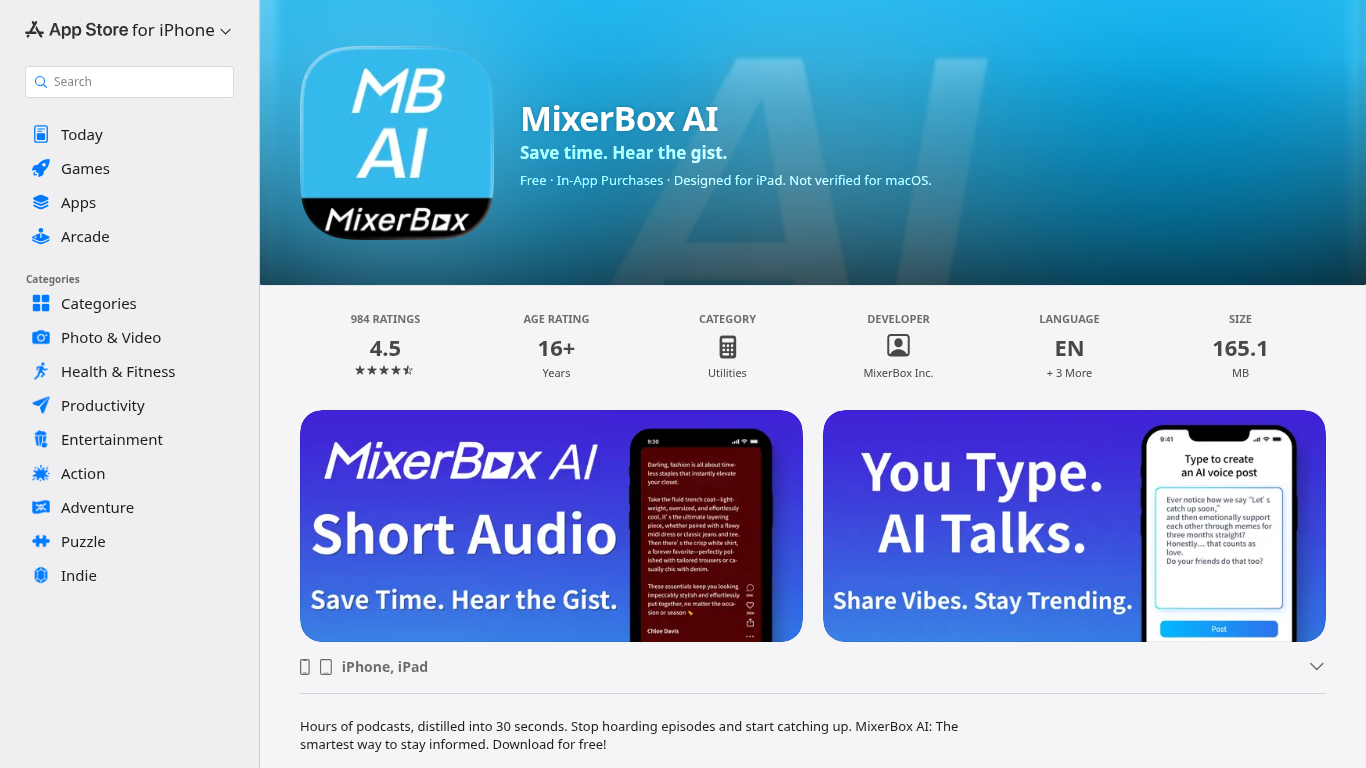
For podcast and news overload, MixerBox AI turns long episodes and updates into short audio highlights you can listen to or read. Pick topics or keywords, and it tracks new stories, then delivers 30-second previews with transcripts so you can decide what deserves a full listen.
Most podcast apps assume you will work through a backlog one episode at a time. MixerBox AI flips that by summarizing first. You hear the gist in about 30 seconds, skim the transcript, and only commit when the topic is worth the full runtime. It also includes AI voice posts that turn typed text into spoken audio.
The app suits commuters, news skimmers, and anyone with a growing saved-episode list. It runs on iPhone, iPad, Mac with Apple silicon, and Apple Vision, with a web version at mixerbox.ai and a Chrome extension. Longtime MixerBox users can still access the MB Player music feature from the home tab.
HappyChat AI Upvotes
MixerBox AI Upvotes
HappyChat AI Top Features
Train chatbots from uploaded documents or website URLs in three steps on the homepage
Free plan includes 1 chatbot, 50 messages per month, and 20 source pages
Growth plan at $49 per month adds GPT-4 access and an unbranded chat widget
Pro plan at $99 per month supports 30 chatbots and 10,000 messages per month
Multilingual mode answers from an English knowledge base in other languages
Integrations listed for Shopify, Wix, WhatsApp, Messenger, Telegram, and Slack
MixerBox AI Top Features
Preview any podcast episode in about 30 seconds before committing to the full runtime
Set topic keywords and MixerBox AI auto-tracks new updates with short audio digests
Every audio highlight ships with a readable transcript for skimming or saving
Type a post and let AI convert it into a spoken voice clip inside the app
Runs on iOS 14+, iPadOS, Mac with M1, visionOS, plus mixerbox.ai and a Chrome extension
984 App Store ratings averaging 4.5 stars with English, Japanese, and Chinese language support
HappyChat AI Category
- Chat Bot
MixerBox AI Category
- Chat Bot
HappyChat AI Pricing Type
- Freemium
MixerBox AI Pricing Type
- Freemium