Hatchet vs HuggingChat
Dive into the comparison of Hatchet vs HuggingChat and discover which AI Code Assistant tool stands out. We examine alternatives, upvotes, features, reviews, pricing, and beyond.
When comparing Hatchet and HuggingChat, which one rises above the other?
When we compare Hatchet and HuggingChat, two exceptional code assistant tools powered by artificial intelligence, and place them side by side, several key similarities and differences come to light. Both tools are equally favored, as indicated by the identical upvote count. Your vote matters! Help us decide the winner among aitools.fyi users by casting your vote.
Disagree with the result? Upvote your favorite tool and help it win!
Hatchet
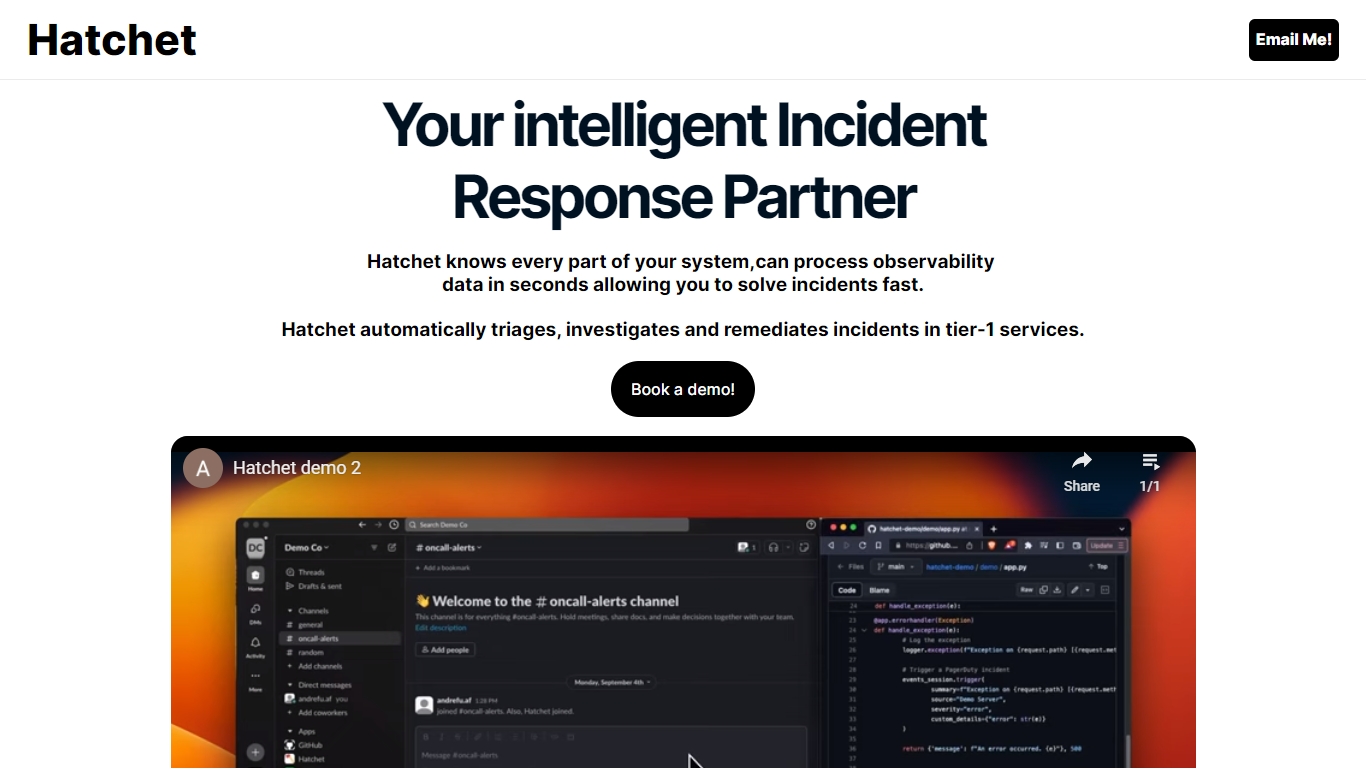

What is Hatchet?
Hatchet is your go-to AI companion designed to streamline incident responses for on-call engineers—offering a swift and smart solution to triage, investigate, and deploy fixes faster. This intelligent system understands every part of your infrastructure, processing observability data in mere seconds, so you can resolve issues rapidly and efficiently. With its ability to automatically triage, investigate, and remediate incidents, especially in critical tier-1 services, Hatchet injects relevant context into incidents to save time and resources.
For enhanced data security, Hatchet is deployed as an on-premises, self-hosted solution with robust security features—including Code Llama 2, no telemetry, permissions management, audit trails, single sign-on (SSO), and version control—ensuring your data remains within your virtual private cloud (VPC). Hatchet boasts easy integration into any alerting system by calling it at the service's entrypoint and pointing it to the log file, after which it takes over to work its magic.
HuggingChat
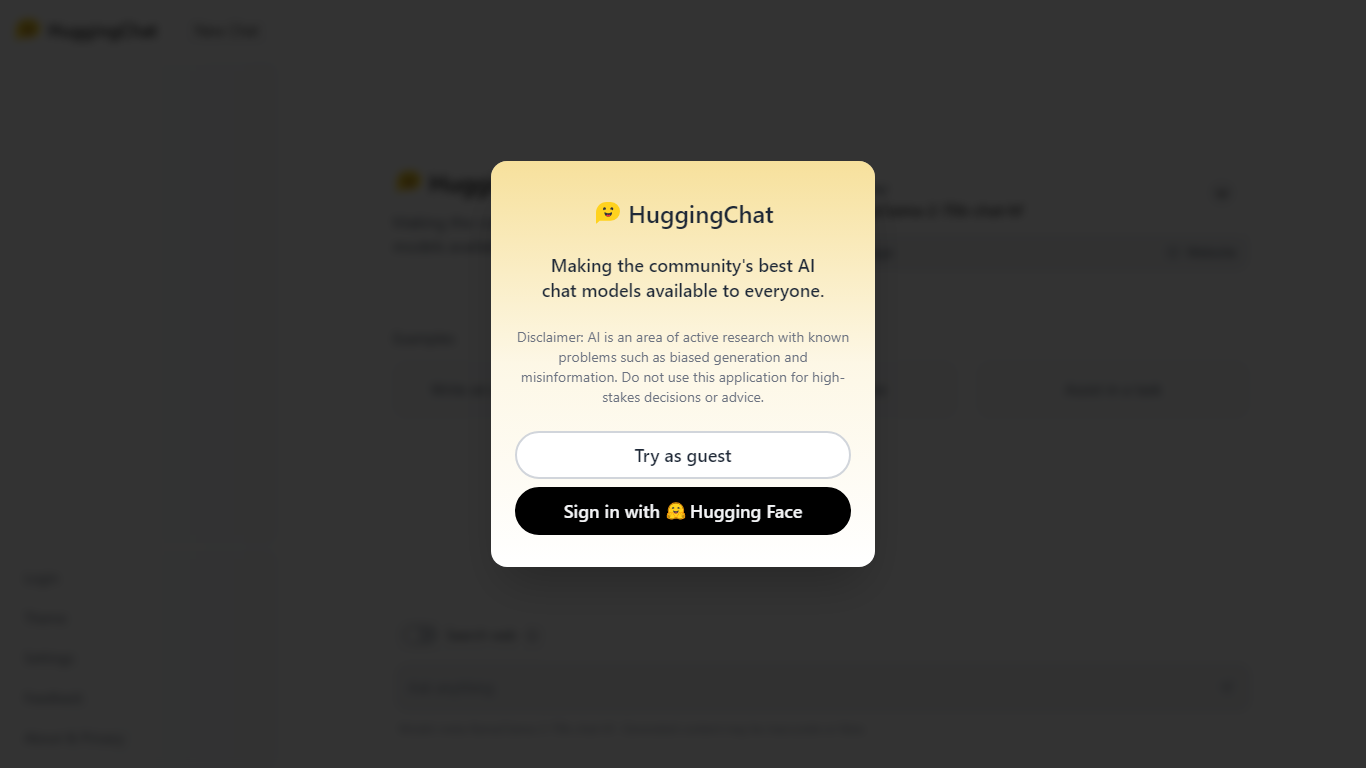
What is HuggingChat?
HuggingChat is a free chat assistant that runs open source AI models from the Hugging Face community. Pick a model directly or let Omni route your prompt to the best available option. The interface supports image generation, web tasks, dataset search, and MCP tool connections alongside standard text chat.
Closed chatbots lock you into one vendor model. HuggingChat exposes 137 open source models you can switch between mid-conversation, including newcomers like DeepSeek V4 Flash with a 1M-token context window. The trade-off is variable quality across models and a Hugging Face account requirement to save chats.
Developers, researchers, and curious users reach for it to test Llama, DeepSeek, and other community models without API keys or local GPU setup. Hugging Face positions it as making the community's best chat models available to everyone.
Hatchet Upvotes
HuggingChat Upvotes
Hatchet Top Features
Automated Triage & Investigation: Automatically processes incidents, streamlining the workflow of resolving issues.
Data Security: Ensures data security with 100% on-prem training and zero telemetry for in-VPC data privacy.
Intelligent Context Injection: Provides relevant context into incidents to save time and minimize resource expenditure.
Rapid Problem Resolution: Capable of ingesting logs, codebases, and knowledge hubs for instant issue resolution.
Easy Integration: Offers effortless integration into alerting systems for streamlined incident handling.
HuggingChat Top Features
Choose from 137 open source chat models or let Omni auto-select the best fit
DeepSeek V4 Flash offers a 1M-token context window and adjustable thinking modes
MCP (Model Context Protocol) connections extend chat with external tools
Built-in prompts cover image generation, website building, and dataset search
Free to use with a Hugging Face account for chat history and settings
New Chat shortcut and per-model settings pages for application and Omni routing
Powered by Hugging Face with DR 91 on the parent domain
Hatchet Category
- Code Assistant
HuggingChat Category
- Code Assistant
Hatchet Pricing Type
- Freemium
HuggingChat Pricing Type
- Free