Height vs GitMind
In the battle of Height vs GitMind, which AI Project Management tool comes out on top? We compare reviews, pricing, alternatives, upvotes, features, and more.
Between Height and GitMind, which one is superior?
Upon comparing Height with GitMind, which are both AI-powered project management tools, There's no clear winner in terms of upvotes, as both tools have received the same number. The power is in your hands! Cast your vote and have a say in deciding the winner.
Does the result make you go "hmm"? Cast your vote and turn that frown upside down!
Height
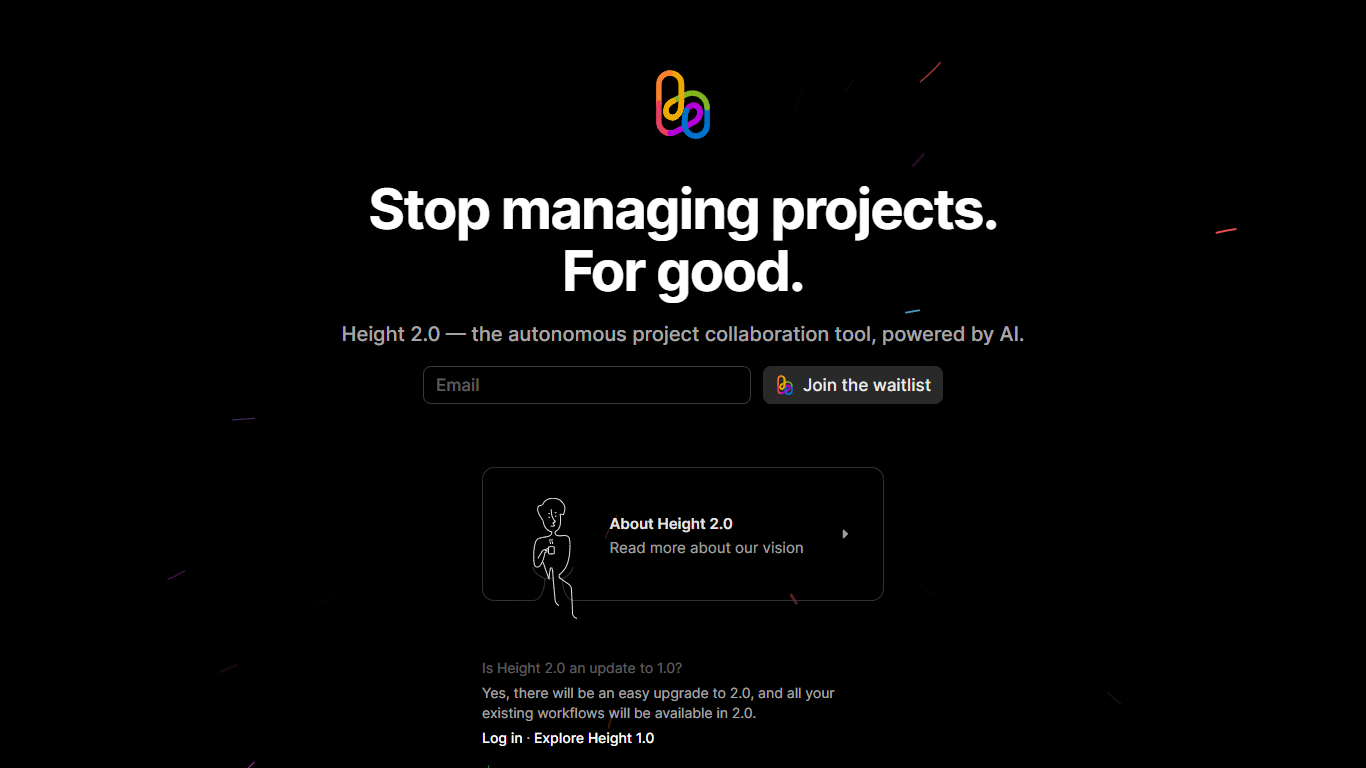

What is Height?
Height is an ingenious AI project tool designed specifically for builders looking to elevate their project collaboration. This state-of-the-art tool harnesses the power of artificial intelligence to streamline project management and enhance team collaboration. With its autonomous capabilities, Height empowers teams to work more efficiently by automating routine tasks and processes.
As the construction and project development industries evolve, Height stands at the forefront, offering a dynamic and intelligent solution to the complexities of project management. It provides a user-friendly interface that simplifies project tracking and ensures all team members are aligned with the project's objectives, deadlines, and critical milestones.
The SEO-optimized aspect of Height ensures that it’s not just a tool for management but also for visibility. Builders can leverage Height to maintain an organized workflow, while also ensuring that their projects gain attention in the digital space, helping to attract clients and stakeholders with its clear and efficient project communication strategies.
GitMind
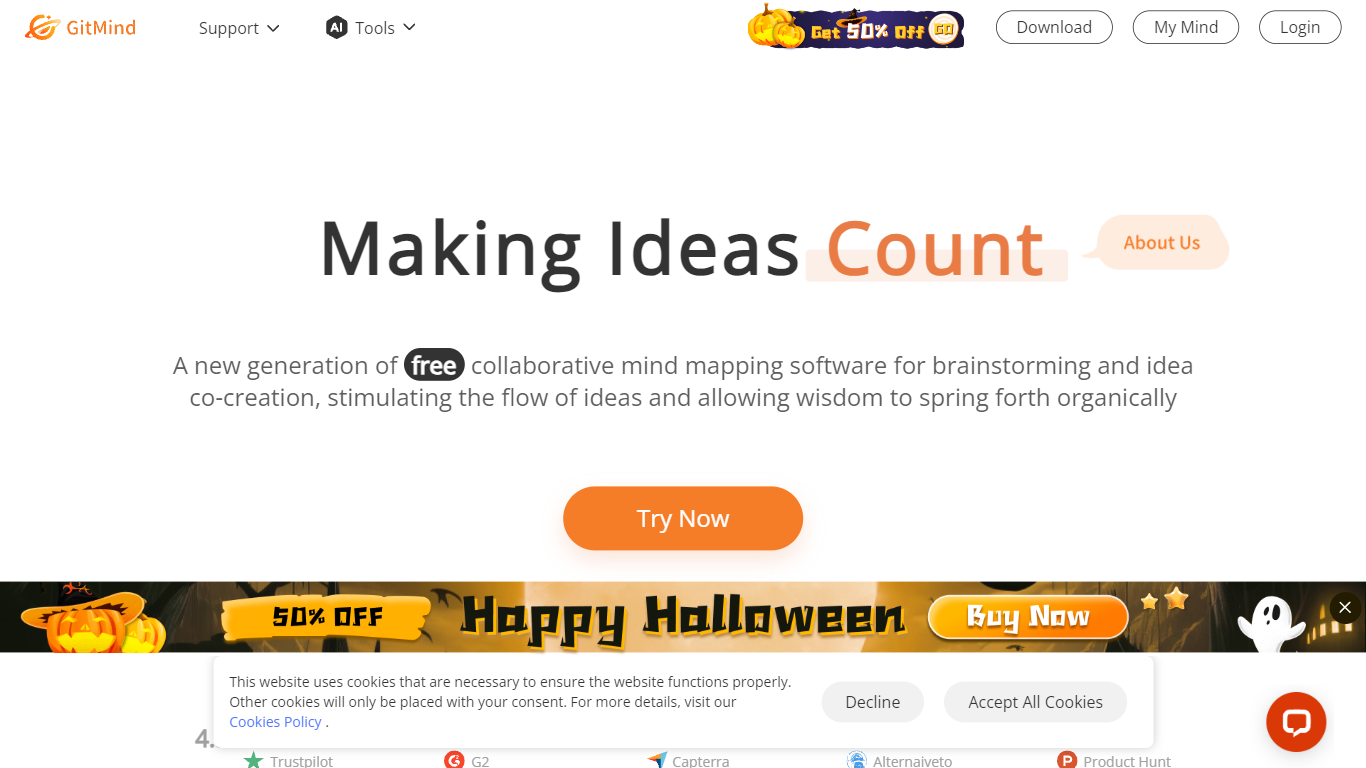
What is GitMind?
GitMind turns text, videos, audio, PDFs, websites, and images into mind maps, summaries, flowcharts, and infographics inside one visual workspace. Upload a file or paste a link, and the tool structures the content into editable diagrams you can share or present. Desktop and mobile apps sync projects across platforms for studying, research, and project planning.
Standalone mind map apps stop at diagram editing. GitMind bundles summarizers, OCR, YouTube transcript tools, and AI chat with ChatGPT, Claude, Gemini, and DeepSeek in the same canvas. That combination suits teams who want source material converted into visuals without switching between a note app, a diagram tool, and a separate AI chat tab.
Project managers, teachers, students, and researchers use GitMind to plan campaigns, summarize lectures, and generate UML or flowchart diagrams from prompts. The site reports 10 million users across 160 countries. Real-time collaboration and presentation mode support team workshops and classroom reviews.
Height Upvotes
GitMind Upvotes
Height Top Features
Feature1: Autonomous project management capabilities.
Feature2: AI-powered task automation and process streamlining.
Feature3: User-friendly interface for simplified project tracking.
Feature4: Enhanced team collaboration features.
Feature5: SEO-optimized for greater project visibility.
GitMind Top Features
Converts videos, PDFs, audio, websites, and images into mind maps or summaries
Free tier includes up to 10 mind maps and whiteboards
YouTube summarizer handles 20 minutes of one video per day on the free plan
Generates flowcharts, UML diagrams, ERDs, and infographics from text prompts
Integrates ChatGPT, Claude, Gemini, and DeepSeek inside the workspace
Real-time collaboration with presentation mode for team reviews
Height Category
- Project Management
GitMind Category
- Project Management
Height Pricing Type
- Freemium
GitMind Pricing Type
- Freemium