HelpMoji vs G3D.AI {Jedi}
Compare HelpMoji vs G3D.AI {Jedi} and see which AI Gaming tool is better when we compare features, reviews, pricing, alternatives, upvotes, etc.
Which one is better? HelpMoji or G3D.AI {Jedi}?
When we compare HelpMoji with G3D.AI {Jedi}, which are both AI-powered gaming tools, The upvote count reveals a draw, with both tools earning the same number of upvotes. The power is in your hands! Cast your vote and have a say in deciding the winner.
Don't agree with the result? Cast your vote and be a part of the decision-making process!
HelpMoji
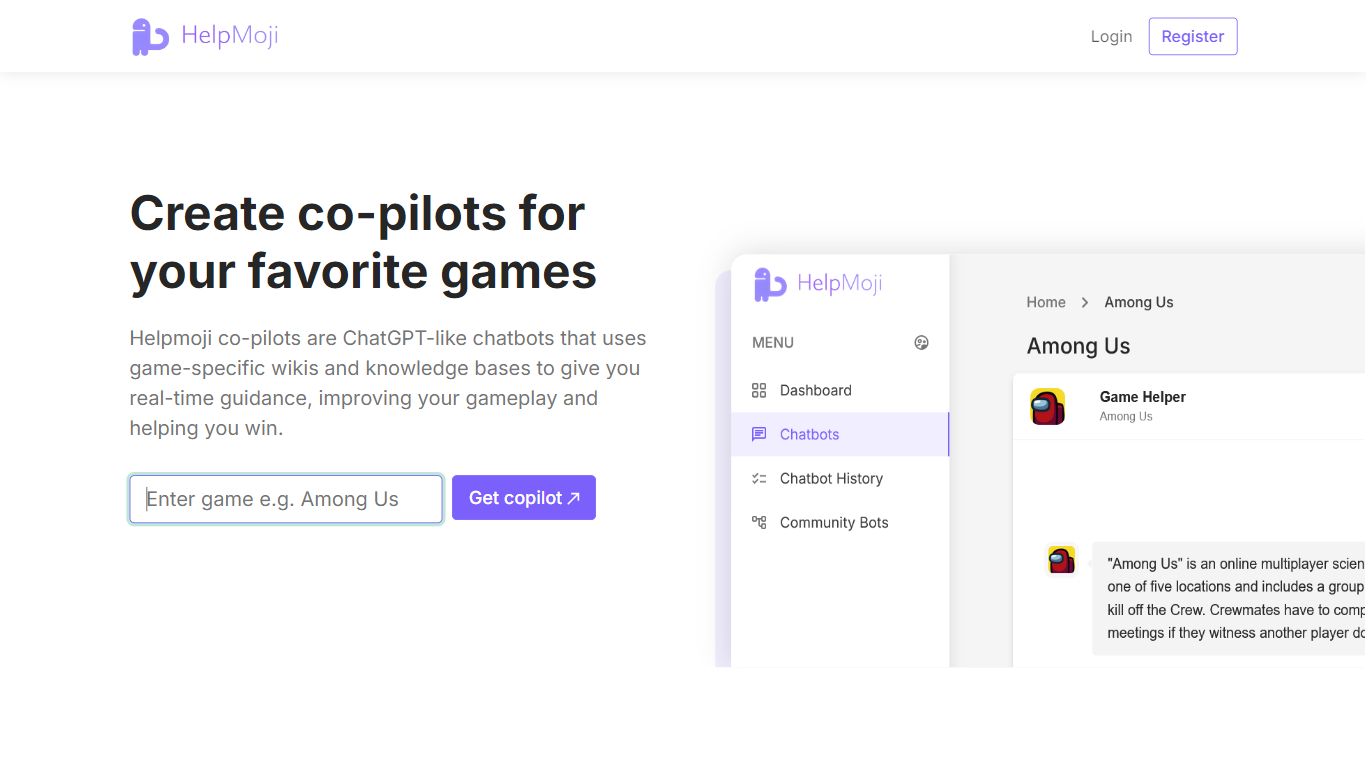

What is HelpMoji?
HelpMoji walks you through fixing glitchy mobile and web apps when error messages or frozen screens block your day. Search for the app that misbehaves, run HelpMoji diagnostics, and follow plain step-by-step instructions instead of digging through forums. The site covers Android, iPhone, and web software with quick example resolutions such as Netflix in 8 seconds or X in 18 seconds on the homepage.
The workflow stays simple on purpose. Step one identifies which app is failing and runs search plus diagnostic tooling to pinpoint the error. Step two delivers immediate instructions written for non-technical users, and step three gets you back into the app without reinstall loops or guesswork.
HelpMoji claims more than 192 million software errors resolved across its catalog. Categories split by platform with dedicated Android, iPhone, and web sections plus recently checked apps in the navigation. Popular lookups include Roblox, YouTube, Facebook, Gmail, and Netflix from the homepage quick picks.
Everyday phone and computer users who hit random app crashes fit the audience, along with support teams that route tricky software questions to a searchable fix database. A contact form on helpmoji.com handles feedback when a listed solution does not clear the issue.
G3D.AI {Jedi}
What is G3D.AI {Jedi}?
G3D.AI {Jedi} helps game creators generate 3D assets, design levels, and create gameplay mechanics using simple text prompts. It enables developers to build immersive game worlds and narratives without extensive manual work.
This tool integrates asset creation, level design, and storytelling into one AI-powered workflow, allowing users to quickly prototype or develop full games. Unlike traditional methods, it reduces the need for specialized 3D modeling or coding skills.
G3D.AI {Jedi} stands out by automating multiple game development steps, offering creative freedom while handling repetitive tasks. It supports both beginners and experienced developers aiming for efficient game production.
The platform uses advanced generative models trained on gaming assets and design patterns to produce optimized 3D models and gameplay elements suitable for interactive environments. It continuously updates its AI to enhance content quality and relevance.
Overall, G3D.AI {Jedi} empowers creators to focus on their vision by combining AI-driven asset generation, level design, and storytelling in a single platform, streamlining the game development process.
HelpMoji Upvotes
G3D.AI {Jedi} Upvotes
HelpMoji Top Features
Search and diagnose errors for Android, iPhone, and web apps
Step-by-step fix instructions aimed at non-technical users
192 million plus software errors resolved per HelpMoji stats
Example fixes listed at 8 seconds for Netflix and 18 seconds for X
Platform categories for Android, iPhone, and web troubleshooting
Quick picks for popular apps including Roblox, YouTube, and Gmail
G3D.AI {Jedi} Top Features
🎮 Text-to-gameplay generation creates unique game mechanics fast
🖼️ AI-powered 3D asset creation saves modeling time
🗺️ Automated level design builds immersive worlds quickly
📖 Narrative generation crafts engaging game stories easily
⚙️ Optimized outputs ready for gaming and metaverse use
HelpMoji Category
- Gaming
G3D.AI {Jedi} Category
- Gaming
HelpMoji Pricing Type
- Free
G3D.AI {Jedi} Pricing Type
- Freemium