Hemingway Editor vs Writer's brew
Dive into the comparison of Hemingway Editor vs Writer's brew and discover which AI Writing Assistant tool stands out. We examine alternatives, upvotes, features, reviews, pricing, and beyond.
In a comparison between Hemingway Editor and Writer's brew, which one comes out on top?
When we compare Hemingway Editor and Writer's brew, two exceptional writing assistant tools powered by artificial intelligence, and place them side by side, several key similarities and differences come to light. Hemingway Editor stands out as the clear frontrunner in terms of upvotes. Hemingway Editor has received 6 upvotes from aitools.fyi users, while Writer's brew has received 4 upvotes.
Does the result make you go "hmm"? Cast your vote and turn that frown upside down!
Hemingway Editor

What is Hemingway Editor?
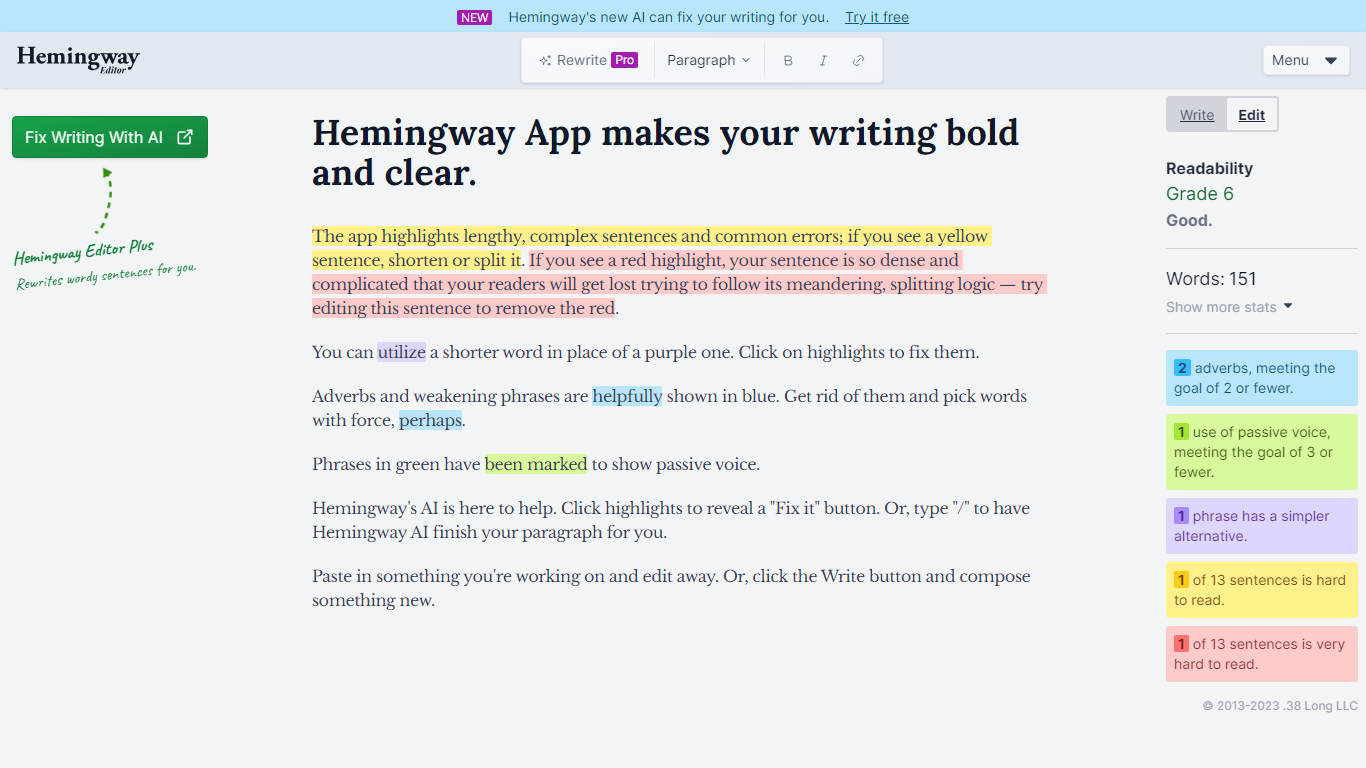
Hemingway Editor highlights hard-to-read sentences, passive voice, adverbs, and weak phrasing so you can tighten prose before publishing. The free online readability checker scores your text at a grade level and marks yellow sentences (4+ grades above average) and red sentences (6+ grades above) in real time with unlimited word count. Hemingway Editor Plus adds one-click AI rewrites for grammar, clarity, tone, and custom editing instructions.
Grammarly and similar tools focus on correctness; Hemingway focuses on readability first. It targets an 8th-grade reading level because that is the average adult comprehension level in the United States, and it shows exactly which sentences trip readers up rather than just an overall score. The Plus tier rewrites up to 5,000 or 10,000 sentences monthly while keeping your voice, and the company states it will not sell your data or use it to train AI models.
Bloggers, marketers, and academics use it to cut jargon and wordiness. The classic desktop app (Hemingway Editor 3 at $19.99) works offline on Mac and PC without AI features. Plus subscribers get eight tone presets (confident, formal, friendly, persuasive, and more), document review feedback, context-aware synonym suggestions, and file import/export with target reading level controls.
Writer's brew
What is Writer's brew?
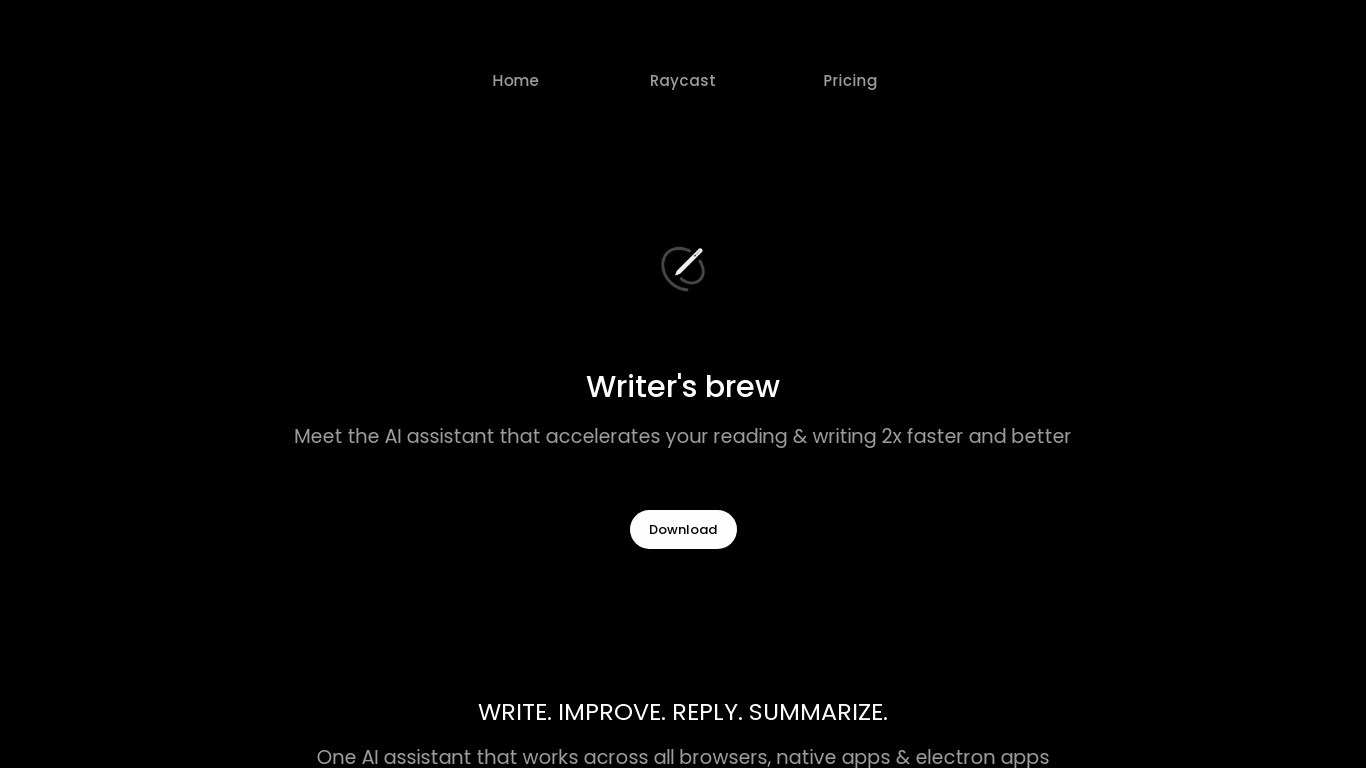
Writer's brew is a macOS writing assistant that rewrites, summarizes, translates, and replies to text you highlight in any app. It runs from the menu bar, a Spotlight-style popup, or keyboard shortcuts, and includes snippets, 15+ text utilities, and OCR that pulls words from images before sending them to AI. You bring your own OpenAI API key, so usage costs go to OpenAI rather than a monthly SaaS bill.
Most writing assistants live inside one browser tab or web editor. Writer's brew works system-wide on macOS 15.0 or later, which suits people who jump between Notes, email, Slack, and docs all day. The trade-off is it is Mac-only, requires your own OpenAI key, and skips the managed cloud workflow that all-in-one web tools provide.
Product managers, founders, and students who draft in multiple native Mac apps are the core audience. Power users pair it with Raycast or PopClip extensions for one-click rewrites, while snippet forms with placeholders like {date} and {clipboard} handle repetitive replies.
Hemingway Editor Upvotes
Writer's brew Upvotes
Hemingway Editor Top Features
Free readability checker with unlimited word count and real-time grade-level scoring
Yellow highlights flag sentences 4+ grade levels above average; red flags 6+ grades harder
Plus Individual 5K plan at $8.33/month (annual) includes 5,000 AI sentence rewrites monthly
Eight AI tone presets: shorten, add detail, confident, friendly, casual, formal, persuasive
Advanced grammar fixes beyond spellcheck with unlimited usage on all Plus plans
Classic desktop app (Hemingway Editor 3) costs $19.99 one-time and works offline without AI
2-week free Plus trial with no credit card required; cancels automatically
Writer's brew Top Features
30+ AI writing tools plus 50+ community presets for rewrite, summarize, translate, and reply tasks
Works across any macOS app via menu bar, Spotlight-style popup, or custom keyboard shortcuts
Snippet engine with smart placeholders like {date}, {clipboard}, and custom form fields
OCR extracts text from images anywhere on macOS before running AI transforms
Raycast and PopClip integrations add one-click presets from selected text
Pro license covers 2 devices for $29 with lifetime use and requires your own OpenAI API key
Translates highlighted text across 15+ languages from the same popup interface
Hemingway Editor Category
- Writing Assistant
Writer's brew Category
- Writing Assistant
Hemingway Editor Pricing Type
- Freemium
Writer's brew Pricing Type
- Paid