HeyEditor vs AI Portrait in Filmora
Dive into the comparison of HeyEditor vs AI Portrait in Filmora and discover which AI Video Editing tool stands out. We examine alternatives, upvotes, features, reviews, pricing, and beyond.
When comparing HeyEditor and AI Portrait in Filmora, which one rises above the other?
When we compare HeyEditor and AI Portrait in Filmora, two exceptional video editing tools powered by artificial intelligence, and place them side by side, several key similarities and differences come to light. The upvote count shows a clear preference for HeyEditor. HeyEditor has 88 upvotes, and AI Portrait in Filmora has 6 upvotes.
Want to flip the script? Upvote your favorite tool and change the game!
HeyEditor
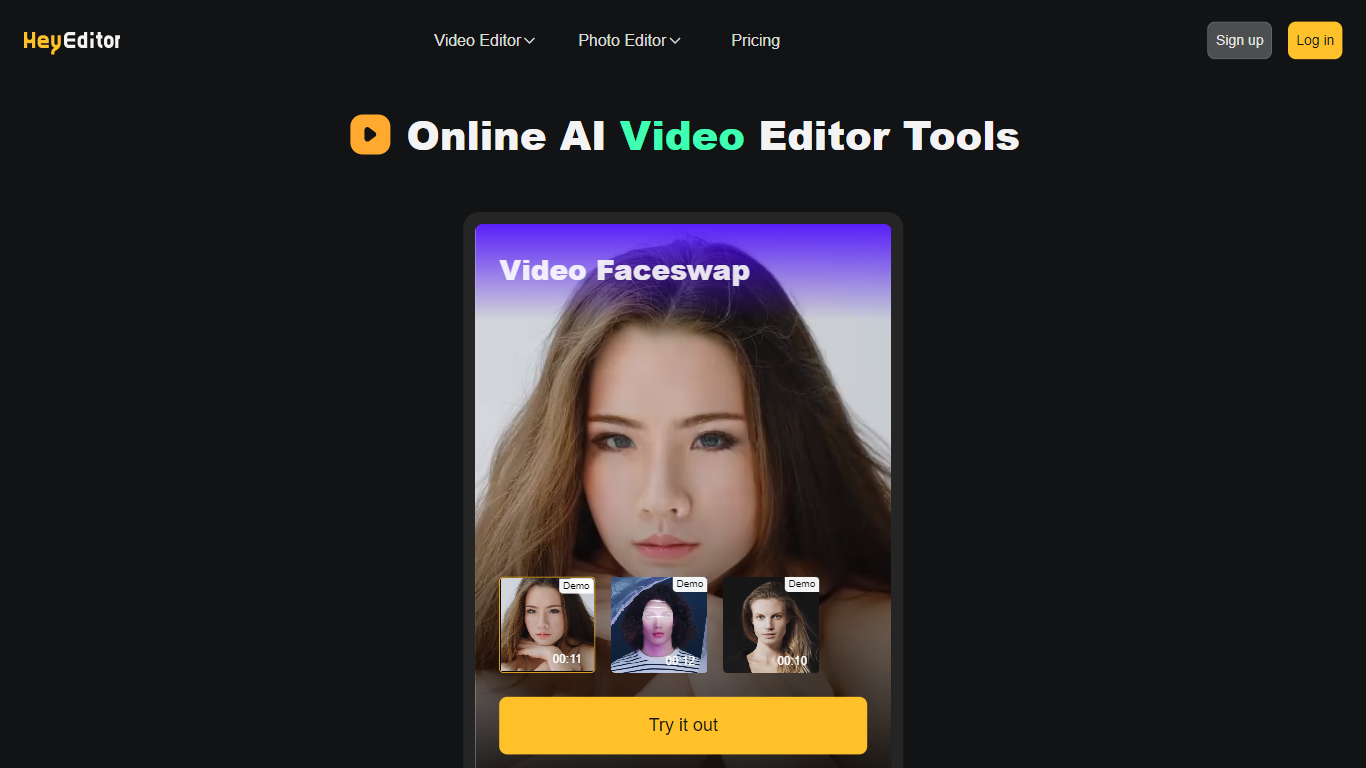

What is HeyEditor?
HeyEditor lets you edit videos and photos in the browser with AI tools like face swap, photo enhancement, and anime-style conversion. You upload a file on the site and run each effect from its own editor page, with no desktop software to install.
Unlike timeline editors built for long-form cuts, HeyEditor splits work into task-specific tools. Video face swap accepts files up to 10 minutes and 500 MB, while photo tools cap uploads at 10 MB and GIFs at 15 MB.
HeyEditor suits creators who want fast results for social posts, memes, or stylized images. You can browse the editors from the homepage, then sign up and add credits or a Pro plan when you need more usage.
AI Portrait in Filmora
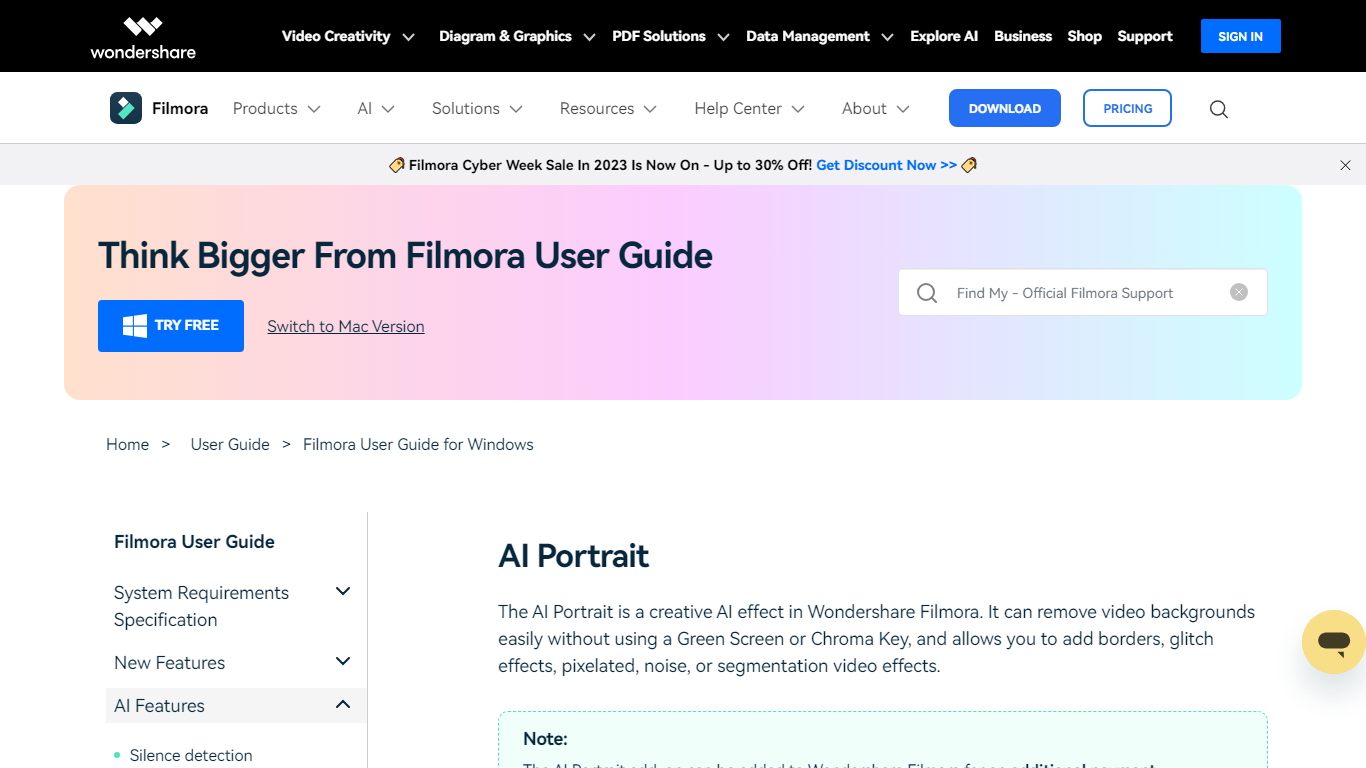
What is AI Portrait in Filmora?
AI Portrait in Filmora is a video editing feature inside Wondershare Filmora for Windows that removes portrait backgrounds without a green screen. You stack portrait footage above a background clip, enable AI Portrait Cutout, and Filmora makes the subject transparent so you can composite the person over another scene.
Standalone background removers export a cutout file you re-import elsewhere. Filmora keeps the workflow on the timeline with Advanced and Quick cutout modes, plus 70 plus body and sticker effects you can layer directly on the subject. That makes it a fit when you already edit in Filmora and want portrait compositing beside the rest of your cuts.
It suits YouTube creators, tutorial makers, and social editors who film talking-head clips at home without chroma key gear. Editors who need a dedicated rotoscoping app or node-based compositing will outgrow what this guide-page feature offers on its own.
HeyEditor Upvotes
AI Portrait in Filmora Upvotes
HeyEditor Top Features
Swap faces in videos up to 10 minutes (500 MB) or in still photos and GIFs up to 10 MB and 15 MB
Enhance photo resolution and detail with a dedicated AI photo enhancer
Turn uploaded photos into anime-style artwork from the browser
Buy credit packs from 100 to 3,000 credits or subscribe to Pro monthly or yearly
Pay with debit or credit card directly on the pricing page
Start with zero credits and add more when you need heavier usage
AI Portrait in Filmora Top Features
AI Portrait Cutout detects people in video or images and removes the background automatically
Works without a green screen or chroma key setup according to the official guide
Offers Advanced Cutout Mode and Quick Cutout Mode for different processing speeds
Includes 70 plus body effects and sticker effects to stylize the subject
Layers portrait footage above a background clip directly on the Filmora timeline
Body effects can be added from the AI Portrait panel or the Effects toolbar
Exports finished composites through Filmora standard export workflow on Windows
HeyEditor Category
- Video Editing
AI Portrait in Filmora Category
- Video Editing
HeyEditor Pricing Type
- Freemium
AI Portrait in Filmora Pricing Type
- Freemium