HeyEditor vs HitPaw Video Enhancer
Dive into the comparison of HeyEditor vs HitPaw Video Enhancer and discover which AI Video Editing tool stands out. We examine alternatives, upvotes, features, reviews, pricing, and beyond.
When comparing HeyEditor and HitPaw Video Enhancer, which one rises above the other?
When we compare HeyEditor and HitPaw Video Enhancer, two exceptional video editing tools powered by artificial intelligence, and place them side by side, several key similarities and differences come to light. The community has spoken, HeyEditor leads with more upvotes. HeyEditor has garnered 88 upvotes, and HitPaw Video Enhancer has garnered 7 upvotes.
Disagree with the result? Upvote your favorite tool and help it win!
HeyEditor


What is HeyEditor?
HeyEditor lets you edit videos and photos in the browser with AI tools like face swap, photo enhancement, and anime-style conversion. You upload a file on the site and run each effect from its own editor page, with no desktop software to install.
Unlike timeline editors built for long-form cuts, HeyEditor splits work into task-specific tools. Video face swap accepts files up to 10 minutes and 500 MB, while photo tools cap uploads at 10 MB and GIFs at 15 MB.
HeyEditor suits creators who want fast results for social posts, memes, or stylized images. You can browse the editors from the homepage, then sign up and add credits or a Pro plan when you need more usage.
HitPaw Video Enhancer
What is HitPaw Video Enhancer?
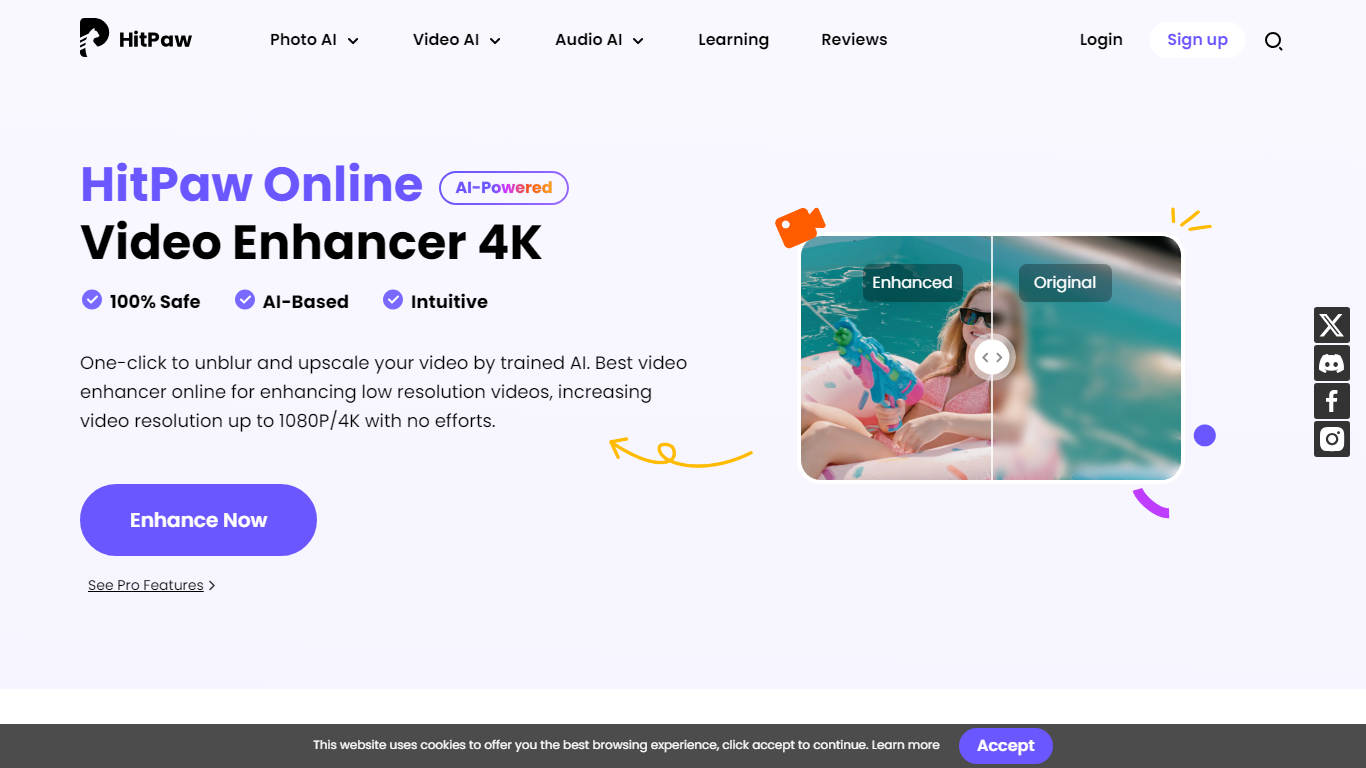
HitPaw Video Enhancer upscales blurry clips to 4K directly in the browser, with dedicated models for faces, anime, general denoise, and black-and-white colorization. Upload MP4, WebM, MOV, or GIF files up to 2GB, pick an enhancement mode, preview side-by-side results, and export without installing desktop software.
Desktop upscalers like Topaz require heavy local GPU work and large installs. HitPaw runs processing on cloud servers, which keeps your laptop free during renders and suits quick fixes to phone footage, old DV tapes, or compressed social clips. The trade-off is credit-based limits on export length rather than unlimited local batch jobs.
YouTubers, family archivists, e-commerce sellers, and anime editors use HitPaw when a single clip needs sharpening before posting. Free accounts get preview-only access; paid HitPaw Ultra plans start at $9.99 per week with up to 600 seconds of video enhancement credits.
HeyEditor Upvotes
HitPaw Video Enhancer Upvotes
HeyEditor Top Features
Swap faces in videos up to 10 minutes (500 MB) or in still photos and GIFs up to 10 MB and 15 MB
Enhance photo resolution and detail with a dedicated AI photo enhancer
Turn uploaded photos into anime-style artwork from the browser
Buy credit packs from 100 to 3,000 credits or subscribe to Pro monthly or yearly
Pay with debit or credit card directly on the pricing page
Start with zero credits and add more when you need heavier usage
HitPaw Video Enhancer Top Features
Upscale 1080p footage to 4K online with separate Face, Anime, and General Denoise enhancement models
Accepts MP4, WebM, MOV, and GIF uploads up to 2GB with maximum input resolution of 4K
AI noise reduction removes grain, motion blur, and low-light artifacts frame by frame
Face model tracks subjects to sharpen contours and reduce skin blemishes in portrait clips
Colorize mode adds realistic tones to black-and-white family archives and historical footage
Cloud rendering processes clips on remote servers so local CPU and GPU stay free during exports
HeyEditor Category
- Video Editing
HitPaw Video Enhancer Category
- Video Editing
HeyEditor Pricing Type
- Freemium
HitPaw Video Enhancer Pricing Type
- Freemium