HitPaw Video Enhancer vs Invideo AI
In the battle of HitPaw Video Enhancer vs Invideo AI, which AI Video Editing tool comes out on top? We compare reviews, pricing, alternatives, upvotes, features, and more.
Between HitPaw Video Enhancer and Invideo AI, which one is superior?
Upon comparing HitPaw Video Enhancer with Invideo AI, which are both AI-powered video editing tools, The upvote count shows a clear preference for HitPaw Video Enhancer. HitPaw Video Enhancer has garnered 7 upvotes, and Invideo AI has garnered 6 upvotes.
Want to flip the script? Upvote your favorite tool and change the game!
HitPaw Video Enhancer
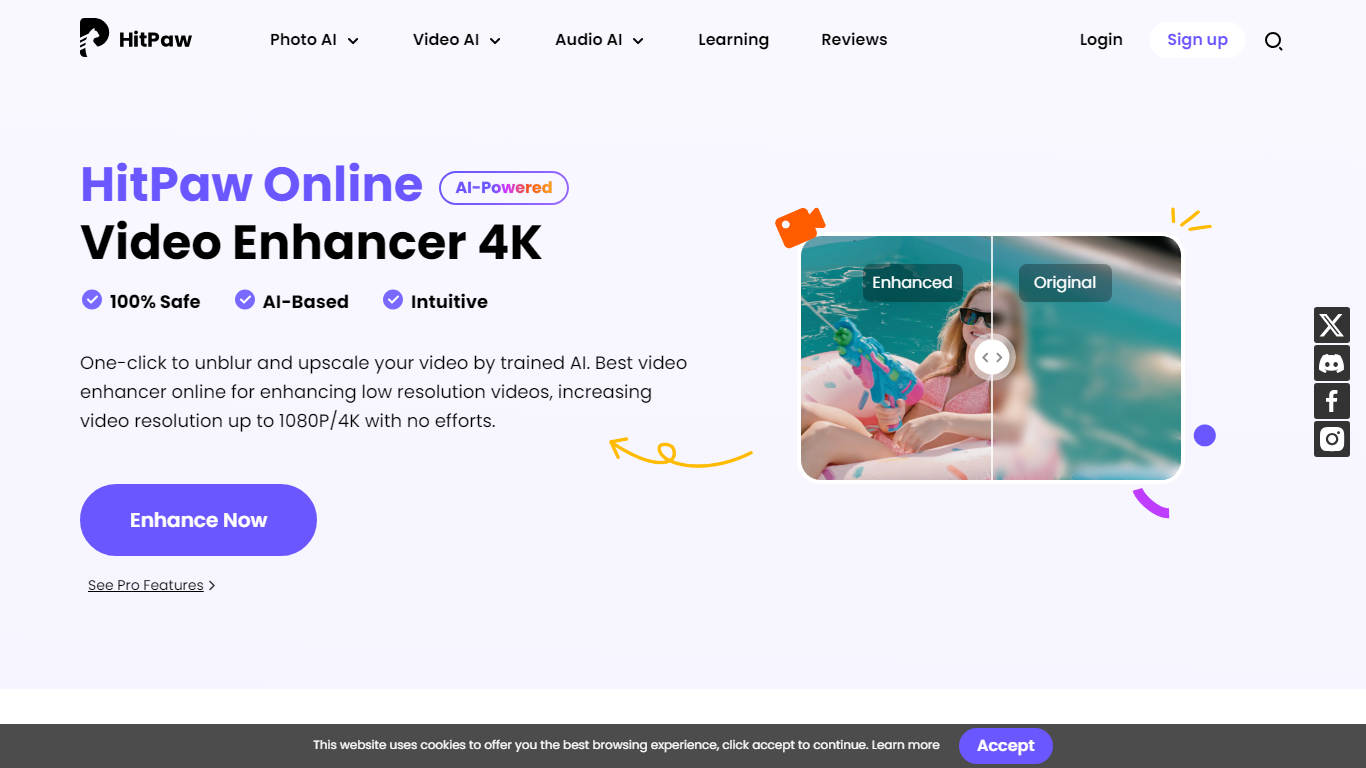

What is HitPaw Video Enhancer?
Elevate your video quality effortlessly with HitPaw Online AI 4K Video Enhancer, designed to be your go-to solution for AI-enhanced video upscaling. Experience the power of advanced technology to transform your videos to stunning 4K resolution in a flash.
Our easy-to-use platform offers a seamless process to enhance and upscale your videos up to 1080P/4K, elevating the viewing experience with crisp, clear visuals. Backed by a 100% safety guarantee, HitPaw ensures a secure enhancement process, so you can focus on the quality without worrying about the security of your content.
The HitPaw Online Toolbox provides a range of features for a comprehensive video enhancement journey. Whether for personal use or professional projects, HitPaw stands as your first and best choice in the realm of AI-powered video quality enhancement. Try it now for free and witness the remarkable difference!
Invideo AI
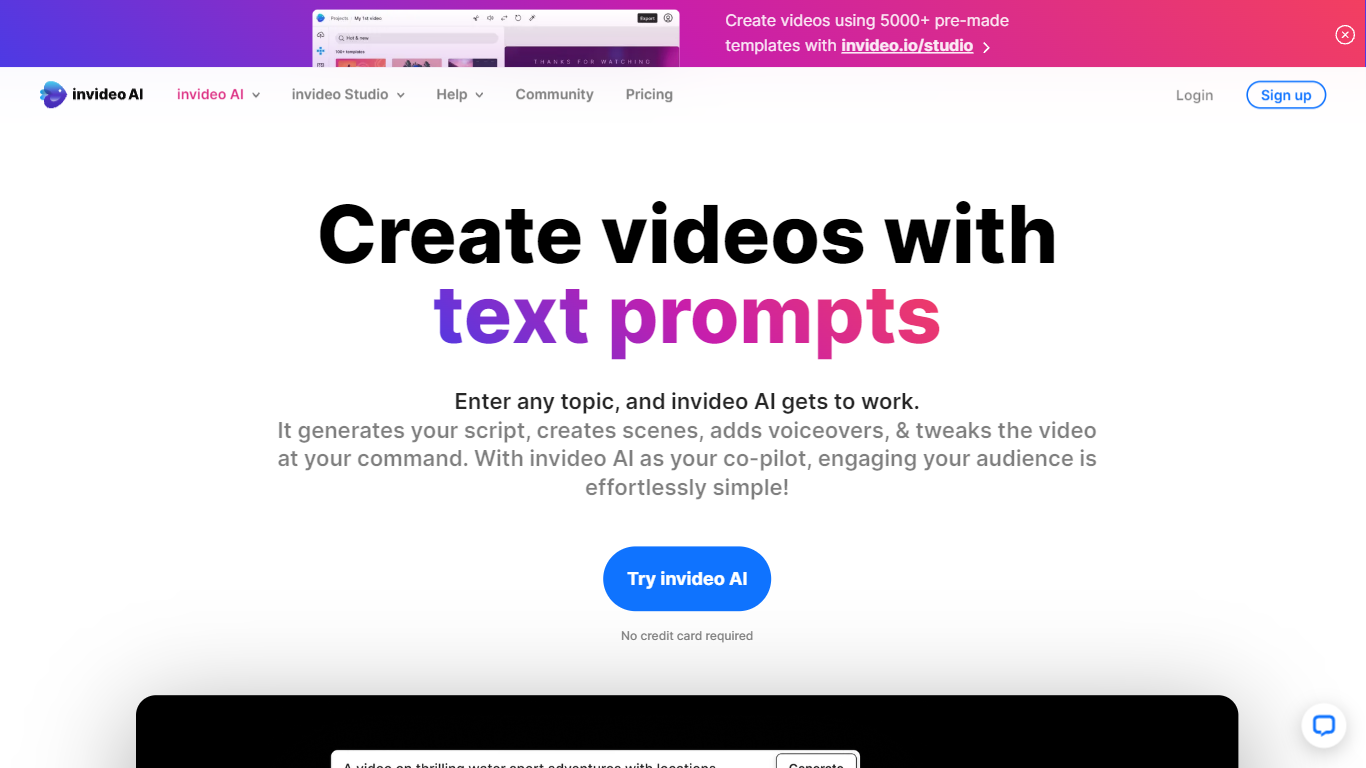
What is Invideo AI?
Invideo AI turns prompts into multi-scene films, ads, and microdramas through Agent Two, a crew of AI agents that remember your project's full context across shots. Characters, costumes, and locations stay consistent because agents store long-term memory instead of treating each clip as isolated. You can edit multiple clips at once, swap backdrops without regenerating entire scenes, and let agents pick the right model and write per-shot prompts for you.
Runway and Pika focus on single-clip generation. Invideo targets full productions with storyboarding from scripts, a timeline editor, multiplayer collaboration with live cursors, and custom agents for roles like cinematographer or music designer. Paid plans unlock 200+ generative models including Veo 3.1, Kling 3.0, and Seedance 2.0 plus stock from iStock and Storyblocks.
Filmmakers, ad teams, and social creators use Invideo when they need binge-worthy microdrama series or dozens of vertical cuts from one idea without babysitting every generation. Credits power AI actions while exports stay unlimited on paid tiers, though unused monthly credits do not roll over.
HitPaw Video Enhancer Upvotes
Invideo AI Upvotes
HitPaw Video Enhancer Top Features
AI Upscaling: Instantly upscale videos to 1080P/4K resolutions using AI technology.
User-Friendly Interface: Effortlessly enhance videos with an intuitive drag-and-drop system.
Secure Enhancement Process: Guaranteed safety with a platform that prioritizes the security of your content.
Comprehensive Toolbox: Access a variety of AI tools for enhancing video and image quality.
Free Trial: Experience the exceptional quality for yourself with a risk-free trial.
Invideo AI Top Features
Agent Two maintains long-term project memory so characters and locations stay consistent across shots
Edit multiple clips at once to swap costumes, locations, or characters without full regeneration
Access 200+ image, video, audio, and music models including Veo 3.1, Kling 3.0, and Seedance 2.0
Storyboarding turns scripts into shot-by-shot plans before any generation starts
Timeline editor with multiplayer live cursors for real-time team collaboration
Plus plan at $20/mo includes 75 monthly credits and watermark-free unlimited exports
Stock footage from iStock and Storyblocks available alongside generative clip creation
HitPaw Video Enhancer Category
- Video Editing
Invideo AI Category
- Video Editing
HitPaw Video Enhancer Pricing Type
- Paid
Invideo AI Pricing Type
- Freemium