HuggingChat vs GitHub Copilot
Dive into the comparison of HuggingChat vs GitHub Copilot and discover which AI Code Assistant tool stands out. We examine alternatives, upvotes, features, reviews, pricing, and beyond.
When comparing HuggingChat and GitHub Copilot, which one rises above the other?
When we compare HuggingChat and GitHub Copilot, two exceptional code assistant tools powered by artificial intelligence, and place them side by side, several key similarities and differences come to light. The upvote count shows a clear preference for HuggingChat. HuggingChat has attracted 6 upvotes from aitools.fyi users, and GitHub Copilot has attracted 4 upvotes.
Does the result make you go "hmm"? Cast your vote and turn that frown upside down!
HuggingChat


What is HuggingChat?
HuggingChat is a free chat assistant that runs open source AI models from the Hugging Face community. Pick a model directly or let Omni route your prompt to the best available option. The interface supports image generation, web tasks, dataset search, and MCP tool connections alongside standard text chat.
Closed chatbots lock you into one vendor model. HuggingChat exposes 137 open source models you can switch between mid-conversation, including newcomers like DeepSeek V4 Flash with a 1M-token context window. The trade-off is variable quality across models and a Hugging Face account requirement to save chats.
Developers, researchers, and curious users reach for it to test Llama, DeepSeek, and other community models without API keys or local GPU setup. Hugging Face positions it as making the community's best chat models available to everyone.
GitHub Copilot
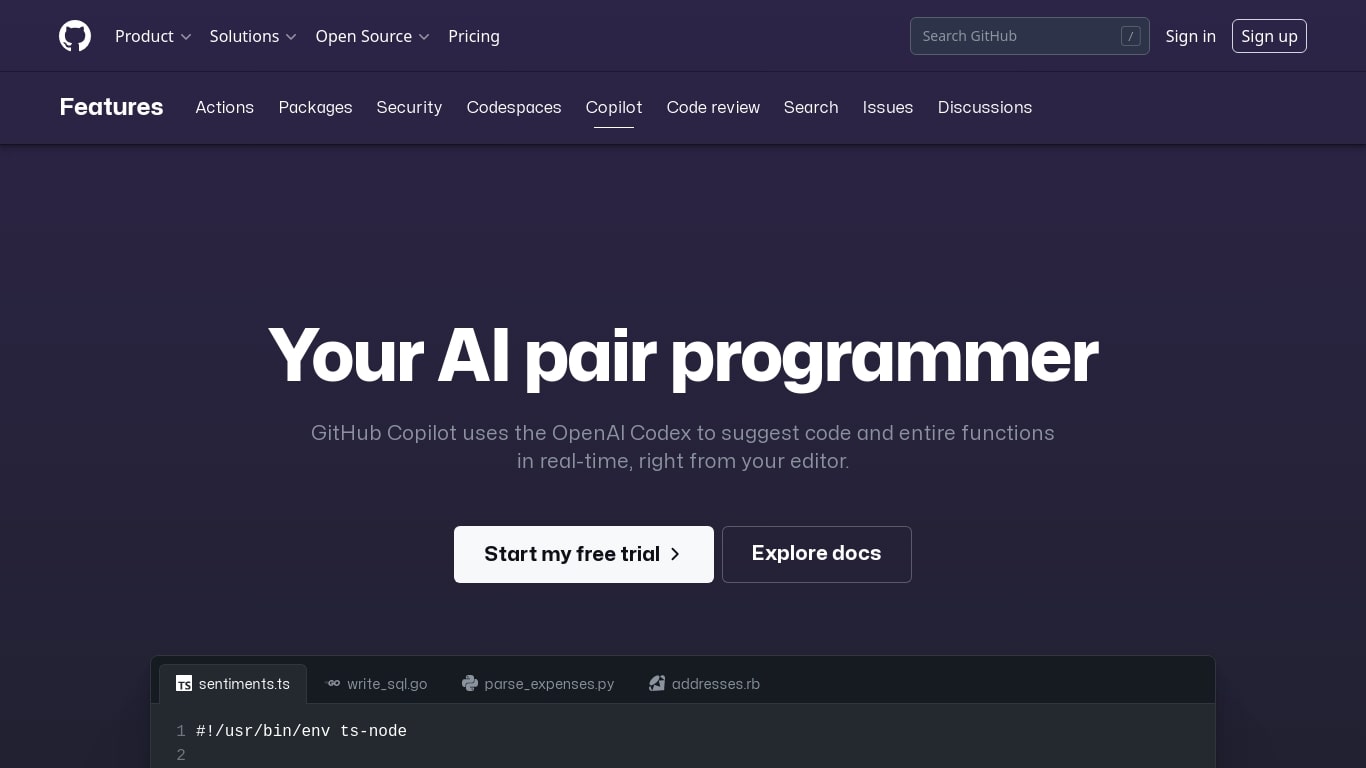
What is GitHub Copilot?
GitHub Copilot is a code assistant that lives inside your editor, terminal, and GitHub.com. It completes lines as you type, answers questions about your codebase in chat, and runs agent workflows that edit multiple files while you review each change. It is built for developers who want help inside the tools they already use rather than a separate chat window.
Most coding assistants bolt onto one IDE. Copilot spans VS Code, JetBrains, Neovim, Visual Studio, the GitHub CLI, GitHub Mobile, and native chat on GitHub.com with the Enterprise plan. That reach matters when your team splits time between local editing, pull request review, and issue triage on the web. The trade-off is complexity: plans, credit allowances, and agent policies vary by tier, so heavy agent users need to watch usage more carefully than someone who only wants inline completions.
Software engineers, open source maintainers, and enterprise dev teams use Copilot for inline completion, multi-file agent edits, automated code review on pull requests, and background cloud agents assigned through GitHub issues. Verified students and teachers can access Pro at no cost through GitHub's education program.
HuggingChat Upvotes
GitHub Copilot Upvotes
HuggingChat Top Features
Choose from 137 open source chat models or let Omni auto-select the best fit
DeepSeek V4 Flash offers a 1M-token context window and adjustable thinking modes
MCP (Model Context Protocol) connections extend chat with external tools
Built-in prompts cover image generation, website building, and dataset search
Free to use with a Hugging Face account for chat history and settings
New Chat shortcut and per-model settings pages for application and Omni routing
Powered by Hugging Face with DR 91 on the parent domain
GitHub Copilot Top Features
Free tier includes 2,000 code completions and 50 chat requests per month
Pro plan is $10 per month with unlimited completions and next-edit suggestions
Runs in VS Code, JetBrains, Neovim, Visual Studio, Xcode, and Eclipse IDE
Agent mode proposes multi-file edits with Keep or Undo review in the editor
Assign cloud agents to GitHub issues, including Claude and OpenAI Codex on Pro
Copilot CLI and Spaces draw from monthly GitHub AI Credits on paid plans
Enterprise admins control MCP server allow lists from a single control plane
HuggingChat Category
- Code Assistant
GitHub Copilot Category
- Code Assistant
HuggingChat Pricing Type
- Free
GitHub Copilot Pricing Type
- Freemium