HuggingChat vs MakeForms
When comparing HuggingChat vs MakeForms, which AI Code Assistant tool shines brighter? We look at pricing, alternatives, upvotes, features, reviews, and more.
In a comparison between HuggingChat and MakeForms, which one comes out on top?
When we put HuggingChat and MakeForms side by side, both being AI-powered code assistant tools, The community has spoken, MakeForms leads with more upvotes. MakeForms has received 7 upvotes from aitools.fyi users, while HuggingChat has received 6 upvotes.
Not your cup of tea? Upvote your preferred tool and stir things up!
HuggingChat
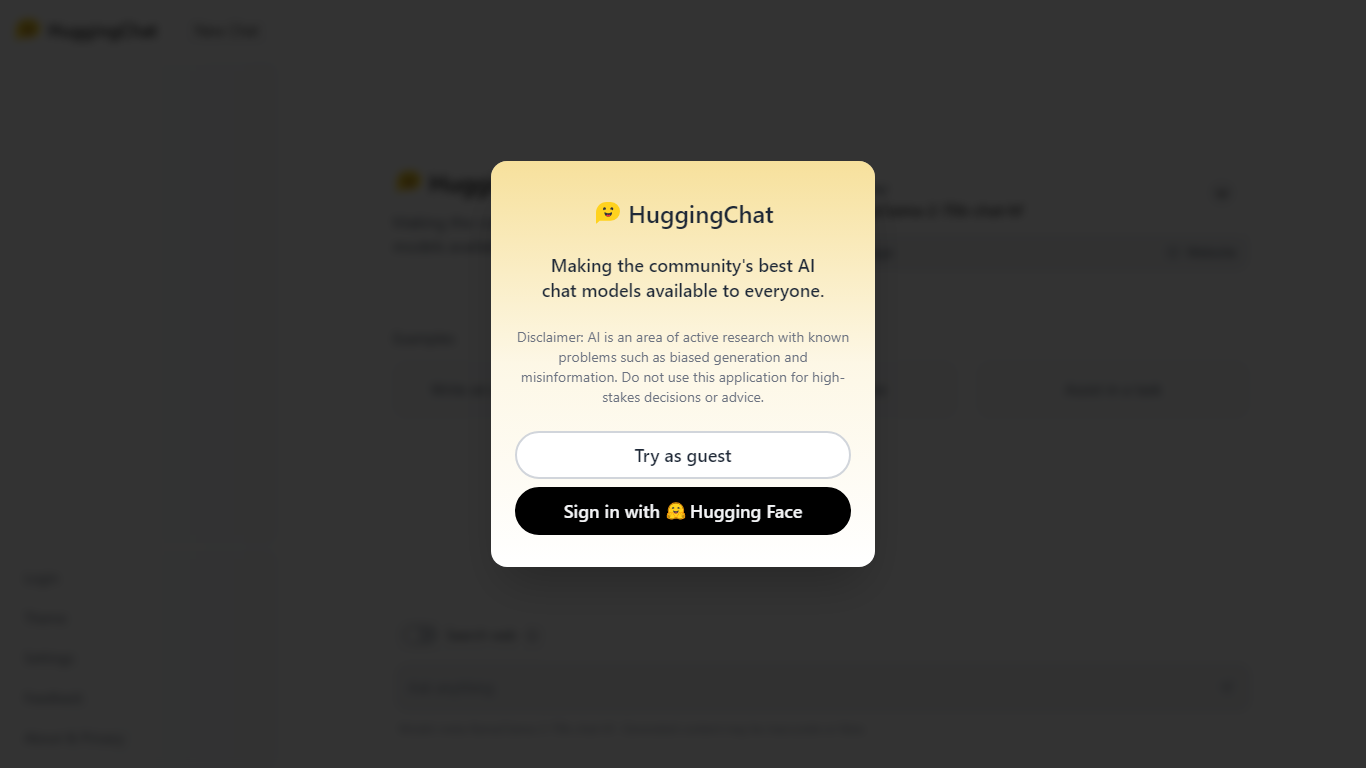

What is HuggingChat?
HuggingChat is a free chat assistant that runs open source AI models from the Hugging Face community. Pick a model directly or let Omni route your prompt to the best available option. The interface supports image generation, web tasks, dataset search, and MCP tool connections alongside standard text chat.
Closed chatbots lock you into one vendor model. HuggingChat exposes 137 open source models you can switch between mid-conversation, including newcomers like DeepSeek V4 Flash with a 1M-token context window. The trade-off is variable quality across models and a Hugging Face account requirement to save chats.
Developers, researchers, and curious users reach for it to test Llama, DeepSeek, and other community models without API keys or local GPU setup. Hugging Face positions it as making the community's best chat models available to everyone.
MakeForms
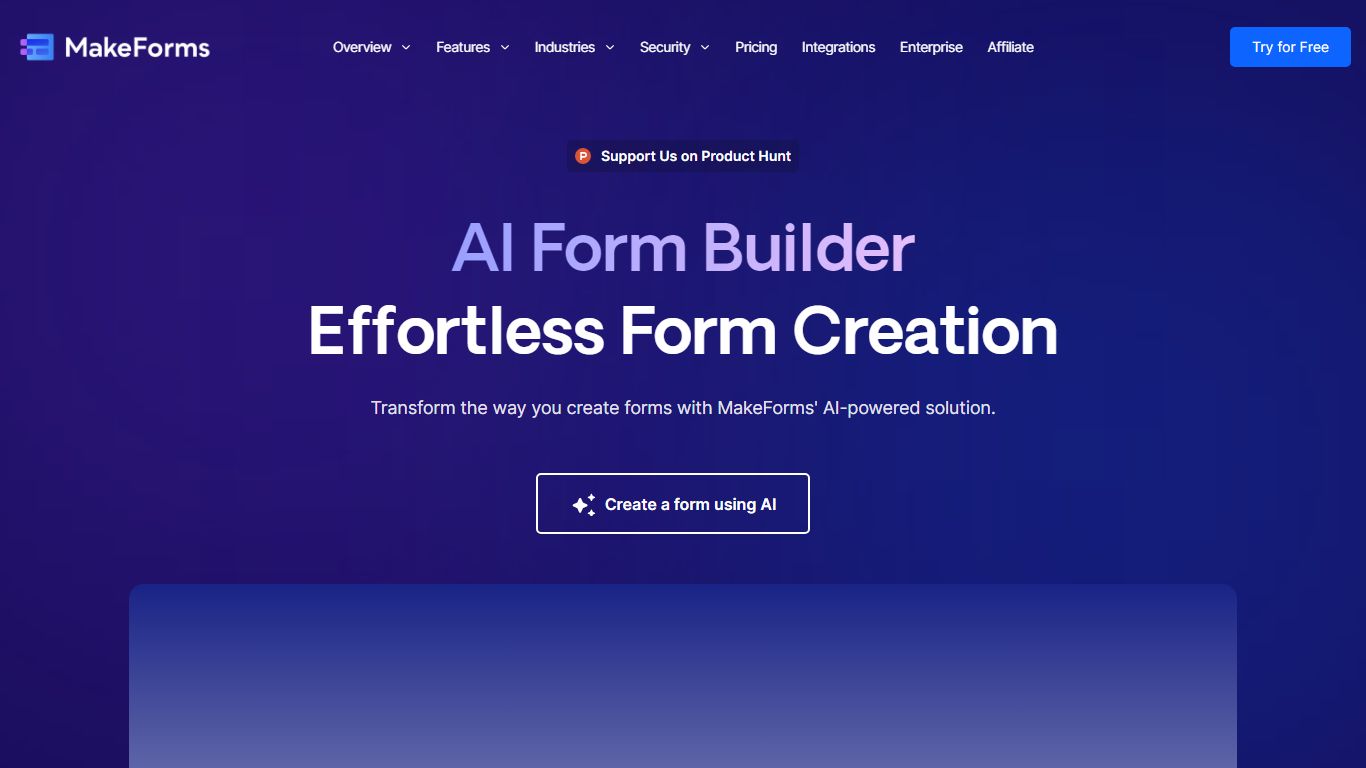
What is MakeForms?
MakeForms AI Form Builder turns a text prompt into a live web form with fields, logic, and layout in under a minute. You describe what you need on makeforms.io/ai-form-builder, optionally set language and page count, or start from templates like Contact Us, Event Feedback, or Job Application. After generation you verify email and share a unique form link.
Most form builders make you drag fields manually. MakeForms adds a ChatGPT-style editor where you ask for updates in conversation instead of reopening a design panel. Lead notifications can route through email, SMS, and WhatsApp so teams see submissions without checking a dashboard constantly.
MakeForms also connects to CRMs, spreadsheets, and workflow tools out of the box, with icons for Slack, Google Drive, OneDrive, and Dropbox on the integrations section. The homepage advertises unlimited free forms with no credit card required and displays a SOC 2 compliant badge. Signup runs through makeforms.io/app/sign-up.
HuggingChat Upvotes
MakeForms Upvotes
HuggingChat Top Features
Choose from 137 open source chat models or let Omni auto-select the best fit
DeepSeek V4 Flash offers a 1M-token context window and adjustable thinking modes
MCP (Model Context Protocol) connections extend chat with external tools
Built-in prompts cover image generation, website building, and dataset search
Free to use with a Hugging Face account for chat history and settings
New Chat shortcut and per-model settings pages for application and Omni routing
Powered by Hugging Face with DR 91 on the parent domain
MakeForms Top Features
Generate complete forms from a single text prompt with optional language and page count settings
ChatGPT-style interface lets you request form updates in conversation after initial generation
Lead notifications via email, SMS, and WhatsApp with customizable alert settings
Named integrations include Slack, Google Drive, OneDrive, and Dropbox for submission routing
Homepage advertises unlimited forms for free with no credit card required at signup
HuggingChat Category
- Code Assistant
MakeForms Category
- Code Assistant
HuggingChat Pricing Type
- Free
MakeForms Pricing Type
- Freemium