HuggingChat vs Programming-Helper
In the contest of HuggingChat vs Programming-Helper, which AI Code Assistant tool is the champion? We evaluate pricing, alternatives, upvotes, features, reviews, and more.
If you had to choose between HuggingChat and Programming-Helper, which one would you go for?
When we examine HuggingChat and Programming-Helper, both of which are AI-enabled code assistant tools, what unique characteristics do we discover? In the race for upvotes, HuggingChat takes the trophy. HuggingChat has 6 upvotes, and Programming-Helper has 3 upvotes.
You don't agree with the result? Cast your vote to help us decide!
HuggingChat

What is HuggingChat?
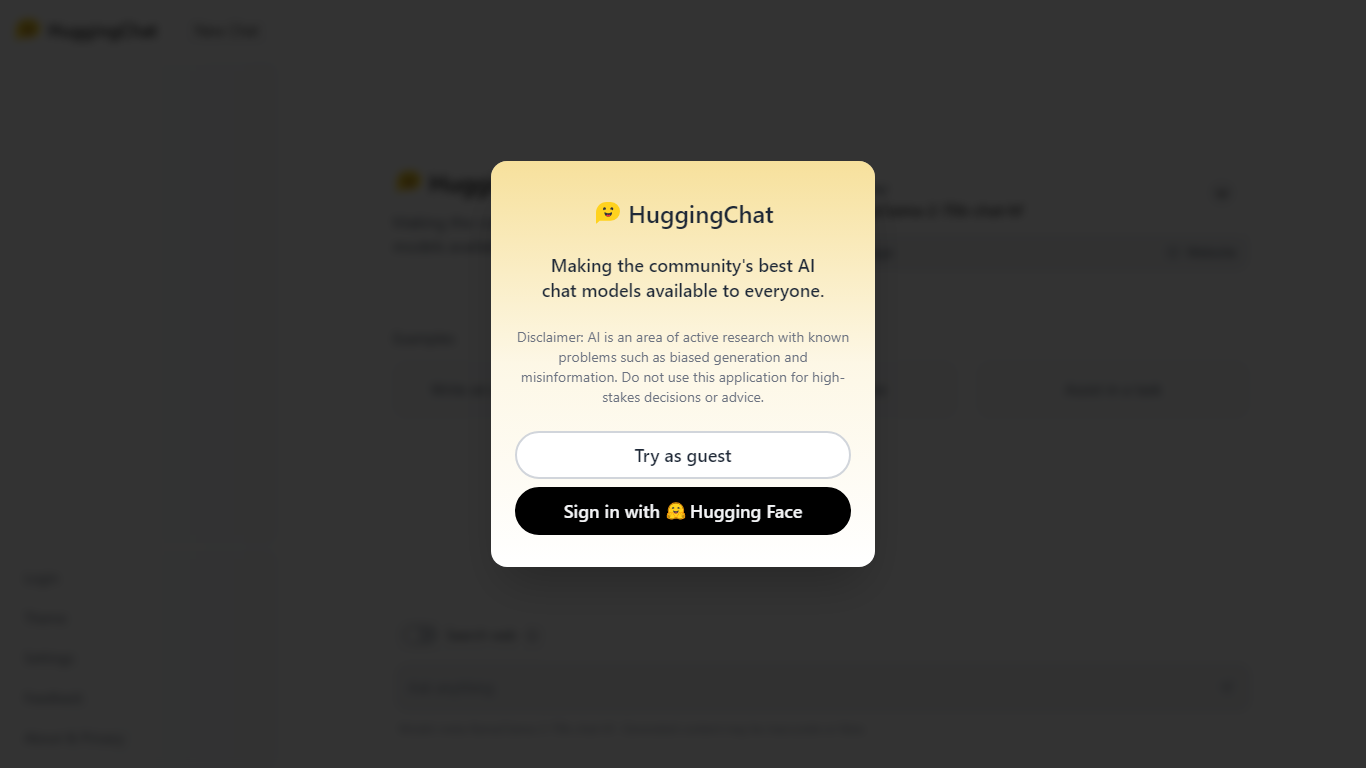
HuggingChat is a free chat assistant that runs open source AI models from the Hugging Face community. Pick a model directly or let Omni route your prompt to the best available option. The interface supports image generation, web tasks, dataset search, and MCP tool connections alongside standard text chat.
Closed chatbots lock you into one vendor model. HuggingChat exposes 137 open source models you can switch between mid-conversation, including newcomers like DeepSeek V4 Flash with a 1M-token context window. The trade-off is variable quality across models and a Hugging Face account requirement to save chats.
Developers, researchers, and curious users reach for it to test Llama, DeepSeek, and other community models without API keys or local GPU setup. Hugging Face positions it as making the community's best chat models available to everyone.
Programming-Helper
What is Programming-Helper?
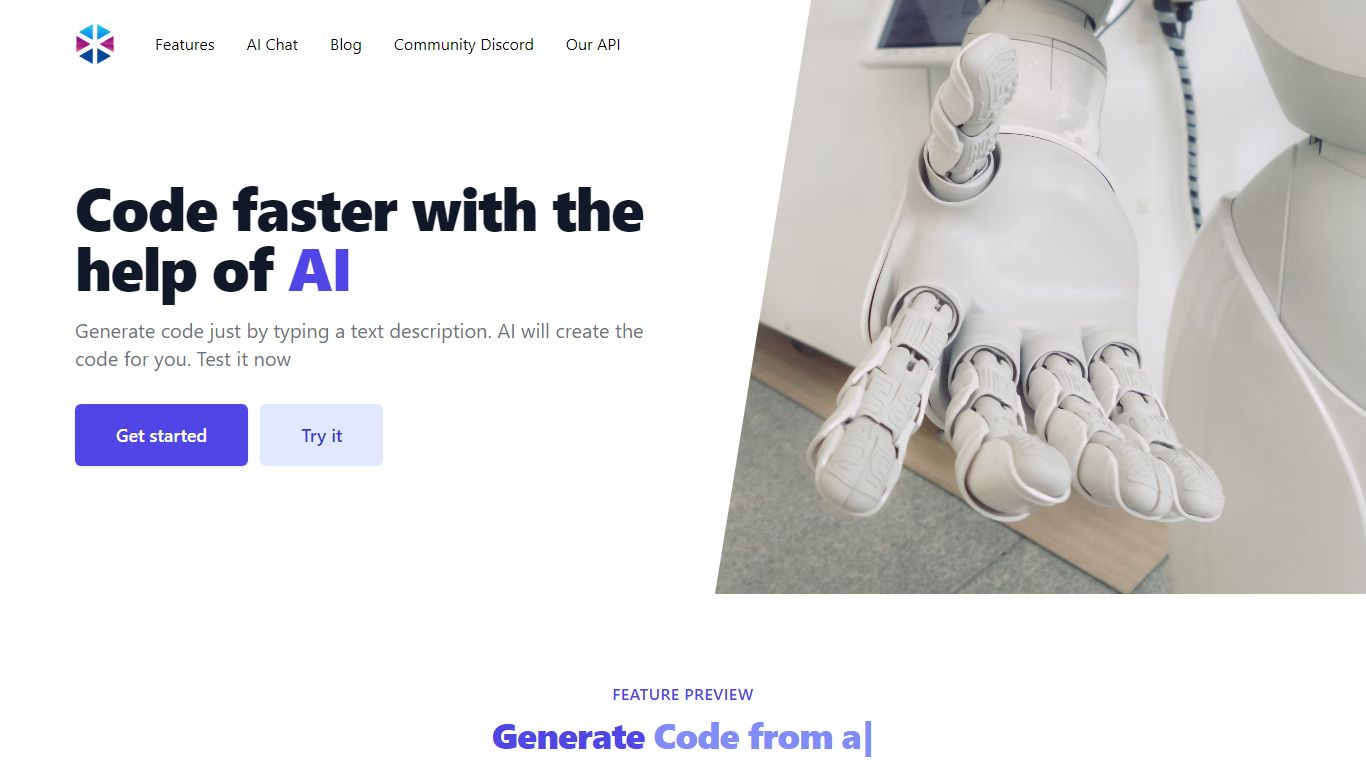
Programming-Helper is a browser-based code assistant that turns plain-English prompts into functions, SQL, HTML, regex, Git commands, and more. You pick a task like generate function or text to SQL, describe what you need, and the site returns code you can copy, with community generations visible to other users.
Most code assistants chase one workflow, usually chat inside an IDE. Programming-Helper spreads dozens of narrow generators across a single site, from docstring-to-function and fix invalid code to Linux command lookup and time-complexity analysis. That breadth trades deep project context for quick one-off answers.
It fits students, indie developers, and analysts who need a specific snippet without opening a full IDE copilot. The newer AI Studio bundles the tools behind one interface with workflows, collaboration, and one-click exports for heavier use.
HuggingChat Upvotes
Programming-Helper Upvotes
HuggingChat Top Features
Choose from 137 open source chat models or let Omni auto-select the best fit
DeepSeek V4 Flash offers a 1M-token context window and adjustable thinking modes
MCP (Model Context Protocol) connections extend chat with external tools
Built-in prompts cover image generation, website building, and dataset search
Free to use with a Hugging Face account for chat history and settings
New Chat shortcut and per-model settings pages for application and Omni routing
Powered by Hugging Face with DR 91 on the parent domain
Programming-Helper Top Features
Generate functions from text descriptions across many programming languages
Text-to-SQL converts plain English into SQL commands
Translate code between programming languages from a description
Regex from description and regex-to-English explanation tools
Fix invalid code, add typing, and generate unit tests from existing code
AI Studio bundles all generators with workflows, collaboration, and one-click exports
HuggingChat Category
- Code Assistant
Programming-Helper Category
- Code Assistant
HuggingChat Pricing Type
- Free
Programming-Helper Pricing Type
- Freemium