HuggingChat vs Warp
When comparing HuggingChat vs Warp, which AI Code Assistant tool shines brighter? We look at pricing, alternatives, upvotes, features, reviews, and more.
In a comparison between HuggingChat and Warp, which one comes out on top?
When we put HuggingChat and Warp side by side, both being AI-powered code assistant tools, The upvote count shows a clear preference for Warp. Warp has 8 upvotes, and HuggingChat has 6 upvotes.
Disagree with the result? Upvote your favorite tool and help it win!
HuggingChat
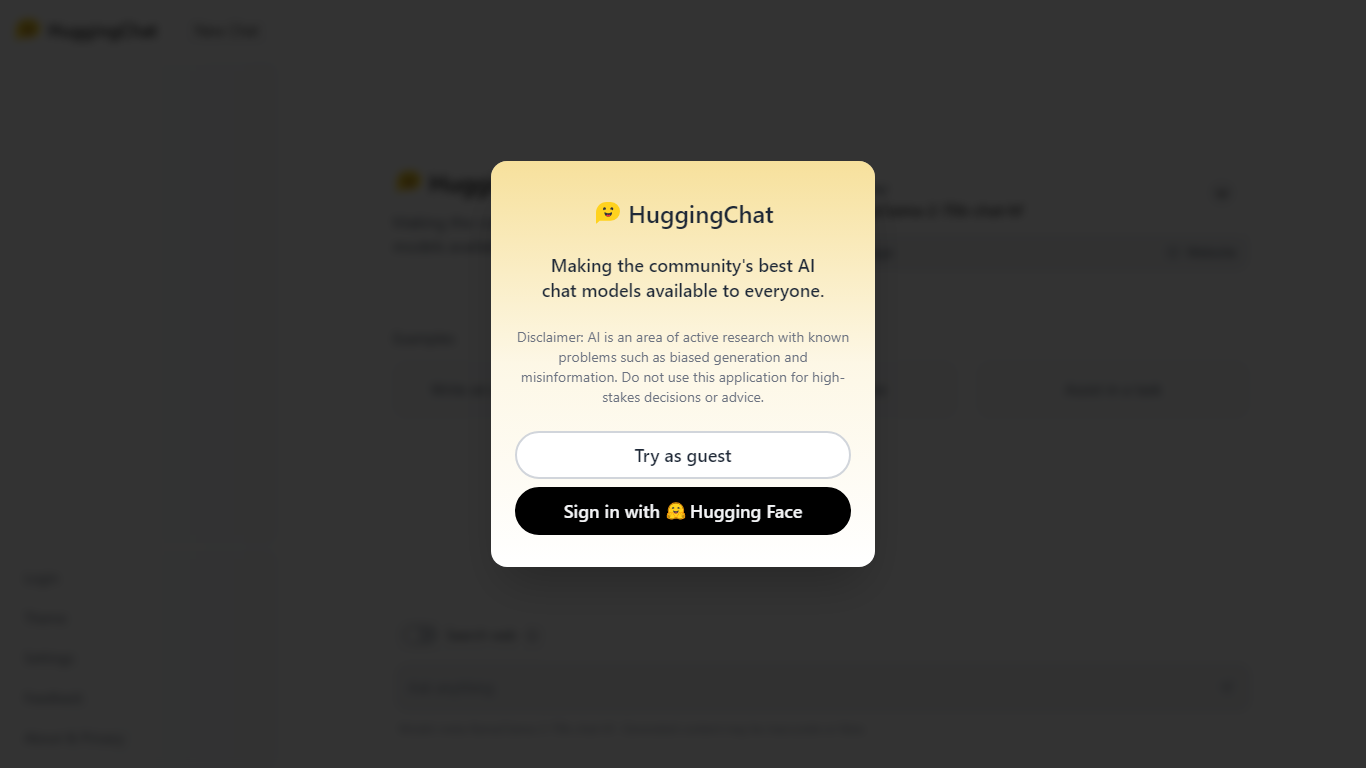

What is HuggingChat?
HuggingChat is a free chat assistant that runs open source AI models from the Hugging Face community. Pick a model directly or let Omni route your prompt to the best available option. The interface supports image generation, web tasks, dataset search, and MCP tool connections alongside standard text chat.
Closed chatbots lock you into one vendor model. HuggingChat exposes 137 open source models you can switch between mid-conversation, including newcomers like DeepSeek V4 Flash with a 1M-token context window. The trade-off is variable quality across models and a Hugging Face account requirement to save chats.
Developers, researchers, and curious users reach for it to test Llama, DeepSeek, and other community models without API keys or local GPU setup. Hugging Face positions it as making the community's best chat models available to everyone.
Warp
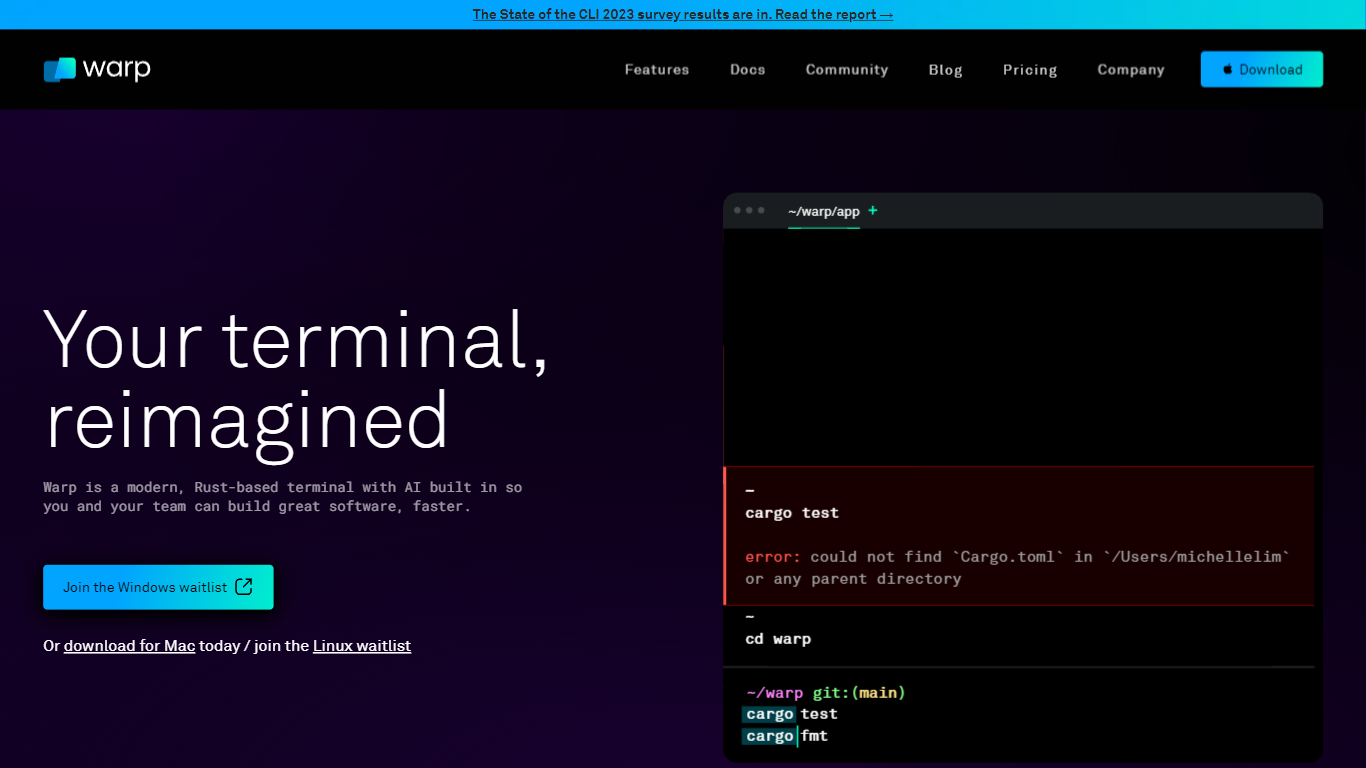
What is Warp?
Warp is a modern terminal and agent platform for developers who want coding agents inside their shell workflow. You get Warp Terminal as an open-source environment, Warp Agent for multi-model coding assistance, and Oz for launching cloud agents from the CLI or SDK. The stack covers local editing, code review panels, bug investigation, and team governance from one vendor.
iTerm and stock Terminal stay dumb panes; Warp rebuilt the shell around blocks, suggestions, and embedded agents. You can bring your own inference keys on the Free plan or buy included credits on Build ($20/month with 1,500 credits) and Max ($200/month with 18,000 credits). Business adds SAML SSO at $50 per user per month for teams up to 25 seats.
Software engineers at startups and Fortune 500 companies use Warp to run CLI agents, index multi-repo codebases, and route between OpenAI, Anthropic, Google, and xAI models without leaving the terminal. The site cites 800,000 developers on Warp Agent and positions Warp Terminal as now open source under an Oz-managed workflow.
HuggingChat Upvotes
Warp Upvotes
HuggingChat Top Features
Choose from 137 open source chat models or let Omni auto-select the best fit
DeepSeek V4 Flash offers a 1M-token context window and adjustable thinking modes
MCP (Model Context Protocol) connections extend chat with external tools
Built-in prompts cover image generation, website building, and dataset search
Free to use with a Hugging Face account for chat history and settings
New Chat shortcut and per-model settings pages for application and Omni routing
Powered by Hugging Face with DR 91 on the parent domain
Warp Top Features
Warp Terminal is open source with blocks-based UI and native agent integration
Warp Agent supports multi-repo indexing and models from OpenAI, Anthropic, Google, xAI, GLM 5.2, and DeepSeek V4
Free plan at $0 per month includes core terminal, Warp Agent CLI, and bring-your-own inference
Build plan starts at $20 per month with 1,500 credits of included agent usage
Business plan at $50 per user per month adds SAML SSO for teams up to 25 seats
Oz platform launches cloud agents via SDK, CLI, or handoff from Warp Terminal
HuggingChat Category
- Code Assistant
Warp Category
- Code Assistant
HuggingChat Pricing Type
- Free
Warp Pricing Type
- Freemium